

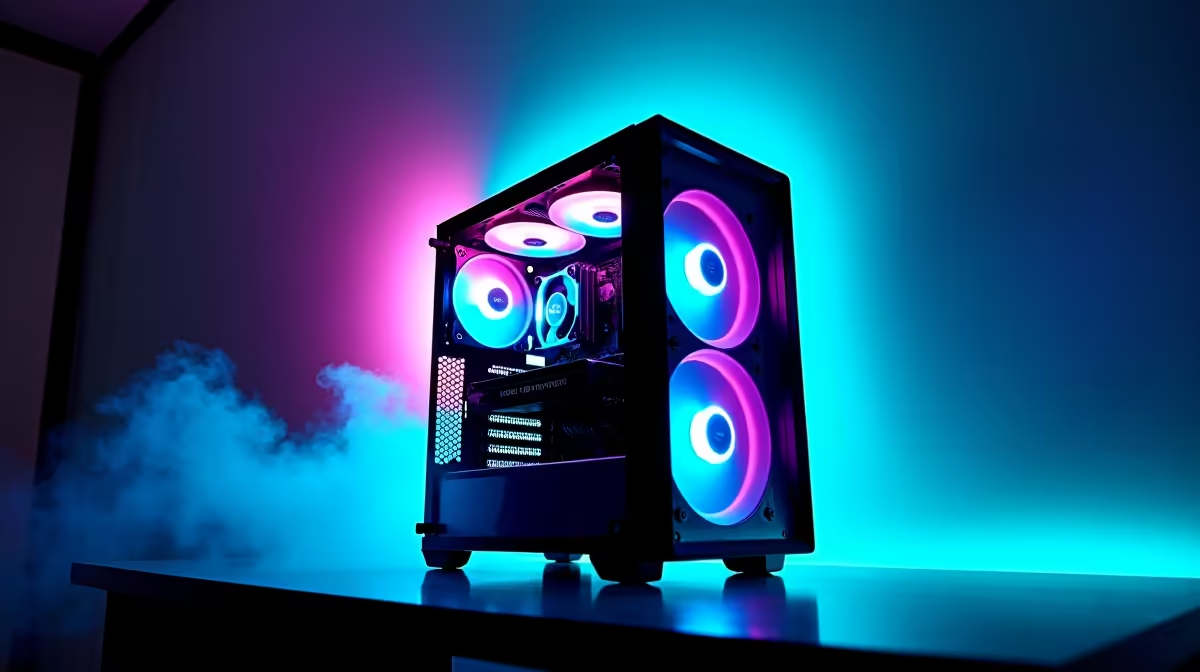
Nothing stings quite like clutching a ranked match just as your Eskom app flashes Stage 4. The screen dies... the router drops... and your sanity fades. But rolling blackouts do not have to mean game over. With the right hardware strategy, gaming during loadshedding is a reality for South African players. Let us explore how you can keep your frames high when the grid goes down.
Building a Resilient Desktop Setup ⚡
If you prefer a desktop, power draw is your biggest enemy. A standard 850W power supply will drain a small inverter incredibly fast. To survive a two-hour scheduled cut, you must balance raw performance with energy efficiency.
A decent 2000W lithium inverter might cost you upwards of R8,000 ZAR. You want your system to drain as little of that capacity as possible. When browsing through our top gaming PC deals, look for systems with 80 Plus Gold certified power supplies. They waste far less energy as heat.
Alternatively, you can grab one of our highly efficient pre-built desktop setups. Many of these are designed to run smoothly on a medium-sized UPS. Always plug your fibre box and router into a mini DC UPS to stay online.
The Ultimate Blackout Weapon: Laptops
Desktops are fantastic... but laptops have built-in UPS systems called batteries. This makes them the easiest way to keep playing through Stage 6. Modern mobile hardware delivers incredible desktop-level performance without needing a massive backup power station.
For true immunity from grid failures, browse our huge range of notebooks for sale in South Africa. You can simply unplug, switch to battery power, and keep grinding. Look for models with a MUX switch. This toggle lets you switch between integrated graphics for basic tasks and dedicated graphics for intense gaming.
Battery Life Pro Tip 🔋
Limit your frame rate to 60fps and lower your screen brightness when the power cuts. Capping your frames reduces the load on your GPU, easily giving you an extra 45 minutes of battery life on a gaming laptop.
Choosing the Right Display 🖥️
Your monitor also plays a massive role in your total power consumption. Older screens drain backup batteries quickly. Modern LED panels are incredibly bright and highly efficient.
If you are running a multi-monitor setup, consider turning off your secondary screens during a power cut. This simple trick extends your inverter battery life significantly. Every watt saved is another minute of uninterrupted gameplay.
Optimising Your Upgrades for Efficiency 🔧
Sometimes, surviving blackouts is all about upgrading smart. Older components often draw massive amounts of power. Upgrading to a newer architecture means you get significantly more frames per watt.
If you are running an older, power-hungry rig, it might be time to buy a modern graphics card. The latest GPUs sip electricity while delivering stunning 1440p visuals. Combine an efficient card with a solid inverter, and you will barely notice the scheduled cuts.
Building an efficient rig does not have to break the bank. Keep a close eye on our weekly tech specials to find energy-efficient components. You can easily find hardware that fits your ZAR budget perfectly while keeping your power consumption incredibly low. Gaming during loadshedding is entirely possible when you plan ahead.
Ready to Beat the Blackouts? Surviving loadshedding is complex, but for maximum power, choice, and value in South Africa, Evetech is hard to beat. Explore our loadshedding-ready tech specials and find the perfect machine to conquer the dark.











