

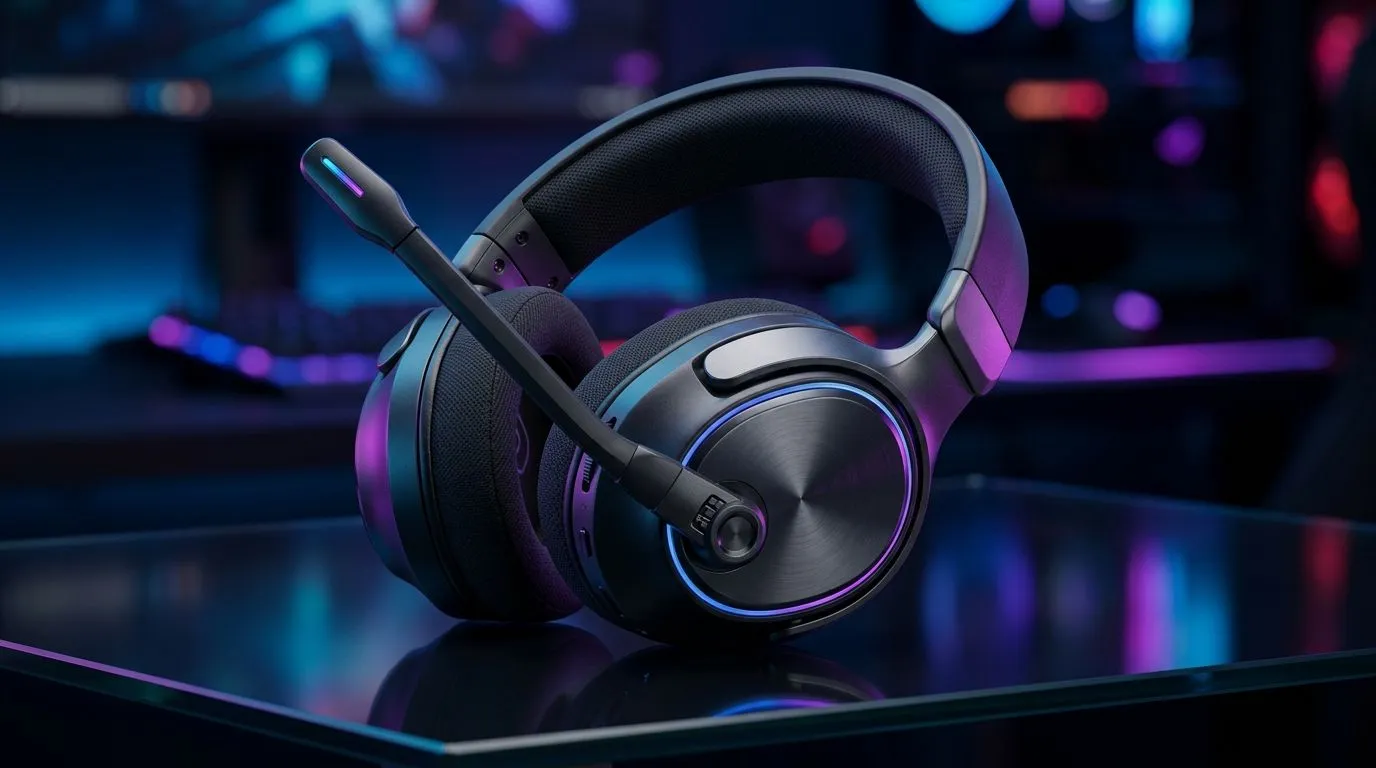
Gaming Headset Mic Not Muting Properly: Quick Flip-to-Mute Fixes for South Africans 🎮
If your headset mic won’t mute when you flip it… it’s instantly frustrating. You’re trying to jump into ranked, but your mates keep hearing you typing or the TV in the background. In South Africa’s busy homes (hello, load shedding playlists and family TV debates), that’s not fun. 🔧 The good news? A lot of “mic not muting properly” issues come down to a simple, mechanical flip-to-mute check and one quick software tweak. Let’s fix it fast.
Gaming Headset Mic Not Muting Properly: Start With the Physical Flip-to-Mute Check ✨
Before you blame Discord, do the boring part first. Flip-to-mute switches are small, but they’re not magic.
What to test (takes 30 seconds)
- Toggle it fully to mute, then fully back on.
- Listen for an audible click (if your model has one).
- Gently check the hinge alignment. If the mic arm sits slightly off, some headsets don’t activate the switch consistently.
Common cause
Even if the mic “seems” muted, the switch might be half-engaged. That’s usually a physical alignment or switch travel issue, not your computer.
Productivity Pro Tip ⚡
On Windows, open Settings → System → Sound → More sound settings. Under Recording, select your headset mic, then click Properties → Levels and ensure the mic isn’t stuck at a weird input level that makes “muted” feel like it’s still active. After changes, test in a voice chat immediately.
Gaming Headset Mic Not Muting Properly: Software Settings That Make It Look Broken ⚡
If the hardware switch is working, your PC might still be streaming audio from the wrong source.
Windows quick checks
- Output and input device: In Windows sound settings, confirm you’re using the headset as both input and output (if your headset supports it).
- App permissions: Check Discord/Teams: ensure the app has mic access.
- Exclusive mode: In many cases, turning off exclusive access can reduce “ghost audio” from other devices.
Micro-story: the “stuck mic” that wasn’t
One evening, a teammate kept cutting in “randomly.” The headset mic wasn’t truly muting. After a full flip-to-mute, we realised the PC input was still set to a secondary mic. Once we selected the correct headset input, the problem vanished… immediately.
Gaming Headset Mic Not Muting Properly: Try a Known-Good Headset Setup
If you’re replacing, it helps to shop by what people actually use for chat reliability.
- Looking for a wireless option with strong gaming audio? Have a look at the Razer Barracuda X Chroma deal here: Razer Barracuda X Chroma Wireless Headset
- Want to browse Razer headsets and compare mic behaviour across models? Razer Headphones & Headsets (range)
- Or just compare brands and budgets in one place: Headphone Headsets category
Gaming Headset Mic Not Muting Properly: When to Escalate (and what to note) 🚀
If the mic still won’t mute after:
- full flip-to-mute travel,
- correct Windows input selection,
- and Discord permissions,
then note:
- headset model,
- whether the mic LED changes state when you flip,
- and which app reproduces the issue.
That info makes support much faster.
Ready to Find Your Perfect Match? The Mac vs Windows debate is complex, but for maximum power, choice, and value in South Africa, Windows is hard to beat. Explore our massive range of laptop specials and find the perfect machine to conquer your world.











