

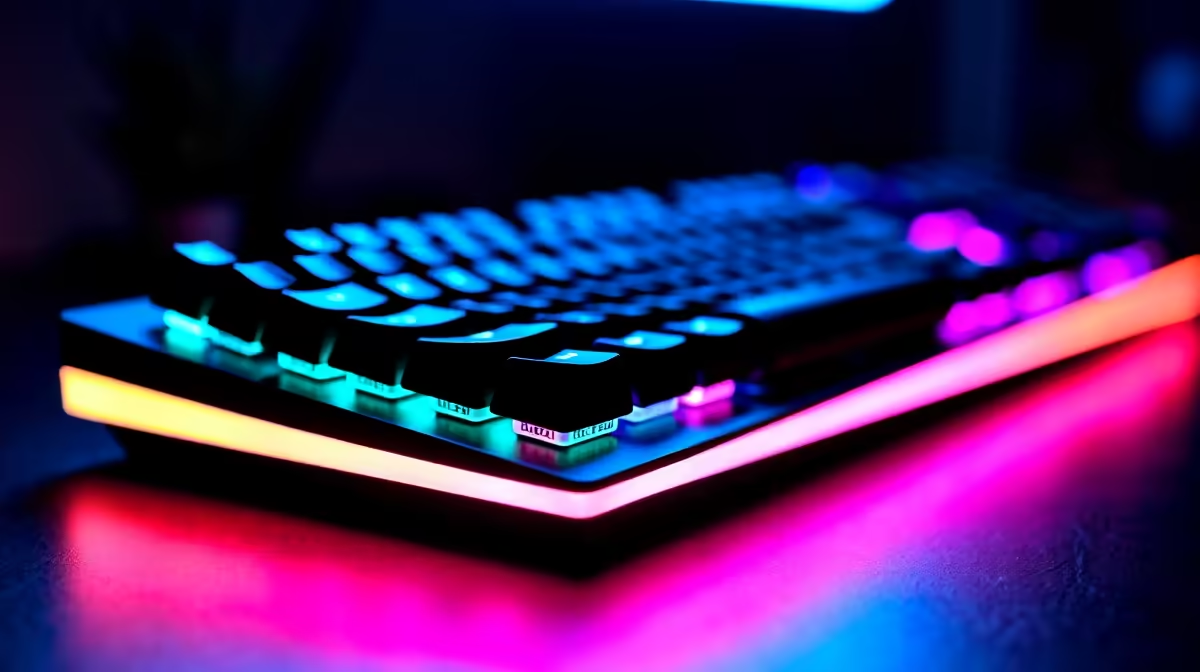
You are in the final circle of Warzone. Suddenly, your character stops moving. A gaming keyboard crashing in games is an absolute nightmare for any South African gamer... especially when you just survived load shedding. If your keys are freezing or disconnecting, do not panic. Before you smash it, let us walk through a complete fix guide to get your setup running smoothly again.
Why is Your Peripheral Disconnecting?
The root cause of your peripheral dropping out often comes down to power or software. Modern keyboards draw serious juice for RGB lighting and high polling rates. If you are plugging into an older motherboard, the USB ports might struggle to supply enough power. This power delivery issue is rarely a problem on modern pre-built desktop PCs, which feature updated and robust power delivery systems. However, older rigs might need a little bit of troubleshooting to keep your gear stable.
Software and Driver Solutions 🔧
Sometimes, the software meant to control your RGB colours is the actual culprit. Conflicting utility programs can easily cause a gaming keyboard crashing in games scenario. Try uninstalling your peripheral software entirely. Then, reinstall the latest version directly from the manufacturer website.
If you play your matches on high-performance gaming laptops, ensure your chipset drivers are fully updated. Windows updates can also quietly break peripheral compatibility... so always check for pending OS updates. A clean driver install often fixes random input freezes instantly.
High polling rates can also overwhelm older USB controllers. If your keyboard supports an 8000Hz polling rate, try dropping it down to 1000Hz. This reduces the strain on your CPU and USB controller... which often resolves those annoying mid-game crashes.
USB Power Pro Tip ⚡
Go to Windows Device Manager, find your USB Root Hubs, right-click to Properties, and select Power Management. Uncheck "Allow the computer to turn off this device to save power". This simple tweak stops random disconnects instantly!
Hardware Fixes for SA Gamers
Move your keyboard plug directly into the motherboard. Avoid front panel ports or unpowered USB hubs at all costs. Those cheap hubs split power and data... leading to nasty input lag or complete device freezes.
Whether you are upgrading older rigs or building custom gaming setups, always use the rear I/O ports. They connect directly to the motherboard chipset for maximum stability. Also, inspect your cable for any physical damage. A frayed wire will cause short circuits that drop your connection mid-fight.
South African gamers also need to consider power surges. Stage 6 load shedding brings nasty spikes when the grid returns. Always plug your PC into a high-quality surge protector. This protects your motherboard and prevents USB controllers from burning out.
When to Replace Your Gear ✨
What if you tried everything and your gaming keyboard crashing in games is still happening? The internal controller board might be completely fried. Power surges from our local grid can easily damage sensitive electronics. If your mechanical switches are failing, it might be time for a fresh upgrade.
You can browse a massive range of premium mechanical keyboards to find a reliable replacement. Upgrading gives you access to faster switches and better build quality. Before you buy, always check the latest tech specials to save some hard-earned ZAR on your new setup.
Ready to Upgrade Your Setup? Do not let faulty peripherals cost you the match. If your gear is beyond saving, it is time to invest in reliable hardware. Explore our massive range of gaming keyboards and find the perfect mechanical switch to conquer your next lobby.











