

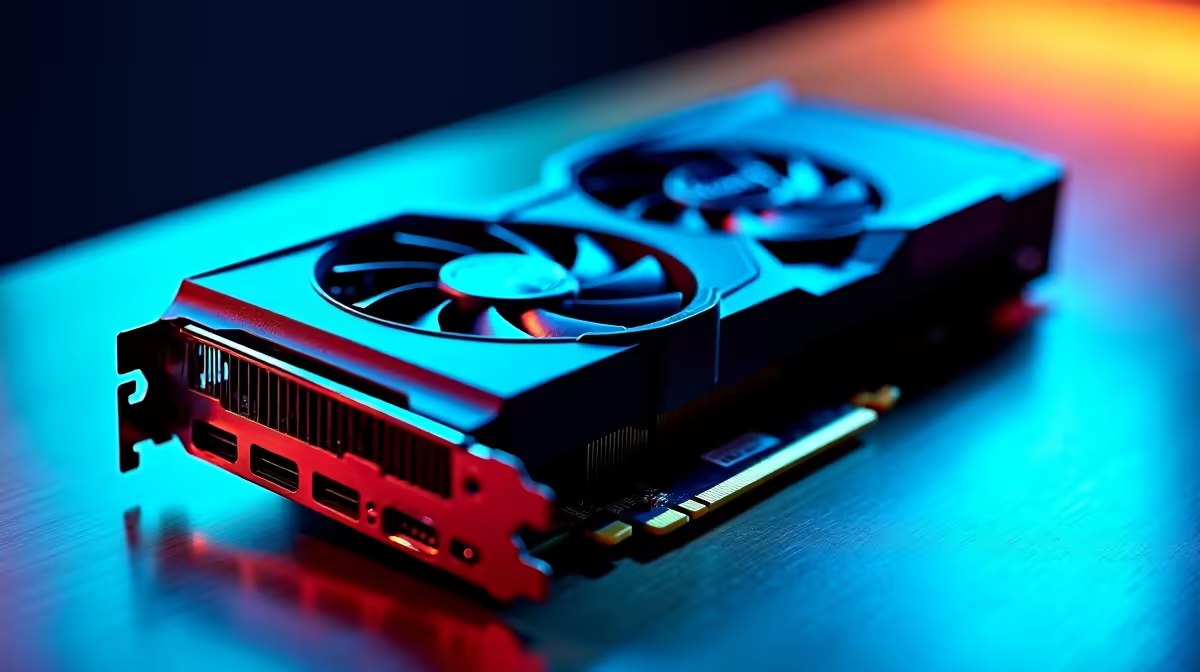
Loadshedding just suspended. You boot up your rig to drop into a ranked match, but your screen looks like a pixelated mess. You download the latest update, but the setup fails completely. When a GPU driver is not installing, troubleshooting can feel like a total nightmare. Before you panic and assume your hardware is fried, let us walk you through a few simple fixes.
Common Culprits Behind Installation Errors 🔧
When your GPU driver is not installing, Windows itself is often the primary suspect. If you have pending operating system updates in the background, NVIDIA or AMD installers might freeze. Always check Windows Update first and clear any backlog before trying again.
Another major issue is conflicting old files. If you recently upgraded your hardware by grabbing one of the latest graphics cards, leftover registry files from your old card will cause absolute chaos. Your system simply gets confused between the old and new hardware instructions.
The Ultimate Fix: Deep Cleaning Drivers
If standard methods fail, you need to wipe the slate completely clean. Display Driver Uninstaller (DDU) is a free utility that removes every trace of old display drivers. It is the secret weapon used by technicians when optimising high-end gaming PCs for maximum frame rates and system stability.
Safe Mode is Key ⚡
Always run DDU in Windows Safe Mode. This prevents Windows from trying to automatically reinstall a generic display driver while you are busy cleaning out the corrupted files. Download your new driver before disconnecting from the internet to run DDU.
Once DDU finishes its job, restart your machine. You can then install the fresh drivers straight from the manufacturer's website without any hidden software conflicts getting in your way.
Windows Quirks and Mobile Hardware
Many gamers forget that mobile hardware behaves quite differently from desktop components. If you are gaming on the go, standard desktop drivers might not install properly. You often need specific OEM drivers designed specifically for laptops to ensure proper thermal management and battery performance.
For desktop users... especially those who prefer the plug-and-play convenience of pre-built PCs... aggressive antivirus software can sometimes block vital installations. Try temporarily disabling your antivirus suite before running the installer as an administrator. Just remember to turn your protection back on afterwards.
When Troubleshooting Fails 🚀
Sometimes a GPU driver not installing points to a deeper hardware fault. Have you checked your power supply cables? A loose PCIe power cable can prevent the graphics card from drawing enough power to initialise properly during the driver setup.
If your motherboard fails to recognise the card in the BIOS... or if you see physical artifacting on the initial boot screen... the silicon might be failing. When troubleshooting yields zero results, it might be time to upgrade your system. You do not have to spend a fortune either. Keep a close eye on our weekly specials to find a powerful replacement that fits your ZAR budget perfectly. Upgrading is often much less stressful than fighting with dying hardware.
Ready for a Hassle-Free Upgrade? If your old graphics card has finally given up the ghost, we have you covered. Explore our massive range of graphics cards and find the perfect hardware to conquer your favourite games in glorious high resolution.











