

You just dropped some serious ZAR on a shiny new monitor. You plug it in, boot up your favourite game, and everything feels sluggish. You check your display settings... and disaster strikes. Your GPU driver won't unlock 60Hz refresh rates. It is a frustrating feeling for any South African gamer. Let us fix that stuttering screen right now so you can get back into the action 🚀.
The Core Reasons Your GPU Driver Won't Unlock 60Hz Refresh
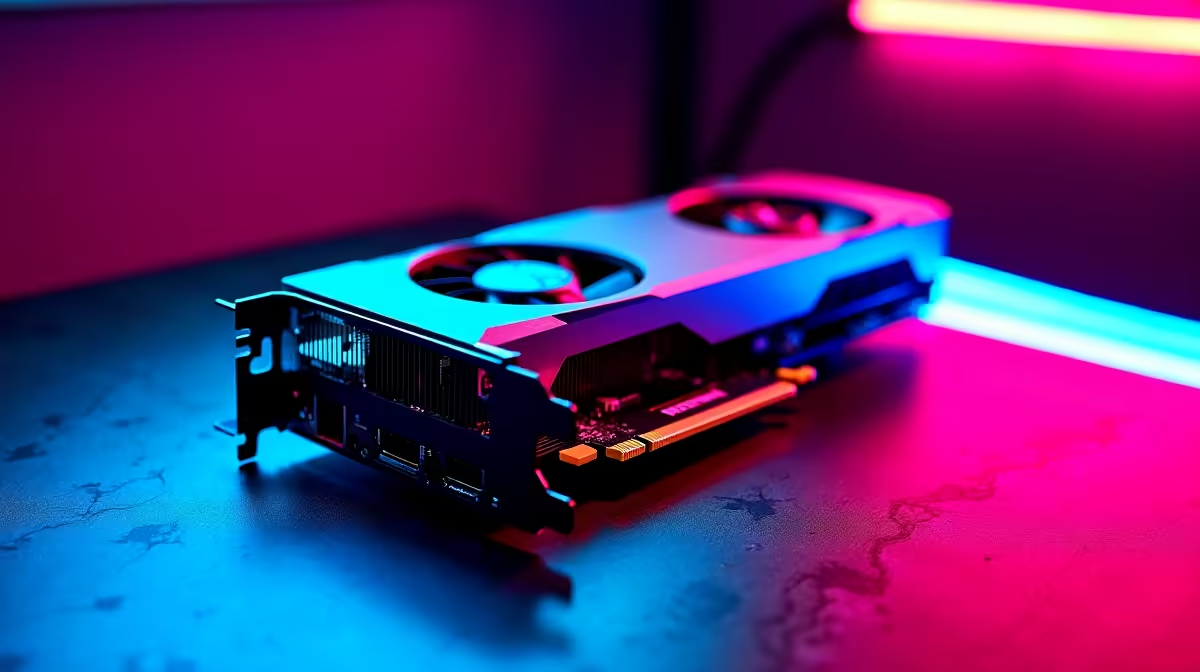
Sometimes Windows and your hardware refuse to communicate properly. When your GPU driver won't unlock 60Hz refresh, the culprit is usually software related. Outdated or corrupted drivers often lock your screen to a painful 30Hz or lower. You need to wipe the old software completely using a tool like Display Driver Uninstaller. Then grab the latest version direct from AMD or NVIDIA. If your current card is simply too old to push those frames, you might need to look at upgrading your graphics card to modernise your setup.
Quick Refresh Rate Fix ⚡
Right-click your desktop and head to Display Settings. Scroll down to Advanced Display Settings. Sometimes Windows hides the 60Hz option under the Display Adapter Properties tab. Click 'List All Modes' to force the selection.
Check Your Cables Before Blaming the PC
Hardware bottlenecks are just as common as software glitches. You might think a software error is to blame, but the real villain is often your cable 🔧. Older HDMI cables simply lack the bandwidth for high resolutions at 60Hz. You should always use a DisplayPort cable if your monitor supports it. If you recently picked up one of our premium gaming PC deals, ensure you plug the display cable directly into the GPU... not the motherboard. Plugging into the motherboard limits you to basic integrated graphics.
When Your Hardware Reaches Its Limit
Sometimes no amount of troubleshooting will solve the problem. If you are running an ancient system, the hardware might physically lack the necessary output ports. This is common with older office machines repurposed for gaming. If you are tired of battling low frame rates, it might be time for a fresh start. We have an incredible range of pre-built PC deals that guarantee buttery smooth performance out of the box. Alternatively, if you need mobility to dodge load shedding, browsing our laptops for sale is a brilliant move.
Final Steps for a Smooth Display ✨
Still stuck? Try creating a custom resolution in your NVIDIA Control Panel or AMD Radeon Software. Forcing the system to recognise the monitor specs can bypass annoying Windows restrictions. Just be careful not to push beyond what your monitor can handle. A smooth 60Hz or higher is essential for competitive gaming in South Africa. Do not let outdated tech hold you back from climbing the ranked ladders. Keep an eye on our weekly tech specials to find affordable upgrades that will permanently solve your display headaches.
Ready to Leave Lag Behind? Struggling with a monitor that refuses to perform is incredibly frustrating. If it is time to upgrade your rig for guaranteed high refresh rates, Evetech has you covered. Explore our massive range of laptop specials and find the perfect machine to conquer your world.











