

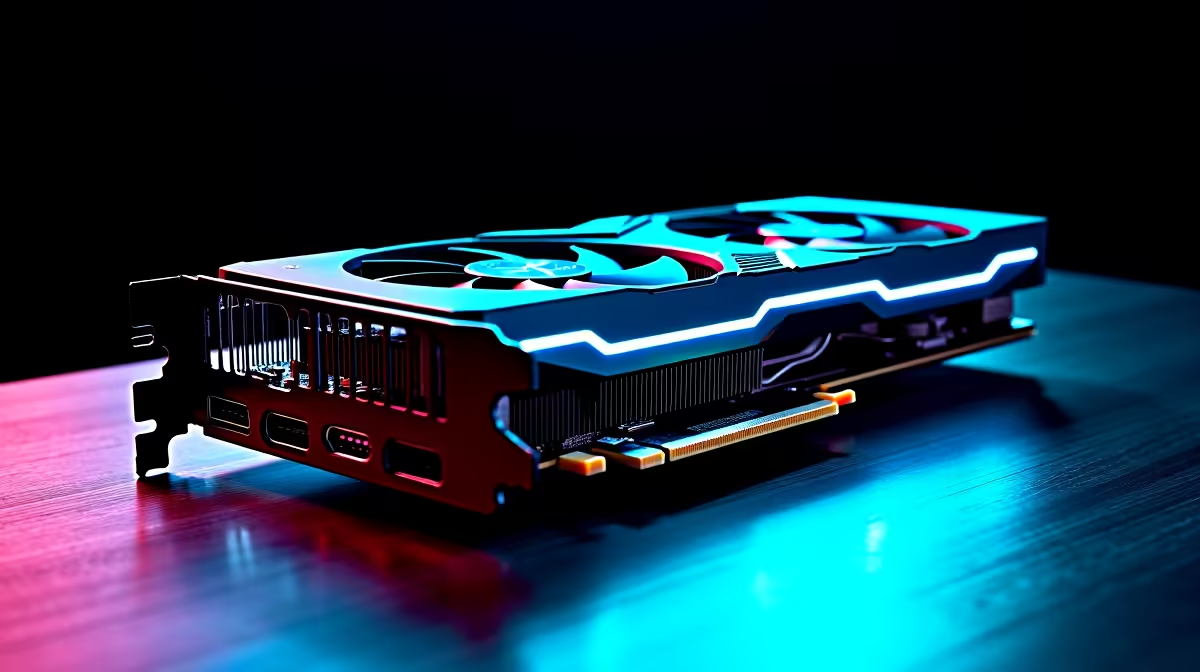
Picture this. You survived two hours of load shedding. The power returns. You boot up your rig to play some Apex Legends... and nothing happens. A dreaded black screen stares back. If your GPU is not working, do not panic just yet. Before assuming your expensive graphics card is completely fried, try these simple troubleshooting steps. GPU not working? Here's how to fix it without paying a technician.
Check Your Power and Connections First ⚡
Sometimes the simplest solution is actually the right one. Start by checking your monitor cables. Are they plugged directly into the graphics card instead of the motherboard? Next, carefully inspect your power supply cables. Ensure those PCIe power connectors are firmly seated inside the GPU.
Power surges are incredibly common in South Africa. A tripped PSU might just need a hard reset. If your power supply is constantly failing during load shedding, checking out our latest tech specials for a reliable, high-wattage upgrade might save your entire system from disaster.
Tackle Software and Driver Conflicts
A corrupted Windows update or bad driver can easily mimic a total hardware failure. If you get a display but experience weird colours or constant desktop crashes, drivers are likely the main culprit.
Boot your machine into Safe Mode. Use the Display Driver Uninstaller (DDU) tool to completely wipe the old files. Then simply install the latest official drivers from AMD or NVIDIA. This logic applies to mobile gaming rigs too. If you are gaming on the go, ensure you have the exact manufacturer drivers for your specific model. Looking for a powerful mobile upgrade anyway? Browse our premium laptops for sale to find a reliable, modern replacement.
Troubleshooting Pro Tip 🔧
Always keep a close eye on your temperatures using free software like MSI Afterburner. If your graphics card hits 90 degrees Celsius under load, severe thermal throttling will cause sudden crashes. A simple fan curve adjustment or applying fresh thermal paste can bring your hardware back to optimal life.
Reseat the Graphics Card
Over time, heavy modern graphics cards can suffer from severe GPU sag. This gravity effect pulls them slightly out of the motherboard PCIe slot.
Turn off your PC completely. Unplug the power cable from the wall. Carefully unscrew the PCIe bracket and remove the card. Blow out any accumulated dust... then firmly push it back into the slot until you hear a satisfying click. If you are tired of dealing with heavy components and sagging cards yourself, our best gaming PC deals feature expertly assembled rigs with proper support brackets already installed.
Knowing When to Say Goodbye 🚀
Sometimes hardware simply reaches the end of its natural lifespan. If you have tried different display cables, reinstalled Windows entirely, and tested the card in another machine with absolutely no luck... it might be dead. Visual artifacting like permanent green lines usually signals failing VRAM chips.
When it is finally time to replace your fallen soldier, you can buy graphics cards directly from us at unbeatable ZAR prices. Alternatively, skip the stress of a rebuild entirely. Grab one of our premium pre-built PC deals to get back into your favourite games immediately.
Ready for a Massive Visual Upgrade? Troubleshooting broken hardware is incredibly frustrating. If your current setup is beyond saving, it is time for a fresh start. Explore our massive range of graphics cards and find the perfect pixel-pushing powerhouse to conquer your favourite games with maximum framerates.











