

Keep your desk ready for action: a quick hook for South African gamers 🔧✨
Home Office Cable Management: Simple Tips for a Tidy Desk — yes, you can keep your streaming setup and work zone neat without spending a fortune. Gamers, creators and hybrid workers in South Africa know clutter kills focus and looks messy on camera. These practical tips get wires off sight, reduce dust traps and make upgrades painless.
Why home office cable management improves play and productivity
A tidy desk helps airflow, makes cleaning easier and shortens time fixing tangled leads. Start by mapping your devices and their power needs. Run your monitor, console, speakers and surge protector in a single direction so cables lie in one channel. Small steps add up: fewer trips, faster swaps and a cleaner stream aesthetic.
Check your monitor accessories for stands and clips that hide cables cleanly: monitor accessories at Evetech.
Simple, low-cost tricks every South African can use ⚡
- Measure cable length before buying. Excess cable is the enemy.
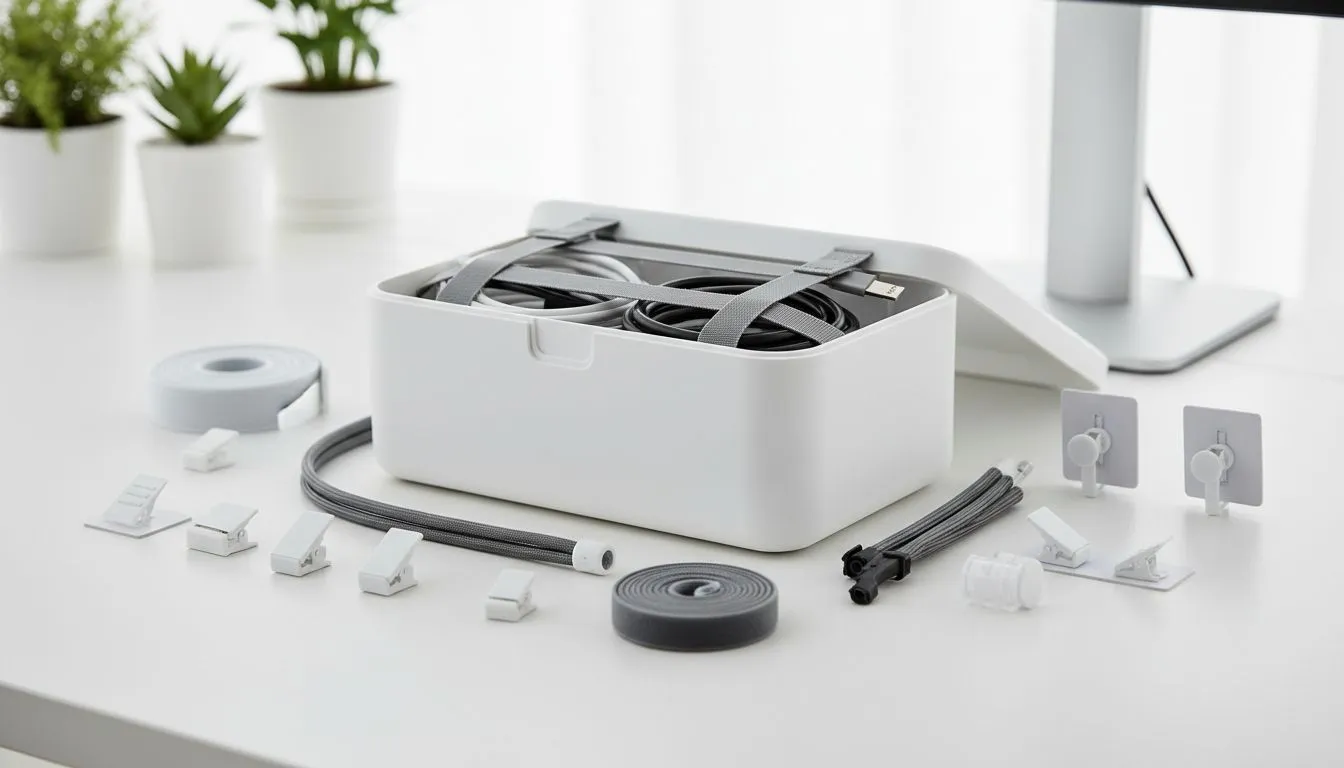
- Use Velcro straps and zip ties for bundles. Reusable Velcro is kinder to cables.
- Mount power strips under the desk to shorten visible runs.
- Label both ends with coloured tape for quick swaps.
- Route data and power cables separately to reduce interference.
For neat, brand-quality organisers consider Orico options that clip and route cleanly: Orico cable organisers.
Productivity Pro Tip ⚡
a small cable kit in a drawer: a pack of Velcro straps, a few coloured labels, extra zip ties and adhesive clips. It makes quick fixes between sessions painless.
Affordable product picks and where to place them
If you're watching the budget, Evetech filters can show tidy desk kit under R3,338 — perfect for a starter build or secondary station: accessories under R3,338. Prices in ZAR help you compare options easily.
For compact setups or small desks, low-profile mounts and cable trays make the biggest visual difference. WINX has some sleek mounting and routing solutions if you want tidy, modern hardware: WINX cable management solutions.
A quick micro-story: one desk, two upgrades, zero fuss
Sipho, a Cape Town streamer, swapped a tall monitor stand for a riser with an under-tray. He bundled HDMI and power, clipped them to the riser, and now clears equipment swaps in minutes. The stream looks cleaner and maintenance is faster... simple wins matter.
Final setup checklist before you go live
- Map devices and lengths
- Choose reusable straps over single-use ties
- Mount power strips and hide surge protectors
- Label and separate data/power lines
- Keep a small emergency cable kit
Ready to Find Your Perfect Match? The Mac vs Windows debate is complex, but for maximum power, choice, and value in South Africa, Windows is hard to beat. Explore our massive range of laptop specials and find the perfect machine to conquer your world.











