

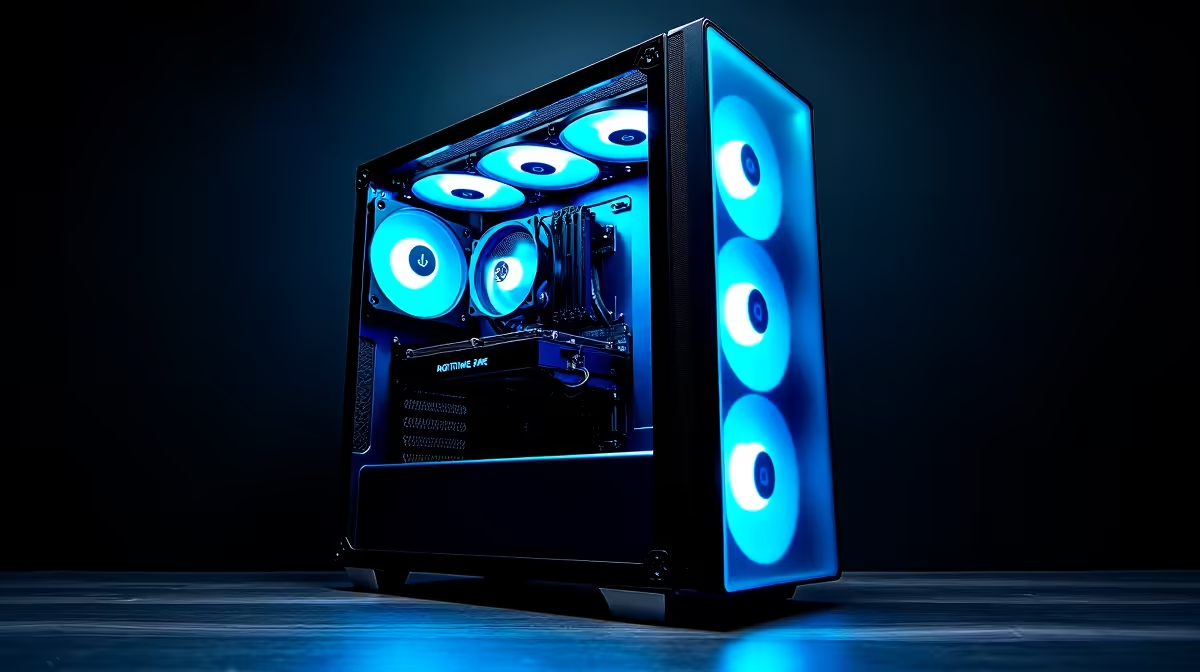
Most gaming PCs need between three and five case fans for good airflow, but the right number depends on your case size, component heat output, and how you configure intake versus exhaust. Getting fan placement wrong can actually hurt thermals even with more fans installed.
Quick Answer
How Many Case Fans Do You Need?: A standard mid-tower gaming PC performs well with three fans minimum - two intake at the front, one exhaust at the rear. Adding a top exhaust fan improves performance with high-TDP CPUs or GPUs. More than five fans rarely improves temps meaningfully.
🔧 The Baseline: 3-Fan Setup That Works
For most builds, a 3-fan configuration is the starting point:
- 2x front intake fans (120mm or 140mm): pull cool air over GPU and onto CPU cooler
- 1x rear exhaust fan (120mm): push hot air out directly behind the CPU area
This setup creates positive pressure airflow - more air in than out - which also reduces dust accumulation. For mid-range builds (RTX 4060-class GPU, mid-tier Ryzen or Intel CPU), three fans with a decent CPU cooler keeps everything well within safe operating temps.
📊 When to Add More Fans
Scale up to 4–5 fans when:
| Scenario | Recommended Addition |
|---|---|
| High-TDP GPU (RTX 4080+) | Add top exhaust fan |
| Overclocked CPU | Add second top exhaust or upgrade front to 3 fans |
| Large case (full tower) | Front 3 intake + rear + top 2 exhaust |
| Quiet build goal | More fans at lower RPM runs quieter than fewer fans at high RPM |
A top exhaust fan directly above the CPU cooler makes a noticeable difference for high-end air coolers, pulling the heat column upward and out quickly. Adding a third front intake fan (for cases with 3x120mm front mounts) can improve GPU temps by 3–5°C under sustained load.
💡 Fan Placement Matters More Than Fan Count
Five poorly placed fans will underperform three correctly placed fans. Key rules:
- Always maintain more intake than exhaust for positive pressure (or balance them equally for neutral pressure)
- Front and bottom = intake - cool air enters low and at the front
- Rear and top = exhaust - hot air rises and exits at the back and top
- Avoid conflicting airflow - two fans fighting each other create turbulence, not flow
- Cable management matters - cables blocking the front intake fans negate airflow gains
❓ Frequently Asked Questions
Can too many case fans hurt airflow? Yes, if configured incorrectly. Mixing intake and exhaust directions without a plan creates turbulence that reduces effective airflow. Always map your airflow direction before installing fans.
What size fans are better - 120mm or 140mm? 140mm fans move more air at lower RPM, making them quieter for the same airflow output. Use 140mm where your case supports them (typically front and top mounts on mid-towers).
Do I need fans if I have a 360mm AIO? Yes. The AIO handles CPU cooling but your GPU, VRMs, RAM, and storage still need case airflow. Keep at least one intake fan and the rear exhaust fan even with a large AIO installed.
Evetech stocks All PC Cases and Graphics Card Deals — shop online with fast delivery across South Africa.
Ready to Find Your Perfect Match? Shop at Evetech











