

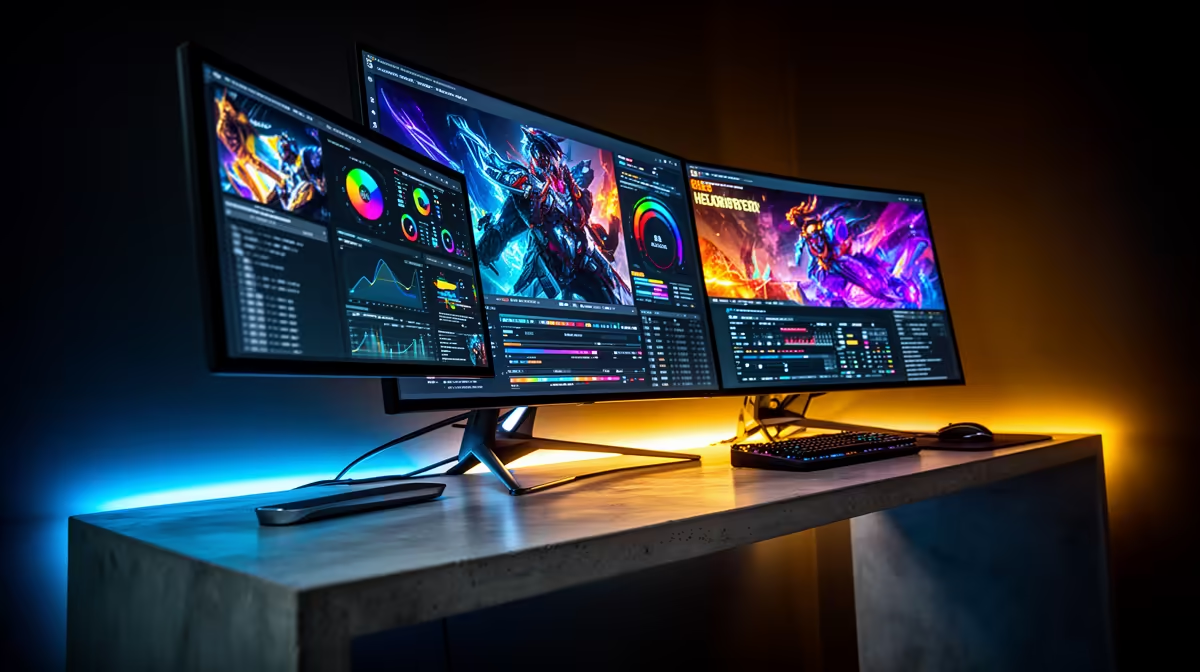
You finally saved up those hard-earned Rands for a sleek Apple machine. The loadshedding backup power is ready to go. Now you want to expand your digital workspace. But before you start shopping for screens... you need to ask: how many external monitors can each MacBook support? Apple's chip lineup is notoriously confusing when it comes to display limits. Let us break down exactly what your machine can handle.
Base M1, M2, and M3 Chips: The Single Screen Limit
If you own a standard M1 or M2 MacBook Air, or the 13-inch Pro... you are restricted to just one external display. This hardware limitation often catches buyers completely off guard. The base silicon simply lacks the internal display controllers needed to push pixels to multiple screens natively.
Interestingly, Apple tweaked this for the newer M3 MacBook Air. It can run two external screens... but only if you close the laptop lid. If you are browsing laptops for sale in South Africa for heavy multitasking, always keep these specific restrictions in mind.
Pro and Max Chips: Expanding Your View
Need more digital real estate to optimise your workflow? You have to step up to the Pro or Max silicon. The M1 Pro, M2 Pro, and M3 Pro chips support up to two external displays natively while keeping your laptop screen active. This is often the sweet spot for video editors, music producers, and coders.
If you are planning on buying multiple monitors for a massive command centre, the Max chips are where things get wild. An M1 Max, M2 Max, or M3 Max MacBook can handle up to four external displays. You can run three 6K displays and one 4K display simultaneously. It is a dream setup for high-end creative professionals.
DisplayLink Workaround ⚡
Stuck with a base M1 or M2 chip? You can bypass the single-screen limit using a DisplayLink-certified docking station. It requires installing third-party software but allows you to connect dual monitors without upgrading your entire machine.
PC Alternatives for Multi-Monitor Setups 🖥️
Apple hardware is undeniably brilliant, but it gets incredibly expensive in ZAR when you need extra screens. If you want native support for three or four monitors without spending over R60,000... the Windows ecosystem offers unbeatable value. Modern graphics cards from NVIDIA and AMD support up to four monitors natively right out of the box.
For creators who also love to play... checking out the best gaming PC deals is a very smart move. A solid Windows desktop gives you raw power and limitless display options without the Apple tax. If you prefer a simple plug-and-play solution, our pre-built PC specials offer massive multi-monitor capabilities for a fraction of a premium Mac's price.
Maximise Your Workspace Today 🚀
Knowing exactly how many external monitors each MacBook can support saves you from costly buying mistakes. Always verify your specific chip generation before ordering that extra screen. If you realise your current Apple laptop cannot keep up with your expanding workflow... it might be time to explore other options. Keep a close eye on our latest tech specials to find hardware that perfectly matches your multi-screen ambitions.
Ready to Find Your Perfect Match? The Mac vs Windows debate is complex, but for maximum power, choice, and value in South Africa, Windows is hard to beat. Explore our massive range of laptop specials and find the perfect machine to conquer your world.











