

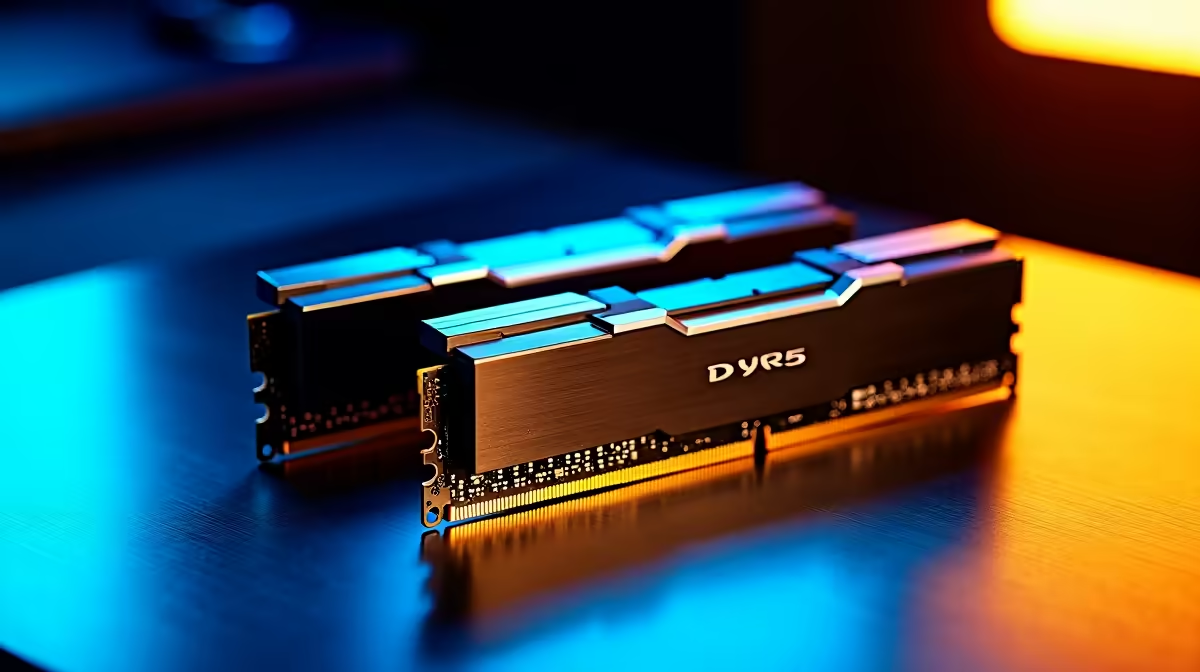
Ever stared at a frozen Adobe Premiere timeline while a demanding client waits for their final cut? It is a uniquely stressful South African creator experience. If you are tired of sluggish exports and random software crashes, you are probably asking yourself: how much RAM does video editing need? Let us break down the exact memory requirements to keep your creative workflow smooth and your renders incredibly fast. 🎬
The Baseline: 16GB for 1080p Projects
For basic YouTube vlogs... Instagram reels... or TikTok content at 1080p resolution, 16GB is your absolute minimum starting point. It gives your operating system enough breathing room while running your primary editing software. However, do not expect to multitask heavily. If you want to keep multiple Chrome tabs open for research while rendering a video, you will quickly hit a performance wall. If your current rig is constantly stuttering, it might be the perfect time to upgrade your system memory before taking on bigger projects. This ensures your creative process remains uninterrupted.
The Sweet Spot: 32GB for 4K Content
When you step up to 4K footage... intricate colour grading... and basic After Effects compositions, 32GB quickly becomes the industry gold standard. This capacity lets you scrub through high-resolution timelines without experiencing frustrating lag. Many local creators find that investing in high-performance gaming PCs provides the perfect blend of dedicated GPU power and 32GB RAM right out of the box. It is simply the ideal balance of price and rendering performance in ZAR.
Editing Pro Tip ⚡
If you are editing heavy 4K footage on a 16GB machine, always use proxy files. Proxies are lower-resolution copies of your videos that make timeline scrubbing buttery smooth. You can easily swap back to the original high-quality 4K files right before you hit export.
Mobile Creators and Pre-Built Power
Not every video editor wants to be permanently tied to a bulky desk setup. If you shoot live events or weddings across Mzansi, you desperately need portable power. Modern laptops and notebooks now pack desktop-level memory and multi-core processors. They easily handle 32GB configurations for seamless on-the-go rendering. This means you can comfortably edit from a local coffee shop or on a long flight.
Do you prefer a traditional desktop but hate the idea of building it yourself? Grabbing one of our expertly assembled custom pre-built PCs ensures you get optimized RAM speeds without the hassle of matching complex components. Plus, pre-builts often come with comprehensive warranties that give you total peace of mind while working on tight deadlines.
The Powerhouse: 64GB+ for Heavy Timelines
Are you working with massive 6K or 8K RED camera footage? Do you regularly use heavy 3D motion graphics in Cinema 4D? Then you absolutely need 64GB or more. This top-tier category is reserved for serious professionals where time literally equals money. At this elite level, every single second saved on a massive export translates directly to your bottom line. Upgrading your workstation is a direct investment in your future. Keep a close eye on our weekly tech specials to find massive RAM kits or high-end workstation components without breaking the bank. 🚀
Ready to Supercharge Your Renders? Stop letting hardware limitations dictate your creativity. Whether you need a simple memory boost or a completely new rendering beast, Evetech has the ultimate hardware for SA creators. Explore our incredible PC specials and find the perfect setup to conquer your next project.











