

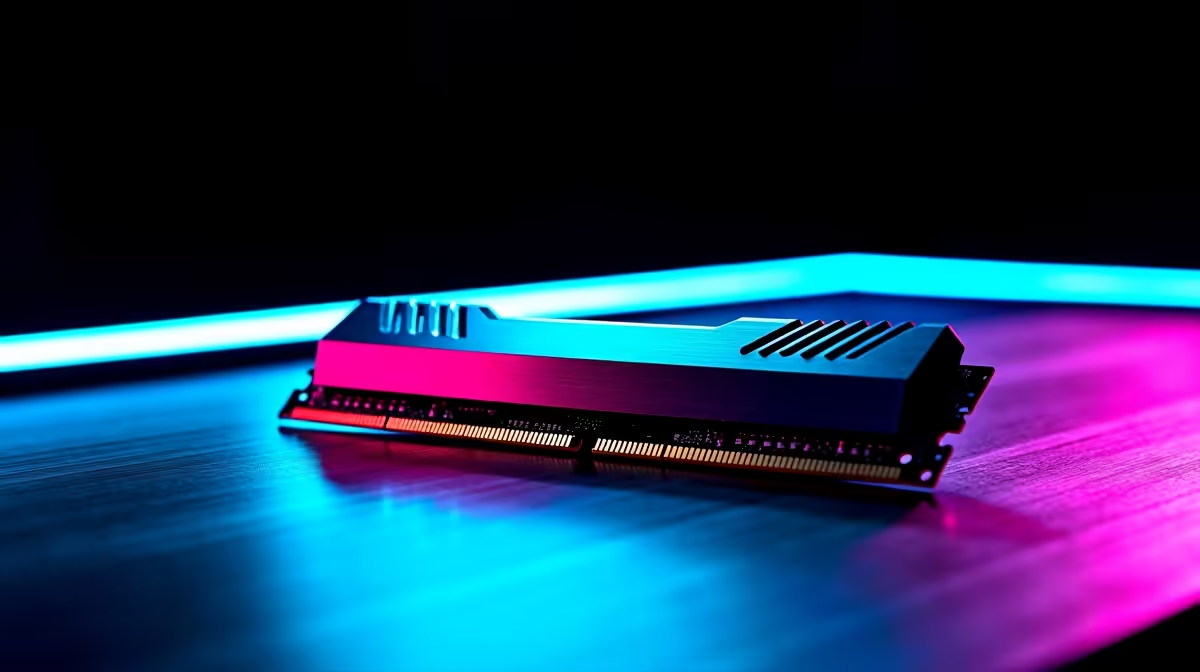
Why RAM Matters for Cyberpunk 2077 Performance 🚀
If you’re grinding Night City streets in Cyberpunk 2077 and wondering why your game feels sluggish, the culprit might be your RAM. This key component dramatically influences load times, frame rates, and smooth gameplay. South African gamers aiming for crisp visuals and responsive action need to understand how RAM affects Cyberpunk 2077 performance—and how a RAM upgrade could unlock new levels of enjoyment.
How Much RAM Does Cyberpunk 2077 Really Need?
Cyberpunk 2077 demands a lot from your rig, especially on Ultra settings. Official specs recommend at least 16GB RAM for a balanced gaming experience. Less than that, and you’ll likely encounter stutters or long pauses when the game streams assets. More RAM means quicker data handling, letting your PC breathe under intense scenes and detailed environments. For serious gamers, 32GB isn’t overkill—it’s a safeguard against bottlenecks.
Need to upgrade? Browse the full range of PC memory modules at Evetech to find the right fit for your build.
RAM Speed and Its Impact on Frame Rates 🔧
Aside from size, the speed of your RAM influences Cyberpunk 2077's frame rate. Faster RAM chips boost data transfer rates, which helps scenes load smoothly and responsively. Paired with a capable CPU and GPU, high-speed RAM reduces input lag and improves real-time rendering. South African gamers on fibre internet and high-refresh-rate monitors will notice this synergy instantly.
If you’re eyeing a new system, check out Evetech’s best gaming PC deals tailored for demanding titles like Cyberpunk 2077. These rigs come optimised with balanced RAM configurations so you can dive straight into Night City without tweaking.
Pre-Built PCs or Custom Builds for Cyberpunk 2077?
When upgrading RAM sounds daunting, consider a pre-built PC designed for high-end gaming. Evetech’s pre-built PC deals include options that combine ample RAM and tuned hardware for Cyberpunk 2077 performance. These systems handle heavy mods and high resolutions with ease. Plus, they come ready to go, saving you time and stress.
Laptops can also run Cyberpunk, but they typically need at least 16GB RAM for decent performance. Browse our curated selection of gaming laptops built for portability without compromise.
Quick Tips to Maximise RAM Efficiency in Cyberpunk 2077
RAM alone isn’t the whole story. Here’s how to get the most from your system’s memory to boost Cyberpunk 2077:
Optimise your RAM settings
Close any background apps before gaming to free up RAM—this directly reduces stutter. Adjust Windows virtual memory settings to complement your physical RAM for smoother performance. Regularly update your drivers and Windows patches for best memory management.
Finally, keep an eye on Evetech specials if you’re upgrading—great RAM deals come and go fast, so act quickly to boost your rig without busting your budget! ⚡
Upgrade Your Gaming Experience Today Don’t let insufficient RAM slow you down in Cyberpunk 2077. Shop now at Evetech for performance that leaves lag in the dust.











