

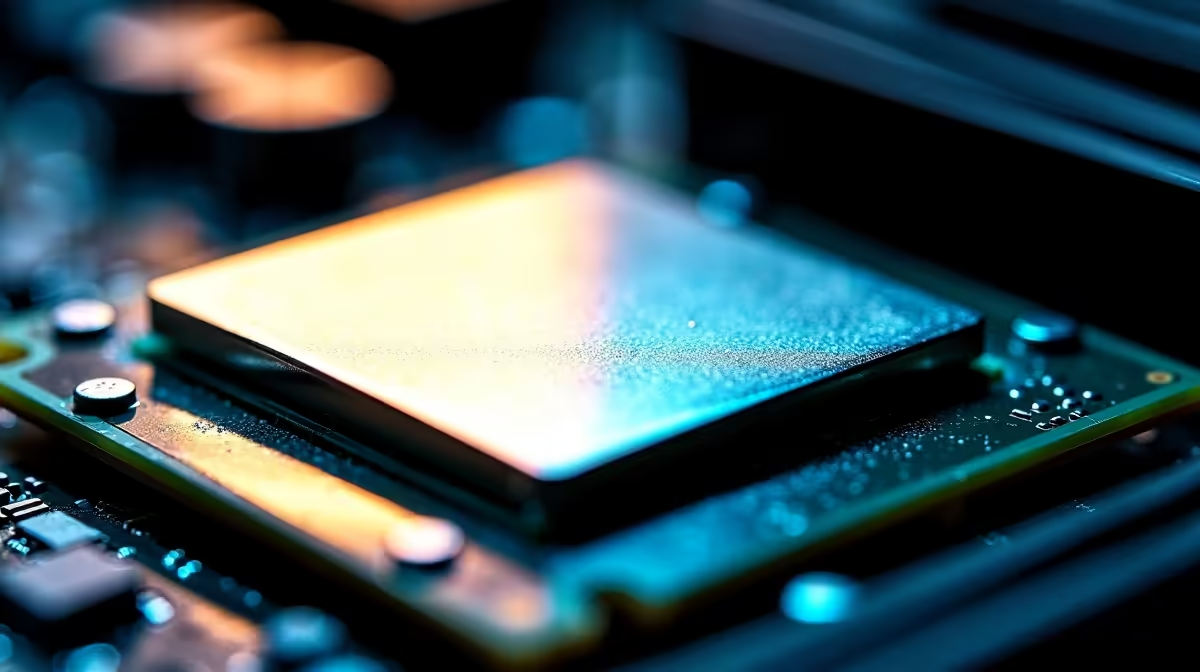
Picture this... it is a scorching South African summer afternoon. You boot up your rig for a heavy gaming session. Suddenly, your fans start screaming like jet engines. Your frame rates tank completely. The culprit is often dried-out thermal compound. Learning how to apply thermal paste correctly is an essential skill. It saves your processor from thermal throttling. It also protects your precious ZAR investment. 🔧
Why Good Thermal Contact Matters
Your processor and heatsink might look perfectly flat to the naked eye. However, they are actually covered in microscopic grooves. Air gets trapped in these tiny metallic valleys. Air is a terrible conductor of heat. Thermal paste fills these tiny gaps to transfer heat efficiently.
Without this vital compound, your processor will overheat within minutes. Even the most premium CPU coolers need a high-quality thermal bridge to function properly. High temperatures reduce the lifespan of your expensive hardware.
The Setup: Preparing Your Processor
Before applying fresh compound, you must remove the old stuff entirely. Never mix different brands of thermal paste. Mixing compounds can create a messy, ineffective layer.
Cleaning Pro Tip ✨
Use a microfiber cloth and 99% isopropyl alcohol to gently wipe away the old paste. Wait a few minutes for the alcohol to evaporate completely before moving on to the next step.
The Application Process
People often debate the best application method online. The truth is much simpler than the forums suggest. For most standard desktop processors, the "pea-sized dot" method remains the safest technique.
Here is your step-by-step guide to doing it right:
- Place the dot: Squeeze a drop of paste right in the middle of the CPU. Make it roughly the size of a small green pea.
- Do not spread it manually: Let the cooler mounting pressure do the work. Spreading it yourself often creates trapped air bubbles.
- Mount the cooler: Carefully place the heatsink directly down onto the processor. Try your best not to slide it around.
- Tighten in a cross pattern: Secure the mounting screws diagonally. Turn each screw a few times before moving to the opposite corner. This ensures perfectly even pressure.
Mastering how to apply thermal paste correctly guarantees peak cooling performance. ⚡
Skip the DIY: Ready-to-Play Alternatives
Not everyone wants to tinker with sensitive PC components. If the idea of cleaning processors makes you nervous, we have you covered. You can browse the best gaming PC deals in South Africa. Our expert builders handle the thermal paste application for you.
You can also explore our massive range of pre-built PC deals. Every single system is rigorously stress-tested in our workshop. We strictly optimise your thermals before the PC leaves our warehouse.
Prefer taking your gaming on the go? Modern mobile cooling tech has come a very long way. You can grab one of our high-performance laptops and completely bypass the need for messy DIY maintenance. 🚀
Whether you are building from scratch or buying pre-built, keeping your hardware cool is critical. Keep an eye on our daily tech specials to find incredible ZAR savings on coolers, components, and full systems.
Ready to Upgrade Your Cooling? Do not let high temperatures throttle your gaming experience. Whether you need premium thermal compound, a massive new air cooler, or a completely new rig, we have exactly what you need. Explore our latest PC component specials and keep your frame rates high all summer long.











