

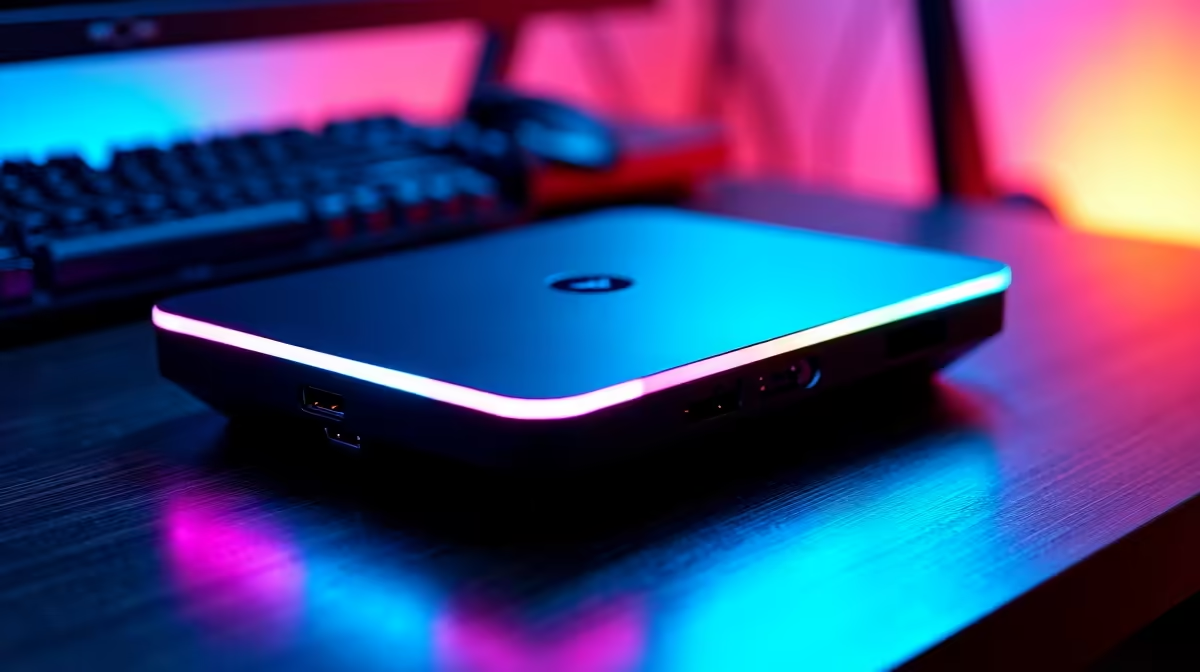
Picture this... the power comes back on, your rig boots up, and your room floods with neon purple and icy blue. Knowing how to automate your gaming room lighting in SA takes your setup from basic to breathtaking. It is much easier than you think. You do not need to spend thousands of ZAR to get started. Let us get your space glowing.
Building Your Luminous Foundation ⚡
Before we dive into software, you need the right hardware. Wi-Fi enabled LED strips and smart bulbs are your best friends here. Brands like Xiaomi or Sonoff are readily available locally and offer excellent value for your ZAR. You can install these behind your desk or monitor to create a beautiful ambient glow.
If you are currently browsing notebooks for sale in South Africa, a simple smart desk lamp can instantly elevate your mobile battle station. The key is choosing devices that connect seamlessly to your home network. South African gamers know the pain of sudden power dips. Adding a smart plug with power recovery memory ensures your lights return to their last state when the grid comes back online. This small addition saves you from blinding white light resets during a late-night session.
Synchronising Your Rig and Room 🎮
For a truly immersive experience, your room lighting should react to your gameplay. When a grenade explodes on screen, your room flashes red. To achieve this, your PC needs to talk to your lights. If you are eyeing out some pre-built PC deals, look for systems with compatible ARGB motherboards. These act as the command centre for your entire setup.
Upgrading your visuals? When you grab one of the latest graphics cards, you often get companion software like Asus Aura Sync or MSI Mystic Light. These programs let you sync your internal PC components with compatible external smart lights seamlessly.
Setting Up Voice Commands and Routines ✨
Automation means you never have to manually flip a switch again. By linking your lights to Google Home or Amazon Alexa, you unlock true convenience. You can easily create a routine called "Game Time". With one voice command, your main lights turn off, your RGB strips fade to your favourite colour, and your PC wakes up.
You can even set routines based on the time of day. Warm orange tones in the evening help reduce eye strain during those marathon RPG sessions. Building a setup this advanced used to cost a fortune. Today, you can easily find the best gaming PC deals that leave plenty of room in your budget for smart home accessories. You can stretch your ZAR even further by checking our daily specials for hardware upgrades.
RGB Sync Pro Tip 💡
Use third-party software like SignalRGB or OpenRGB to control different lighting brands from one single dashboard. It stops annoying software conflicts and lets your room lights match what is happening on your monitor perfectly.
Ready to Power Up Your Gaming Space? Brilliant lighting deserves an absolute beast of a machine to match. Whether you are chasing high frame rates or stunning 4K visuals, we have the hardware to make it happen. Explore our latest gaming specials and build the ultimate South African battle station today.











