

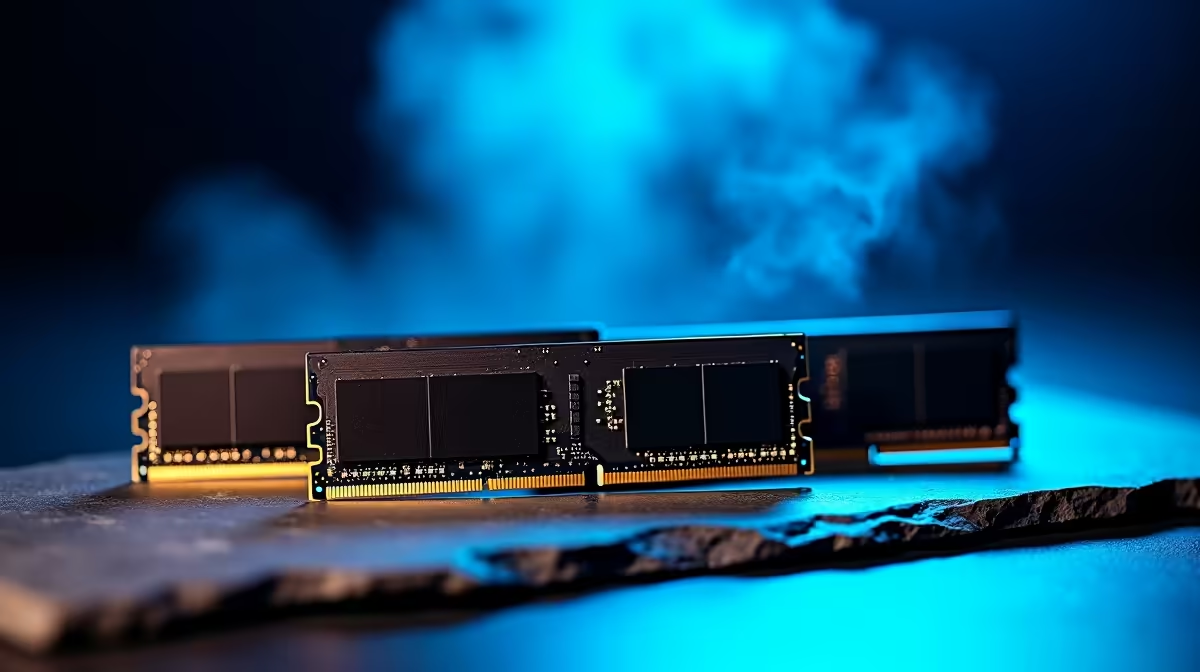
Why Checking RAM Health Matters for South African Gamers ⚡
Nothing kills gaming momentum faster than slow load times or sudden crashes. Often, faulty RAM is the culprit behind these headaches. Knowing how to check RAM health can save you hours of frustration and money by catching problems early. Plus, in South Africa’s gaming hubs, where every frame counts, optimising your memory ensures smooth gameplay without stutter or lag.
Ready to keep your rig lightning fast? Let’s dive into free diagnostic tools for Windows that make checking your RAM health simple and reliable.
Free Diagnostic Tools to Check RAM Health on Windows 🔧
Windows offers built-in tools and some excellent free utilities that help pinpoint memory issues without any cost. Here are your go-to options:
Windows Memory Diagnostic Tool
This tool comes pre-installed on every Windows PC. To use it:
- Press
Win + R, type “mdsched.exe,” and hit Enter. - Choose to restart now and check for problems.
- Your PC will reboot and scan your RAM for errors—any faults show up after the test.
MemTest86
A tried-and-tested choice praised by tech enthusiasts globally. MemTest86 runs from a USB boot and performs deep scans for subtle RAM errors that Windows might miss. Just download the free version and follow the simple instructions on creating a bootable drive.
Both tools are straightforward but powerful enough to reveal most memory faults threatening your system's stability.
How to Diagnose RAM Issues Like an Expert 🚀
Spotting RAM problems early keeps your gaming smooth and your work hassle-free. Here’s a quick checklist after testing:
- If errors appear, note the exact type and frequency.
- Swap RAM sticks out to identify defective modules.
- Combine testing with visual checks—look for dust, loose slots, or overheating issues.
- Update your motherboard BIOS and Windows regularly for better memory compatibility.
Secure your rig’s heartbeat by upgrading faulty modules before they cause data corruption or random blue screens.
Pro RAM Check Tip
Run MemTest86 overnight for a thorough scan. Short tests can miss infrequent errors that cause intermittent crashes.
Upgrading RAM in South Africa: What You Need to Know 🔥
If tests reveal you need new RAM, Evetech’s memory section offers a wide range of high-quality modules at competitive prices, ideal for upgrading your system or building a powerful gaming PC.
For those hunting for all-in-one solutions, check out our pre-built PC deals featuring carefully selected RAM specs tailored for local gamers’ needs. If you prefer laptops with solid memory performance, explore Evetech’s notebook selection curated for gamers on the move.
And if you’re after unbeatable savings on gaming rigs, browse through our latest specials. These often include upgraded RAM configurations that meet diverse user budgets.
Wrapping Up: Keep Your RAM in Top Shape for Peak Performance ✨
Healthy RAM isn’t just about faster load times; it’s the foundation of a responsive and reliable PC. Using free Windows diagnostic tools to check RAM health helps avoid unexpected failures and keeps your gaming experience seamless. Regularly testing your memory and staying informed about compatible upgrades ensures your rig stays ahead in the local gaming scene.
Take the extra step—test today, upgrade if needed, and enjoy games without interruption.
Upgrade Your Gaming with Reliable RAM Don’t let faulty memory slow you down—Shop now at Evetech for the best RAM deals and elevate your gaming experience.











