

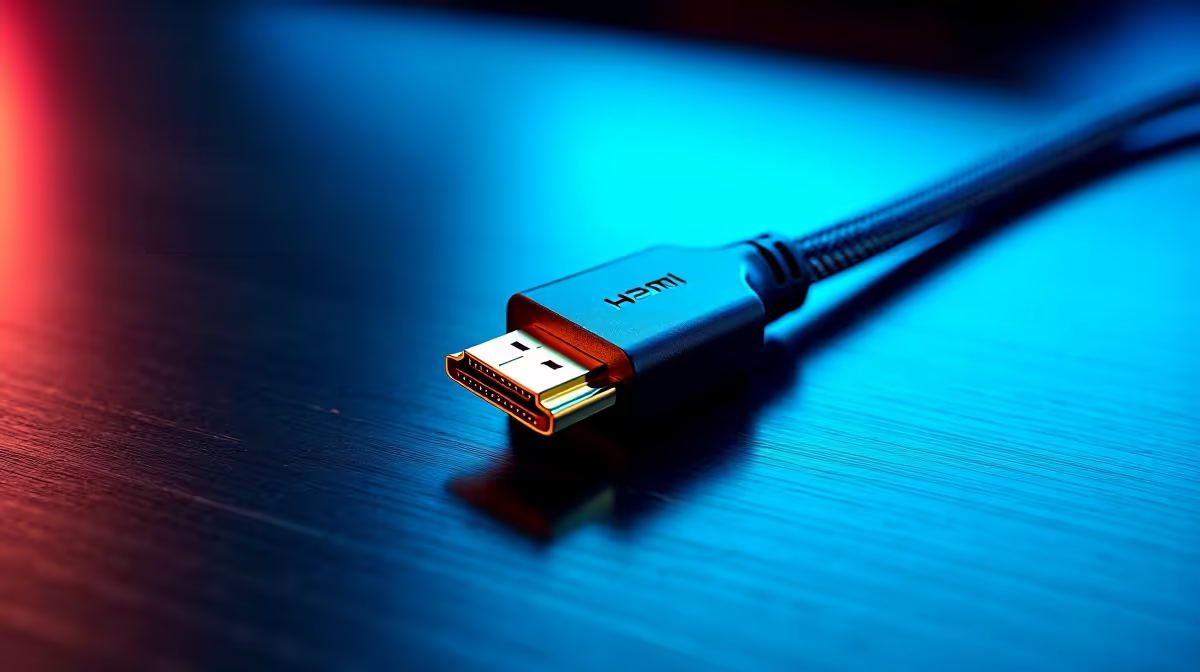
Quick Answer
Choosing the right HDMI 2.1 cable comes down to matching bandwidth to your specific display resolution and refresh rate. Not all cables labelled HDMI 2.1 are built equally, and the wrong choice results in signal dropouts, reduced refresh rates, or fallback to lower resolutions. Buying a certified Ultra High Speed HDMI cable rated for 48Gbps covers every 2.1 use case.
Understanding HDMI 2.1 Bandwidth Requirements
HDMI 2.1 supports up to 48Gbps of bandwidth, which is a significant jump from the 18Gbps ceiling of HDMI 2.0. That extra bandwidth enables 4K at 120Hz, 8K at 60Hz, and 10K resolution with proper display support. It also handles variable refresh rate, auto low latency mode, and enhanced audio return channel natively.
The key point for cable selection is that bandwidth requirements scale with resolution and refresh rate. 4K at 60Hz only needs around 18Gbps, which an HDMI 2.0 cable handles. Move to 4K at 120Hz and you hit 42Gbps, requiring genuine HDMI 2.1 bandwidth. 8K at 60Hz and 4K at 144Hz push beyond 40Gbps as well, making a full 48Gbps rated cable the only safe choice.
If you are connecting a PS5 or Xbox Series X to a 4K 120Hz TV, or linking an RTX or RX 7000 series GPU to a high refresh rate monitor, you need a cable that physically delivers on the HDMI 2.1 specification. Undersized cables throttle your hardware.
Certification and What the Labels Actually Mean
HDMI Licensing LLC introduced the Ultra High Speed certification label specifically to combat the proliferation of cables falsely marketed as HDMI 2.1. Cables carrying this certification have been independently tested and verified to deliver the full 48Gbps bandwidth.
When buying a cable, look for the Ultra High Speed HDMI label with a QR code on the packaging that links to the certified product database. This is the only reliable indicator of genuine HDMI 2.1 performance. Generic cables that simply print HDMI 2.1 on the box without this certification may perform at HDMI 2.0 speeds, HDMI 1.4 speeds, or fail entirely at high resolutions.
For South African buyers, retail packaging sometimes omits certification details. Ask specifically for Ultra High Speed certified cables or check the product listing for the certification mention before purchasing.
Cable Length and Signal Integrity
HDMI 2.1 at full 48Gbps bandwidth is sensitive to cable length. Passive copper cables perform reliably up to about 1 to 2 metres. Beyond 2 metres, signal integrity degrades and you may see sparkle artefacts, dropouts, or automatic resolution fallback even with a certified cable.
For longer runs, active HDMI 2.1 cables incorporate a small chipset that boosts and reshapes the signal. These cables are directional, have a source end and a display end, and maintain full bandwidth at lengths of 5 metres or more. Active cables cost more but are the correct solution when your PC or console is not immediately adjacent to your display.
In South African lounge or LAN setups where the PC sits across the room from a large screen TV, an active HDMI 2.1 cable at 3 to 5 metres is the right specification to target.
Common Mistakes and How to Avoid Them
The most common mistake is buying a cheap cable labelled HDMI 2.1 without certification and wondering why 4K 120Hz does not appear in the TV or monitor settings. The display simply does not receive the bandwidth it needs and falls back to a lower mode without explanation.
The second mistake is using an HDMI 2.0 cable for HDMI 2.1 features. The port on your device may be 2.1, but if the cable is 2.0, you are limited to 2.0 bandwidth. This is why checking cable specifications matters as much as checking port versions.
Finally, avoid braided cables that are not also certified. Braiding adds durability but does not improve signal quality, and many braided premium-looking cables are still only 18Gbps rated internally.
Frequently Asked Questions
Will any HDMI 2.1 cable work for 4K 120Hz gaming? Only certified Ultra High Speed HDMI cables reliably deliver 4K at 120Hz. Uncertified cables labelled HDMI 2.1 frequently cannot sustain the required bandwidth, causing fallback to lower resolutions or refresh rates.
How do I know if my cable is actually HDMI 2.1? Check for the Ultra High Speed HDMI certification label and QR code on the cable packaging. You can scan the QR code to verify the product in the official certification database. Any cable without this label is unverified.
Do I need a new HDMI cable for PS5 or Xbox Series X at 4K 120Hz? Yes, if you want 4K 120Hz on a compatible TV. The consoles include a certified HDMI 2.1 cable in the box. If you need a longer cable or a replacement, buy a certified Ultra High Speed model rather than a generic alternative.
What is the maximum length for a passive HDMI 2.1 cable? Passive HDMI 2.1 cables maintain reliable performance up to about 2 metres at full 48Gbps bandwidth. For longer runs of 3 metres or more, choose an active HDMI 2.1 cable to preserve signal integrity.
Ready to Find Your Perfect Match? Shop gaming accessories and cables at Evetech for reliable, correctly specified hardware with local support.











