

Quick Answer
Choosing the right mechanical keyboard comes down to four key factors: switch type, form factor, build quality, and budget. Understanding what each switch type feels and sounds like, and matching the form factor to your desk setup and workflow, will help you land on a keyboard you will be happy with for years. South African pricing for mechanical keyboards ranges from around R800 for entry-level options to R4,000 and above for premium builds.
Understanding Mechanical Switch Types
The switch is the most important decision in any mechanical keyboard purchase. There are three main switch categories:
Linear switches (e.g., Cherry MX Red, Gateron Yellow, Kailh Speed Red): Smooth keystroke from top to bottom with no tactile bump or audible click. Preferred by gamers who want fast actuation and quiet operation. Good for late-night gaming in res or digs without disturbing flatmates.
Tactile switches (e.g., Cherry MX Brown, Gateron Brown, Boba U4): Have a noticeable bump mid-keystroke that provides feedback without an audible click. A popular all-rounder for students at universities like UP, Wits, or Stellenbosch who type long essays and also game.
Clicky switches (e.g., Cherry MX Blue, Kailh Box White): Produce an audible click with a tactile bump. Satisfying for typing but loud in shared environments. Not ideal for koshuis rooms or open-plan offices.
Switch actuation force also matters: lighter switches (35g to 45g) suit typists and gamers who prefer less resistance, while heavier switches (55g to 65g) suit those who want deliberate key presses and reduced accidental inputs.
Choosing the Right Form Factor
Mechanical keyboards come in several sizes, each with trade-offs:
Full-size (100%): Includes a number pad. Best for data entry, office work, and users who need the numpad for spreadsheets or creative software shortcuts. Takes up significant desk space.
Tenkeyless (TKL / 80%): Removes the numpad, freeing desk space for mouse movement. Popular with gamers and students who do not regularly use the numpad. A strong all-round choice.
75% layout: Compact with most keys retained, including function row. Arrow keys are typically present. Good for laptop users who want a familiar layout in a small footprint.
65% layout: Removes the function row. Very compact, great for gaming and travel. Requires learning new key combinations for F-keys.
60% layout: Minimalist, removes arrow keys and function row. Popular with enthusiasts and programmers who memorize key layers. Not recommended for first-time mechanical keyboard buyers.
For most South African students and gamers, a TKL or 75% layout offers the best balance of functionality and desk space efficiency.
Build Quality and Key Considerations for SA Buyers
Beyond switches and form factor, consider these factors when choosing a mechanical keyboard:
Hot-swap support: Allows you to change switches without soldering. Highly recommended for first-time buyers who are not sure which switch type they will prefer long-term. Hot-swap keyboards are widely available in the R1,200 to R2,500 range in South Africa.
Keycap quality: PBT keycaps are more durable and resist shine better than ABS. For a keyboard you will use daily, PBT keycaps are worth the upgrade.
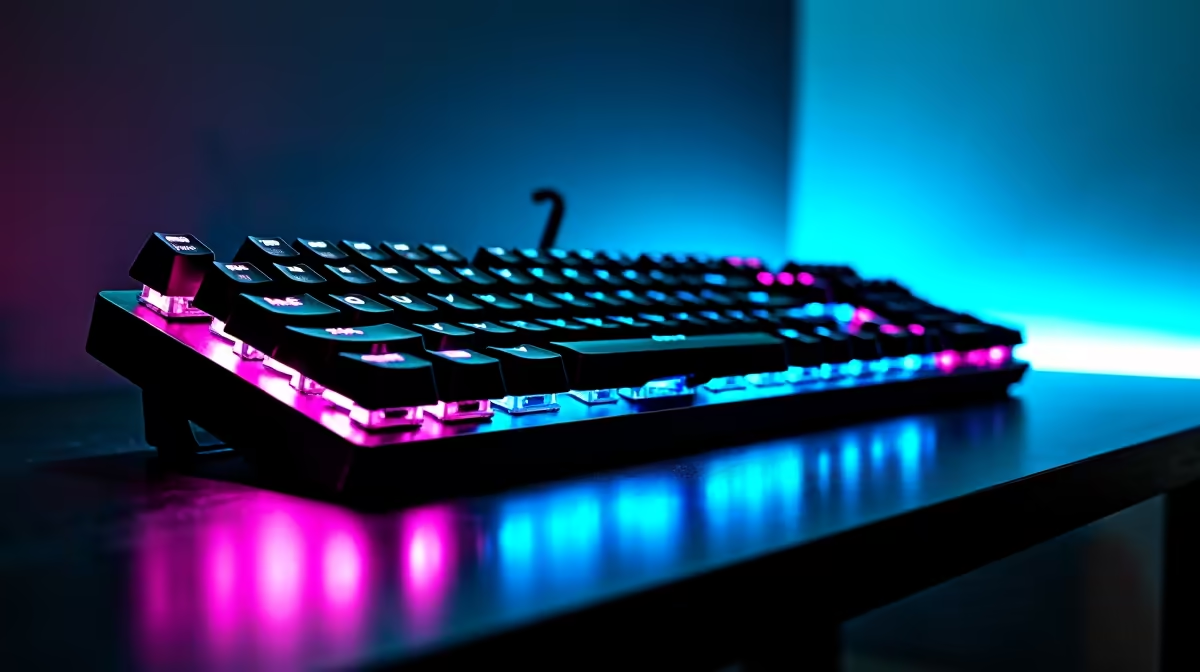
RGB lighting: Common on gaming keyboards, optional for productivity use. RGB adds cost; skip it if budget is tight and you prefer a cleaner look.
Wireless vs wired: Wireless mechanical keyboards offer cable-free convenience but add cost and introduce charging requirements. For desktop gaming and study setups with load-shedding, a wired keyboard never runs out of battery during a power cut, which is a practical advantage in SA.
Sound dampening: Foam dampening inside the case and O-rings under keycaps reduce noise. Worth considering for shared living arrangements.
Budget Ranges for South African Buyers
Mechanical keyboard pricing in ZAR in 2026:
- Entry-level (R800 to R1,400): Basic builds with standard switches, ABS keycaps, and fixed layouts. Good starting point for first-time mechanical keyboard users.
- Mid-range (R1,400 to R2,500): Hot-swap support, PBT keycaps, better build quality, often gasket or foam-dampened cases.
- Premium (R2,500 to R4,500+): Enthusiast-grade builds, aluminum frames, premium switches, superior sound signature. For those who want the best-in-class typing experience.
Frequently Asked Questions
What switch type is best for gaming? Linear switches are the most popular for gaming due to their smooth, consistent feel and lighter actuation. Cherry MX Red, Gateron Red, or Gateron Yellow are excellent starting points. For SA buyers on a budget, Gateron switches offer very similar performance to Cherry MX at a lower price.
What is the best mechanical keyboard for university students in South Africa? A TKL or 75% layout keyboard with tactile switches (Gateron Brown or Cherry MX Brown) and hot-swap support gives students the best of both worlds for typing essays and gaming. Budget R1,200 to R2,000 for a solid mid-range option.
Are mechanical keyboards louder than membrane keyboards? It depends on the switch. Linear switches are often quieter than high-quality membranes. Clicky switches are significantly louder. Tactile switches sit in between. If noise is a concern, choose a linear or silent tactile switch and add O-rings for further dampening.
Do I need a mechanical keyboard for gaming? No, but most serious gamers prefer them. The precise actuation, durability (rated for 50 million to 100 million keystrokes), and tactile or linear feedback give a more controlled, responsive feel than membrane keyboards. For students and gamers in South Africa spending R800 to R2,000, a mechanical keyboard is a worthwhile upgrade.
Ready to Find Your Perfect Match? Browse Evetech's full range of mechanical keyboards with switches and form factors to suit every budget and play style in South Africa.











