

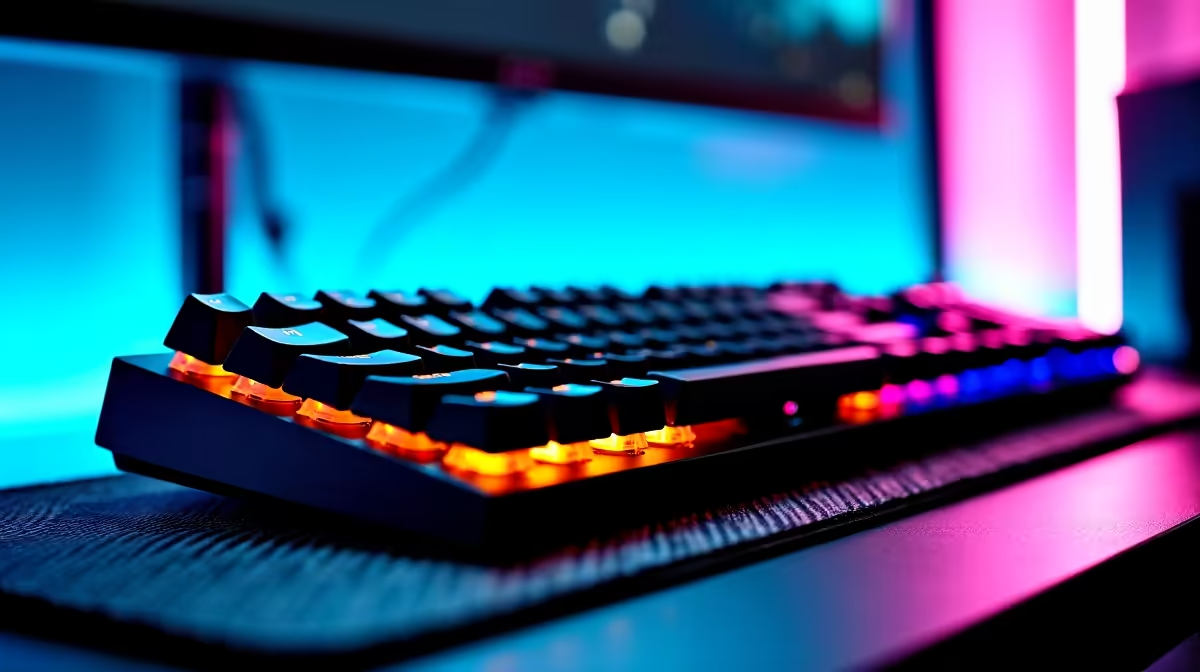
Quick Answer
Choosing the right mechanical RGB keyboard comes down to switch type, build quality, form factor, and RGB implementation. Match the switch actuation feel to your use case, whether gaming, typing, or both, and choose a keyboard with per-key RGB and solid software support for the lighting customisation you want.
Understanding Mechanical Switches First
The switch is the soul of a mechanical keyboard. Every other decision, layout, material, price, flows from the switch choice. Mechanical switches fall into three categories: linear, tactile, and clicky.
Linear switches move smoothly from top to bottom with no bump or audible click. Cherry MX Red, Gateron Red, and their speed variants are the standard gaming choice. The lack of tactile feedback means accidental keypresses happen more easily during typing but the smooth pull suits gaming where consistent, fast actuation matters more than confirmation of intent.
Tactile switches have a physical bump at the actuation point. Cherry MX Brown and Gateron Brown are entry-level tactile options. More refined tactile switches like the Holy Pandas or Topre variants are premium choices. Tactile switches work well for mixed gaming and typing use and give you physical feedback that the keypress registered without audible noise.
Clicky switches add an audible click sound at the actuation point. Cherry MX Blue is the standard reference. These are the most satisfying to type on for many users and are best suited for home offices or private spaces where the click noise does not disturb others. Res rooms and shared student housing make clicky switches a social consideration.
Form Factor and Layout
Keyboard size affects desk space, portability, and feature availability. Full-size keyboards include numpad and all function keys. Tenkeyless (TKL) removes the numpad for a more compact layout while keeping function keys and navigation cluster. 75 percent layouts compress everything into a tighter form factor. 65 percent layouts remove the function row. 60 percent layouts strip it to the essentials.
For gaming, TKL is the popular choice: enough keys for all game inputs without the numpad eating desk space that a wider mouse movement range needs. Students who also use spreadsheets heavily often prefer full-size for the numpad access. Portability-focused buyers carrying keyboards between home and campus or digs lean toward 65 percent or TKL for bag-friendly sizing.
RGB Implementation and Software Quality
RGB on mechanical keyboards ranges from excellent to frustrating. Per-key RGB is the standard you should demand: individual LED control per key means full lighting effects, reactive lighting, and custom profiles are all possible. Zone-based RGB or single-colour backlighting is a compromise that limits what effects the keyboard can produce.
Software quality is the hidden variable. iCUE from Corsair, Synapse from Razer, and ASUS Armoury Crate are established platforms with good ecosystem integration if you are pairing with the same brand mouse or headset. Software-free keyboards store lighting profiles on-board in firmware, which is valuable if you use the keyboard across multiple systems or run a clean software setup.
RGB brightness and diffusion depend on the keycap material. PBT keycaps with shine-through legends produce clean, even RGB. ABS keycaps, common on budget boards, shine through more intensely but feel different under the fingers and develop shine over time.
Build Quality and Price Tiers
Budget mechanical keyboards under R800 exist in the SA market but make compromises on switch quality, build rigidity, and software. The value tier from R800 to R1,800 covers well-regarded entry boards from brands like Redragon and Hyperx, which offer genuine mechanical switches and per-key RGB without the premium. Mid-range from R1,800 to R3,500 brings you into Corsair K70, Logitech G915, and similar boards with aluminium top plates, quality switches, and mature software platforms. Above R3,500, you enter enthusiast territory with hot-swappable switch sockets, gasket mounting, and premium keycap sets.
Hot-swap capability deserves special mention. A hot-swappable keyboard lets you change switches without soldering. This means you can start with a linear switch and swap to tactile later without buying a new board. For anyone not certain which switch type they prefer, hot-swap adds long-term value.
Frequently Asked Questions
What is the best switch for gaming in SA in 2026? Gateron Red and Cherry MX Red remain the most popular gaming switches. Speed variants like Gateron Yellow and Cherry MX Speed Silver reduce actuation travel for faster input registration, suiting competitive FPS games like CS2 and Valorant.
Is a hot-swappable keyboard worth the extra cost? Yes, especially for first-time mechanical keyboard buyers. The ability to change switches without buying a new board means you can experiment with different feels as your preferences develop. The cost premium over a non-hot-swap equivalent is typically R200 to R500.
Does RGB affect performance? No. RGB is cosmetic. Some RGB implementations run on separate controllers that do not touch the keyboard's input processing. Disabling RGB to improve battery life applies only to wireless mechanical keyboards.
What keycap material is better: PBT or ABS? PBT is the preferred material for durability and texture retention. ABS keycaps feel smooth initially but develop a shiny, slick surface after extended use. PBT keycaps maintain their textured feel and resist the shine effect. For a long-lasting keyboard, PBT keycaps are the correct choice.
Ready to Find Your Perfect Match? Build your perfect mechanical keyboard setup with Evetech











