

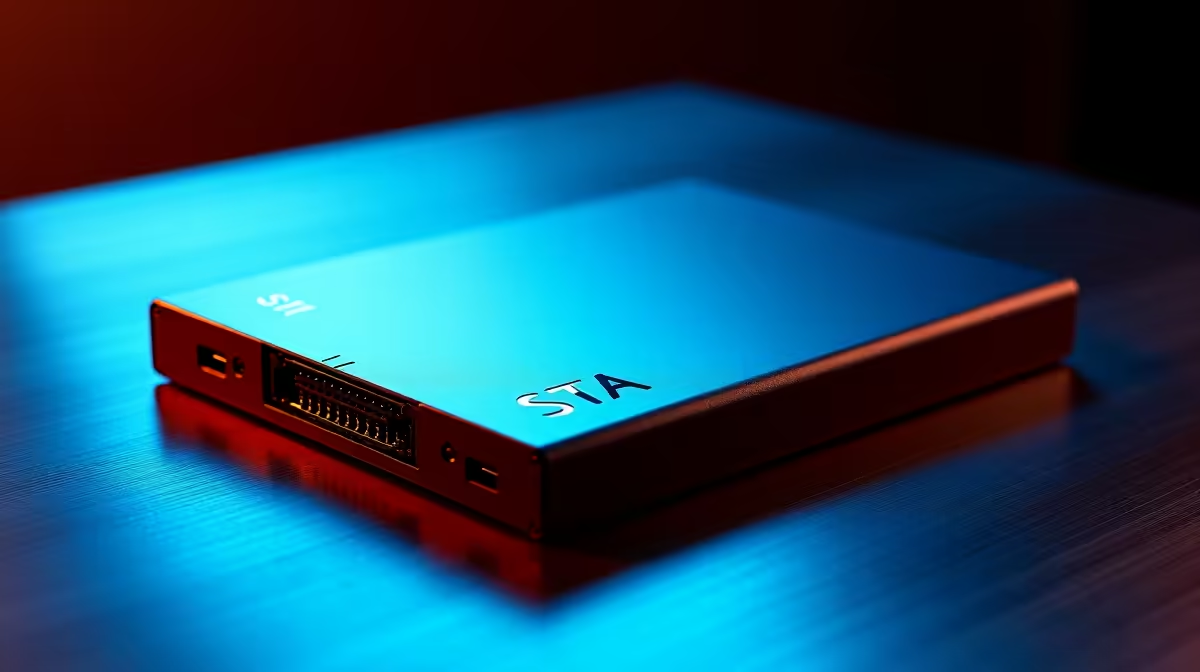
A SATA SSD is a solid choice for graphic design work when budget is the primary concern, but picking the right one means understanding how storage speed, capacity, and reliability intersect with creative workflows. For design professionals working with large layered files, print assets, and asset libraries in South Africa, the right SATA drive can keep projects moving without breaking the bank.
Quick Answer
How to choose the right SATA SSD for graphic design: Prioritise capacity over raw speed for design work - aim for at least 1TB to store project files, fonts, and asset libraries. Look for drives with consistent read speeds above 500MB/s, reliable TBW (terabytes written) ratings, and a five-year warranty to protect your creative investment.
🔧 What Graphic Design Actually Demands from Storage
Graphic design is less dependent on blistering NVMe speeds than video editing or 3D rendering, which makes SATA SSDs a genuinely practical choice. The typical design workflow involves opening large Photoshop or Illustrator files (often 200MB–2GB), reading from font libraries, and writing frequent autosave snapshots.
SATA SSDs top out at around 550MB/s sequential read - fast enough that file open times are measured in seconds, not minutes. Where SATA does show its limits is when you are working with very large multi-layer compositions above 4GB or running several Adobe apps simultaneously. In those cases, an NVMe drive would reduce lag, but for most print and digital design tasks, SATA is perfectly adequate.
Key specs to check before buying:
- Capacity: 1TB minimum for active projects; 2TB if you maintain large stock image or font collections
- TBW rating: At least 400TBW on a 1TB drive - design workflows involve heavy read/write cycles with autosaves
- DRAM cache: Drives with dedicated DRAM cache maintain consistent speeds under sustained write loads; dram-less drives can slow significantly during large file operations
- Warranty: Five years is the standard for quality drives - avoid anything shorter on a primary work drive
📊 Capacity Planning for Design Work
Underestimating storage is one of the most common mistakes creative professionals make. A single high-resolution print project can consume 5–10GB of working files before you factor in source assets, stock images, and client-supplied material.
A practical breakdown for SA designers:
- 500GB: Only viable if you archive aggressively to an external drive - not recommended for primary work storage
- 1TB: Comfortable for freelancers or designers focused on digital deliverables; leaves room for the OS, apps, and a few concurrent projects
- 2TB: Ideal for designers who maintain large stock libraries, work across print and digital, or keep multiple active client folders on-drive simultaneously
- 4TB SATA SSD: Available and worthwhile if your entire client archive needs to stay accessible without external drives
In the South African market, pricing steps up meaningfully at each capacity tier, so it is worth calculating your actual storage needs rather than defaulting to the cheapest option - migrating drives mid-project is a time-consuming pain.
💡 Installation and Optimisation Tips
Once you have chosen your drive, a few setup steps ensure you get the best out of it for design work. Confirm TRIM is enabled on your system - Windows enables it automatically for SSDs, and it is essential for maintaining long-term write performance. Avoid filling a SATA SSD beyond 80% capacity; performance degrades noticeably when a drive is nearly full, and Adobe apps can slow to a crawl if the scratch disk runs out of breathing room.
For Adobe Creative Cloud users, set your scratch disk to the SSD and keep it separate from your primary OS partition if possible. Designers running resource-heavy tools like After Effects alongside Photoshop should also consider 16GB or 32GB of RAM as a companion upgrade - fast storage and sufficient RAM work together to eliminate the biggest productivity bottlenecks.
❓ Frequently Asked Questions
Is a SATA SSD fast enough for Adobe Photoshop and Illustrator? Yes. SATA SSDs are fast enough for the vast majority of Photoshop and Illustrator workflows. File loads, saves, and scratch disk operations all run smoothly. You would only notice a meaningful difference with NVMe if you work with extremely large layered files above 4–5GB regularly.
How much storage do I need for graphic design? For most designers, 1TB is the minimum practical capacity. If you work with high-resolution stock imagery, manage large font collections, or maintain several years of client archives on your primary drive, 2TB is a better starting point.
Should I use the SSD as both my OS drive and my scratch disk? It works, but performance is better when you can separate them. If you only have one drive, set your scratch disk to the same SSD and ensure at least 15–20% of the drive remains free so the scratch disk has room to operate without throttling.
Upgrade with All Graphics Cards or All SSDs — all available at Evetech with fast SA delivery.
Ready to Find Your Perfect Match? Shop at Evetech











