

Quick Answer
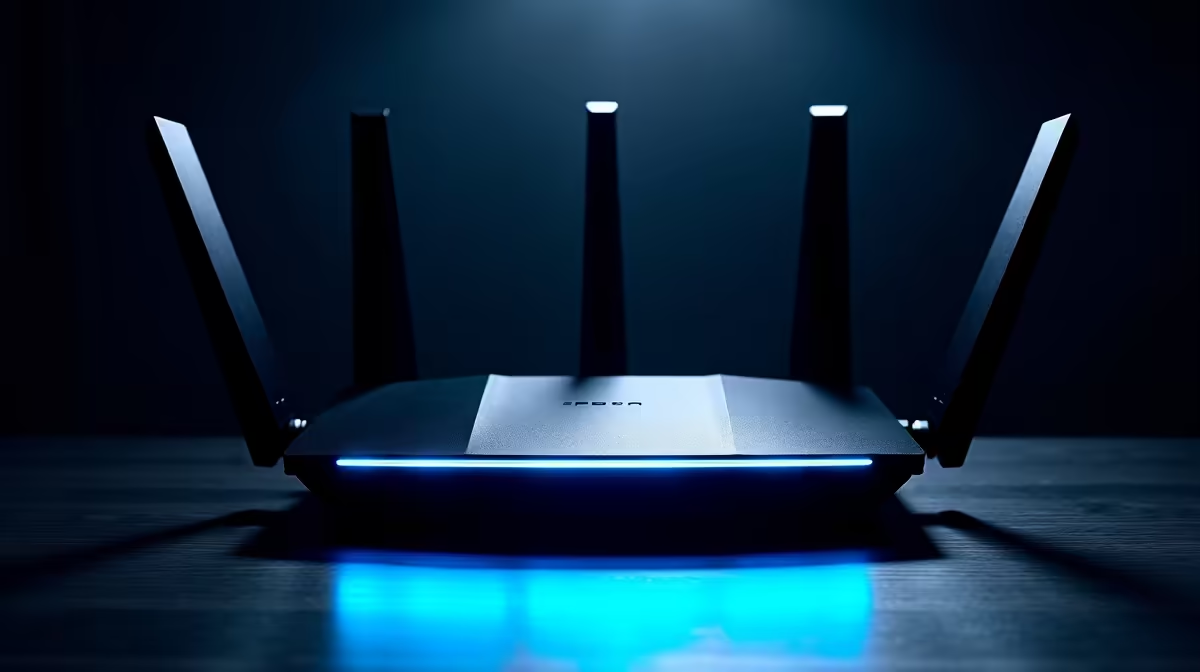
To choose the right WiFi 6E router, match the router's band and range capabilities to your home size, consider how many devices connect simultaneously, and verify your ISP provides speeds that justify the upgrade. WiFi 6E's 6GHz band delivers the fastest short-range performance but has reduced wall penetration compared to 5GHz.
WiFi 6E routers have become increasingly available in South Africa in 2026, with prices ranging from around R2,500 for entry-level tri-band units to R8,000+ for flagship mesh-capable models. Choosing the wrong one is easy - the specs sheets can be misleading, and the real-world performance depends on factors most buyers don't consider upfront. Here is a practical buying framework.
Understanding WiFi 6E Bands and What They Actually Mean
WiFi 6E adds a third radio band at 6GHz on top of the 2.4GHz and 5GHz bands present in standard WiFi 6 routers. The 6GHz band is significantly less congested than 5GHz (especially in dense apartment buildings common in SA cities like Johannesburg and Cape Town) and supports faster theoretical speeds. However, 6GHz has shorter range and worse wall penetration than 5GHz. If your router is in one room and your devices are two walls away, 6GHz performance will drop considerably. WiFi 6E makes the most sense for large open-plan spaces or homes where devices are in the same room as the router, or in mesh setups where nodes use 6GHz as a dedicated backhaul channel.
How to Match a Router to Your Home Size and Device Count
Single-router setups work well for apartments and smaller homes up to about 150 square metres with solid wall construction. For larger homes or double-storey properties, a mesh WiFi 6E system with two or three nodes will outperform any single router. Device count matters more than most people realise - a household with 15 to 25 connected devices (smart TVs, consoles, phones, laptops, smart home gadgets) benefits significantly from WiFi 6E's OFDMA technology, which handles many simultaneous device connections more efficiently than WiFi 5. For households with fewer than 10 devices, the real-world improvement over a quality WiFi 6 router is minimal.
What to Check Before Buying
Verify your broadband speed first. If your Fibre or LTE plan delivers 50Mbps to 100Mbps, a WiFi 6E router will not make your internet faster - your connection speed is the bottleneck, not the router. WiFi 6E benefits most for local network transfers between devices (NAS drives, PC-to-console game streaming) and for reducing latency in dense RF environments. Also check whether your primary devices actually support WiFi 6E - most smartphones and laptops from 2022 and earlier do not have 6GHz radios, meaning they will connect on 5GHz regardless. In SA, ISP routers provided with Fibre installations rarely support WiFi 6E, so adding a dedicated router or mesh system in access point mode is the typical upgrade path.
Frequently Asked Questions
Q: Is WiFi 6E worth buying in South Africa in 2026? A: For gaming households with many devices and a fast Fibre connection of 200Mbps or more, yes. For smaller households on entry-level Fibre plans, a quality WiFi 6 router will serve you just as well at a lower price point.
Q: Does WiFi 6E work with all internet service providers in South Africa? A: Yes. WiFi 6E routers connect to your ISP via the WAN port and are ISP-agnostic. They work with Openserve, Vumatel, Octotel, and all other South African Fibre providers. You may need to configure PPPoE settings depending on your ISP.
Q: What is the difference between WiFi 6 and WiFi 6E for gaming? A: For gaming, the primary benefit of WiFi 6E is access to the uncongested 6GHz band, which can reduce wireless latency in dense environments. Actual ping improvements are modest if you are already on a clean 5GHz connection. Wired Ethernet still provides the most consistent gaming performance.
Ready to Find Your Perfect Match? Upgrade your full gaming setup with Evetech's best gaming PC deals - including networking accessories.











