

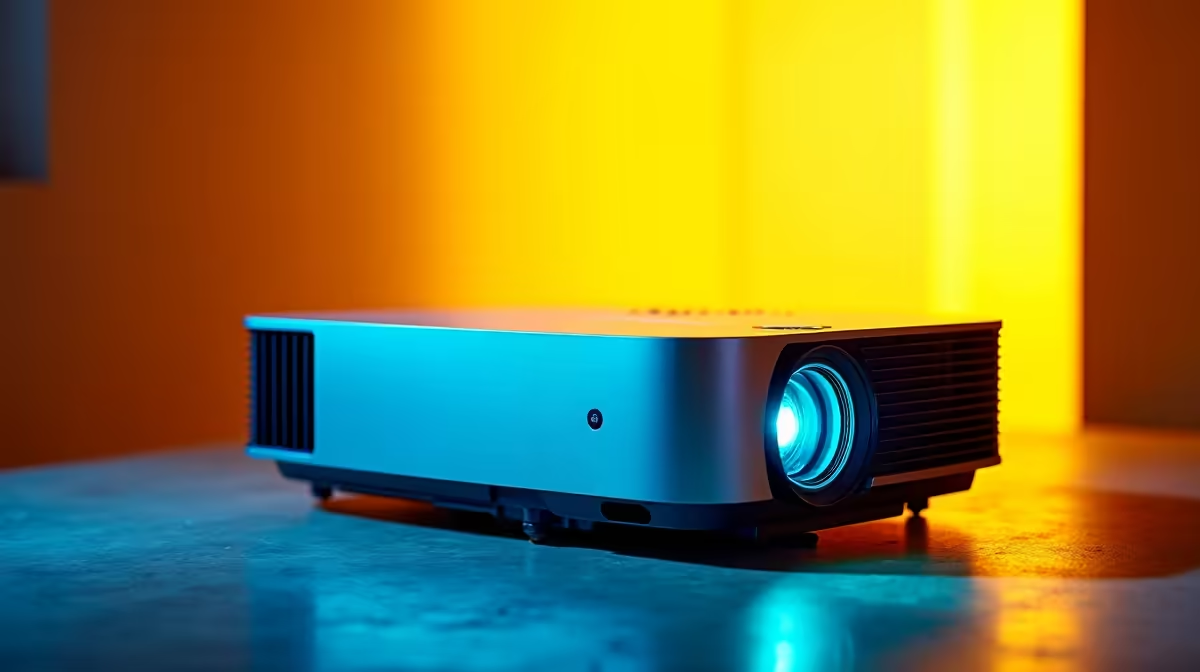
South African summers are brutal on tech. Between the relentless Highveld dust, coastal humidity, and the occasional load-shedding surge, your home theatre setup takes a beating. If your movie nights are looking a little dull, it might not be a dying bulb. Figuring out how to clean and maintain your projector properly is vital to keeping those colours popping and avoiding a costly replacement.
Beating the South African Dust 🌪️
Dust is the ultimate enemy of any optical lens. In drier regions like Gauteng or the Karoo, fine particles easily sneak into ventilation grilles. Down in KwaZulu-Natal, humidity mixes with that dust to create a sticky grime.
When you clean and maintain your projector, always start with the exterior. Use a dry microfibre cloth to gently wipe down the chassis. Never use compressed air directly into the lens housing... it can force dust deeper into the internal optics. While you might regularly blow dust out of your rig after grabbing one of our best gaming PC deals, delicate projector internals require a much softer touch.
Crystal Clear Lens Care and Filter Maintenance ✨
A cloudy lens completely ruins your viewing experience. Use a dedicated lens brush or photographic lens-cleaning fluid with a soft cloth. Wipe in a gentle circular motion. Avoid standard window cleaners at all costs... the harsh chemicals will strip the anti-reflective coating right off the glass.
Next, tackle the air filter. A clogged filter causes overheating... which drastically reduces lamp life. Most filters can be popped out and cleaned with a soft brush. Think of it like maintaining airflow in a high-end pre-built PC. Good ventilation stops thermal throttling and extends hardware lifespan.
Filter Cleaning Pro Tip 🔧
Check your projector's filter every 100 to 300 hours of use. If you live near the coast where sea breezes carry sticky salt air, check it even more frequently to prevent hard-to-remove buildup.
Surviving Heatwaves and Power Cuts ⚡
Projector lamps run incredibly hot. In the middle of a South African heatwave, your projector needs breathing room. Do not shove it into a tight bookshelf. Ensure at least 50cm of clearance around the exhaust vents. If you are running your media server off one of the many laptops for sale in South Africa, keep that well-ventilated too.
Load shedding is another massive financial risk. Sudden power cuts prevent the cooling fans from running their shutdown cycle, baking the expensive bulb. Replacing a blown bulb can easily cost upwards of R3,500. Always run your setup through a UPS. If you need to upgrade your setup without breaking the bank, keep an eye on our daily specials to find a solid UPS or surge protector.
Maximising Your Cinematic Experience 🍿
Even with perfect care, bulbs eventually dim. Knowing how to clean and maintain your projector extends its life, but sometimes the underlying hardware just needs more pixel-pushing power.
Your projector is only as good as the source feeding it. If your projector handles 4K but your frame rates are stuttering, the display is not the problem. You might need to look into upgrading your system and browse our range of high-performance graphics cards to get that buttery-smooth playback. A clean lens and a powerful GPU are the perfect recipe for an unmatched home cinema.
Ready to Upgrade Your Entertainment Setup? Whether you need a powerful media server, a new display, or the hardware to drive your 4K projector, Evetech has you covered. Explore our latest tech specials and build the ultimate South African home theatre today.











