

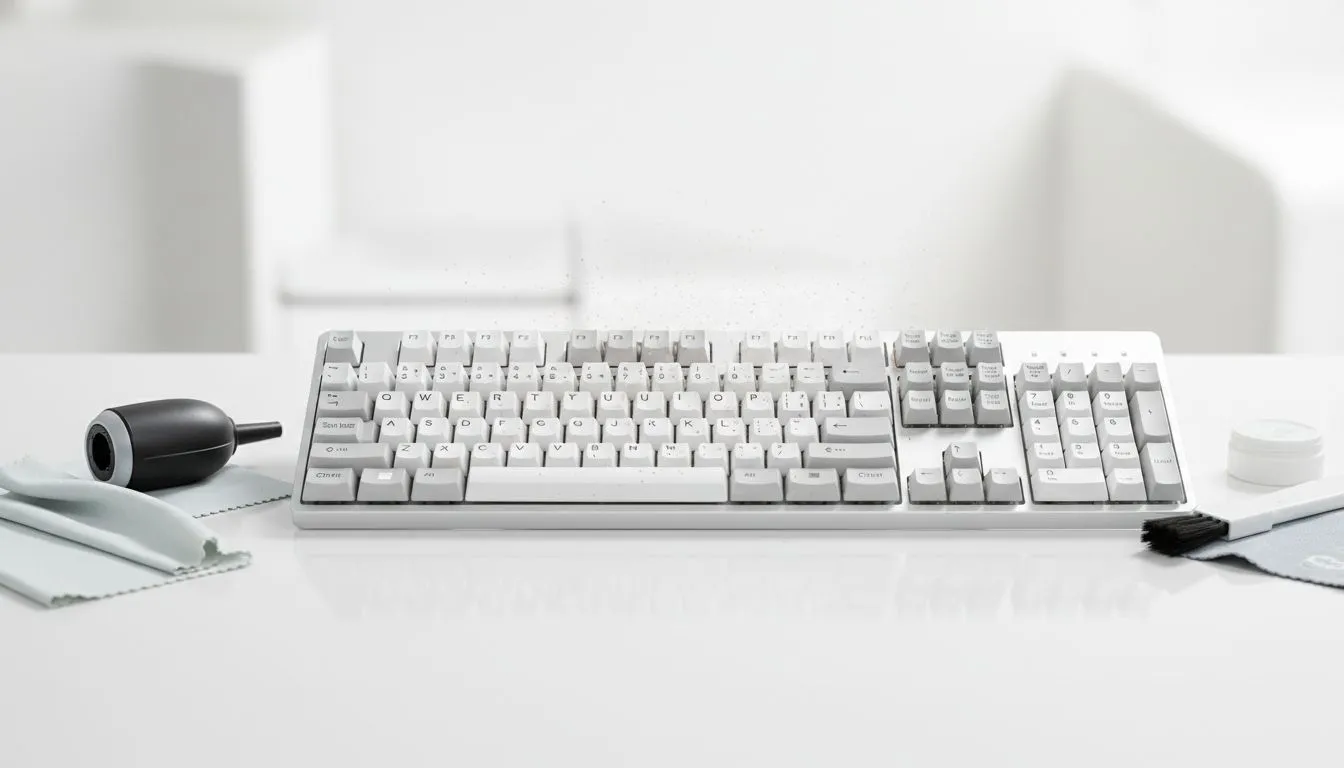
Between the Highveld dust storms and the coastal salt air, South African setups take a beating. Your keyboard isn't just a tool; it's the heart of your rig. But when grit starts affecting your clicks, it's time for a scrub. Knowing how to clean keyboard switches and keycaps properly will extend your hardware's life and keep your APM high during those intense local tournaments. 🔧
Why South African Dust is Your Keyboard's Enemy
Living in SA means dealing with unique environmental factors. From fine red dust in Gauteng to high humidity in KZN, debris finds its way under your keys. This buildup can lead to "key chatter" or missed inputs. If your current board is too far gone, you might want to browse the best gaming keyboard deals to start fresh. Regular maintenance prevents sticky switches and keeps your setup looking brand new.
The Step-by-Step Deep Clean
Before you begin, always unplug your device. If you use a wired peripheral, simply remove the USB cable. For those using wireless models, ensure the power switch is off and batteries are removed.
- Shake it out: Turn the keyboard upside down and give it a firm tap. You will be surprised at what falls out.
- Keycap removal: Use a puller to remove caps. Soak them in warm water with a drop of dish soap.
- Compressed air: Use short bursts to clear the "crumbs" between the switches.
- Detailing: Use a Q-tip with a tiny bit of isopropyl alcohol for stubborn grime.
Maintenance Pro Tip ⚡
Avoid eating crumbly rusks or oily snacks over your desk. If you spill liquid, immediately flip the keyboard over and unplug it. Let it dry for at least 48 hours before testing it again... patience is the difference between a working board and a paperweight.
When to Clean vs When to Replace
Sometimes a deep clean isn't enough to save an old membrane board. If you find that keys are physically sticking despite your best efforts, it might be time for an upgrade. You can find the cheapest gaming keyboard in South Africa without breaking the bank. Modern mechanical boards are often easier to maintain because the switches are more resilient to dust than older membrane designs. 🚀
Keeping Your Workspace Pristine
Consistency is key for longevity. A quick wipe down once a week prevents the "South African crust" from forming. If you are setting up a new home office or gaming station, consider a keyboard mouse combo to ensure all your peripherals are fresh and matching. Keeping your PC off the floor also reduces the amount of dust sucked into your components and onto your desk. ⚡
Ready to Find Your Perfect Match? A clean keyboard is great, but a premium mechanical board is even better for your K/D ratio. Explore our massive range of keyboard specials and find the perfect machine to conquer your world.











