

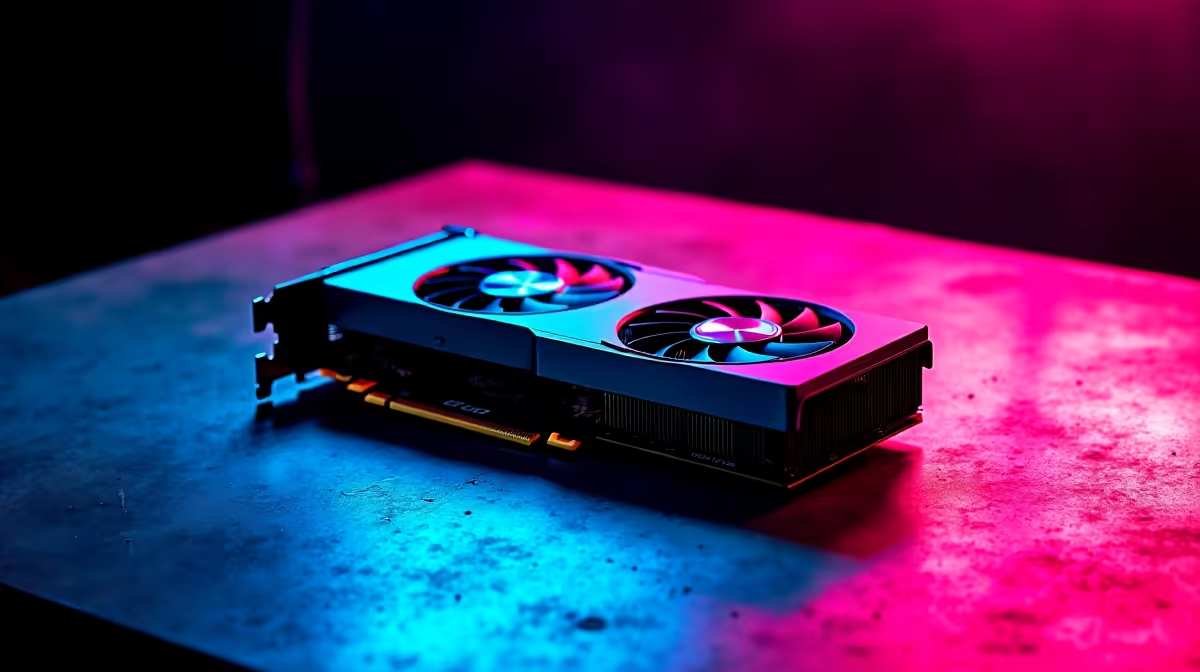
The AMD RX 7900 XT is a high-end RDNA 3 GPU that punches hard at 4K and high-refresh 1440p, but it doesn't ship fully optimised. South African gamers who've invested R12,000–R18,000 in this card deserve to extract every frame it's capable of. Configuring AMD Software: Adrenalin Edition correctly and pairing it with smart system settings can yield 10–20% additional performance over defaults.
Quick Answer
For optimal RX 7900 XT performance in 2026, update to the latest AMD Adrenalin drivers, enable Radeon Anti-Lag+, increase the power limit to +15% in manual tuning, enable Smart Access Memory on Ryzen platforms, and use FSR 3 with Frame Generation in supported titles. These changes combined can push average framerates up by 15–25% in demanding titles.
⚙️ AMD Adrenalin Driver Configuration
Open AMD Software: Adrenalin Edition and navigate to Gaming. Enable Radeon Anti-Lag+ (reduces input latency by up to 50% in supported games), Radeon Boost (dynamically lowers resolution during fast movement - imperceptible in practice), and Radeon Image Sharpening at 80%. Set Texture Filtering Quality to Performance. Enable FreeSync Premium if your monitor supports it - this eliminates tearing without Vsync's latency penalty. Customise the fan curve to be more aggressive at 65°C; the 7900 XT's default curve is conservative and allows thermal throttling under sustained load. Turn Vsync off in-game whenever FreeSync is active.
🚀 Smart Access Memory & Power Tuning
On Ryzen 5000/7000 platforms with a compatible motherboard, enable Smart Access Memory (SAM) in BIOS - also known as Resizable BAR. SAM allows the CPU full access to the 7900 XT's 20GB GDDR6 frame buffer, bypassing a legacy bandwidth cap. In VRAM-heavy titles like Cyberpunk 2077, this contributes 5–15% additional performance at zero hardware cost. In Adrenalin's manual tuning tab, push the power limit slider to +15% - this unlocks higher sustained boost clocks that the stock power envelope suppresses. Pair with good case airflow to sustain these clocks long-term.
🎮 FSR 3 & Frame Generation
AMD FSR 3 with Frame Generation is supported across dozens of 2025–2026 titles and can nearly double your effective framerate. At 4K with FSR 3 Quality mode, the 7900 XT delivers visuals near-indistinguishable from native while sustaining 90–120 FPS in demanding titles. Explore AMD's full GPU range at Evetech to compare current-gen options.
❓ FAQ
Q: Should I overclock my RX 7900 XT beyond the power limit increase? A: For most SA users, the +15% power limit plus custom fan curve delivers the majority of available gains with low risk. Manual core/memory overclocking adds 3–8% more but requires stability testing and may affect warranty coverage.
Q: Why does my 7900 XT throttle during long gaming sessions? A: Thermal throttling above 110°C junction temperature. Ensure at least 3 case fans with positive airflow pressure, clean the heatsink, and consider repasting if the card is over a year old. The 7900 XT is a 315W+ TDP card that needs strong airflow.
Q: How does the 7900 XT's ray tracing compare to NVIDIA? A: RDNA 3 RT improved over RDNA 2 but trails RTX 4000-series cards in RT-heavy workloads. For rasterisation gaming - the vast majority of SA competitive titles - the 7900 XT is excellent value.
Evetech stocks All Graphics Cards and Graphics Card Deals — browse current SA pricing and availability online.
Ready to Find Your Perfect Match? Explore Evetech's best gaming PC deals and upgrade your setup today.











