

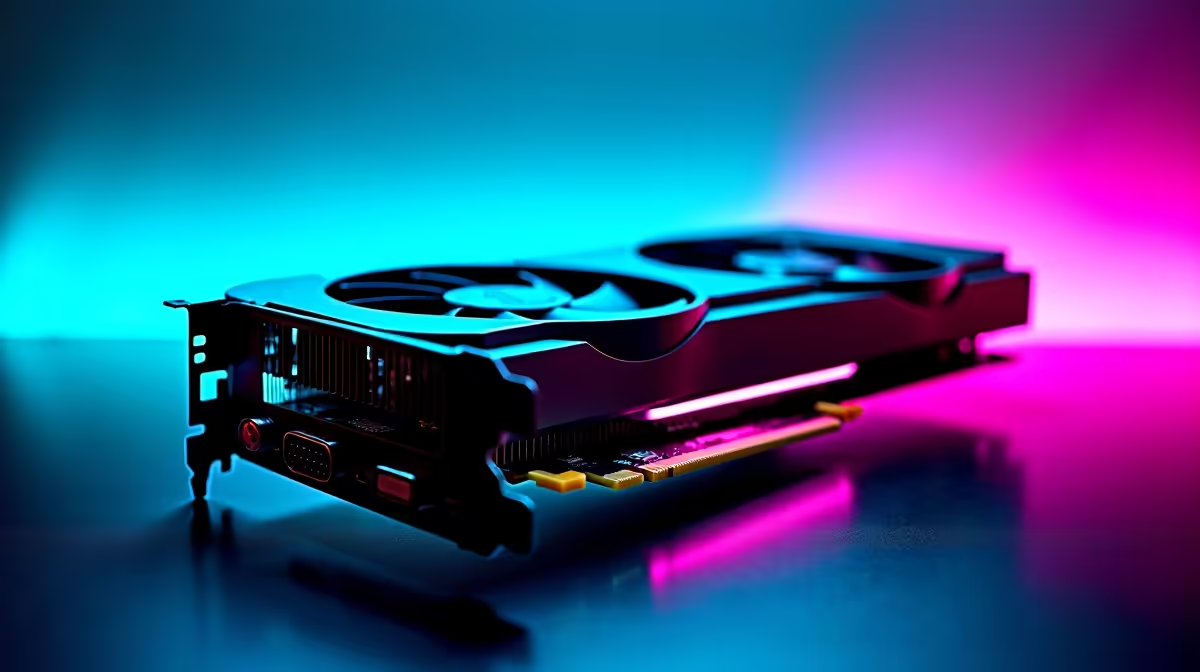
Summer in South Africa is absolutely brutal on PC components ☀️. When the ambient temperature spikes, your GPU fans work overtime to keep things cool. If you want maximum performance without the dreaded jet engine noise, learning how to deshroud your RTX 4060 Ti is a brilliant move. It sounds intimidating... but it is actually quite simple. Whether you are tweaking your current rig or browsing for brand new graphics cards, this guide will help you optimise your cooling and protect your hardware investment.
Why Remove the Stock Cooler Shroud? 🔧
Deshrouding means stripping the plastic cover and stock fans off your GPU. You then strap standard 120mm case fans directly to the bare heatsink. The RTX 4060 Ti is a highly efficient card. However, replacing its thin stock fans with premium case fans drastically improves airflow and reduces noise. This mod is especially popular among small form factor builders looking to save space. If you prefer avoiding DIY projects entirely, you can always explore our pre-built PC deals for systems that already run ice cold straight out of the box.
Tools You Need for the Job
You do not need a massive ZAR budget to pull this off. Grab a precision Phillips head screwdriver, some high-quality zip ties, and two 120mm static pressure fans. Make sure your PC is completely powered down and the power supply is unplugged. If you are building a custom system from scratch, finding the best gaming PC deals leaves you with extra cash in your pocket for premium cooling fans and accessories.
Warranty Warning ⚡
Always check your manufacturer warranty before taking a screwdriver to your GPU. Some brands void the warranty if you break the factory seal on the heatsink screws. Fortunately, deshrouding usually only involves removing the plastic shroud, leaving the main heatsink completely intact.
The Step-by-Step Guide to Deshrouding
Follow these steps carefully to avoid damaging your hardware.
Step 1: Remove the Screws
Flip your card over on a soft surface. Look for the tiny screws holding the plastic shroud to the metal heatsink. Keep them safe in a small container.
Step 2: Disconnect the Fan Cables
Gently unplug the stock fan headers from the GPU circuit board. Take your time here... those pins are incredibly fragile.
Step 3: Secure the New Fans
Place your 120mm fans flat against the bare heatsink. Thread your zip ties through the fan mounting holes and around the copper heat pipes. Pull them tight for a snug fit. If you need extra parts, keep an eye on our weekly specials for cooling gear.
Testing Your Custom Cooling 🚀
Plug the new fans into your motherboard chassis fan headers. Boot up your PC and set a custom fan curve in your BIOS. Run a heavy gaming benchmark to test the temperatures. You should notice a massive drop in noise and much cooler thermals. If you travel often and desktop mods are simply not for you, our laptops for sale in South Africa offer incredible out-of-the-box performance without the DIY hassle. Enjoy your newly silenced rig... happy gaming!
Ready for a GPU Upgrade? Deshrouding is fun, but sometimes you just need raw, out-of-the-box power. Explore our massive range of graphics cards and find the perfect RTX GPU to conquer your favourite games.











