

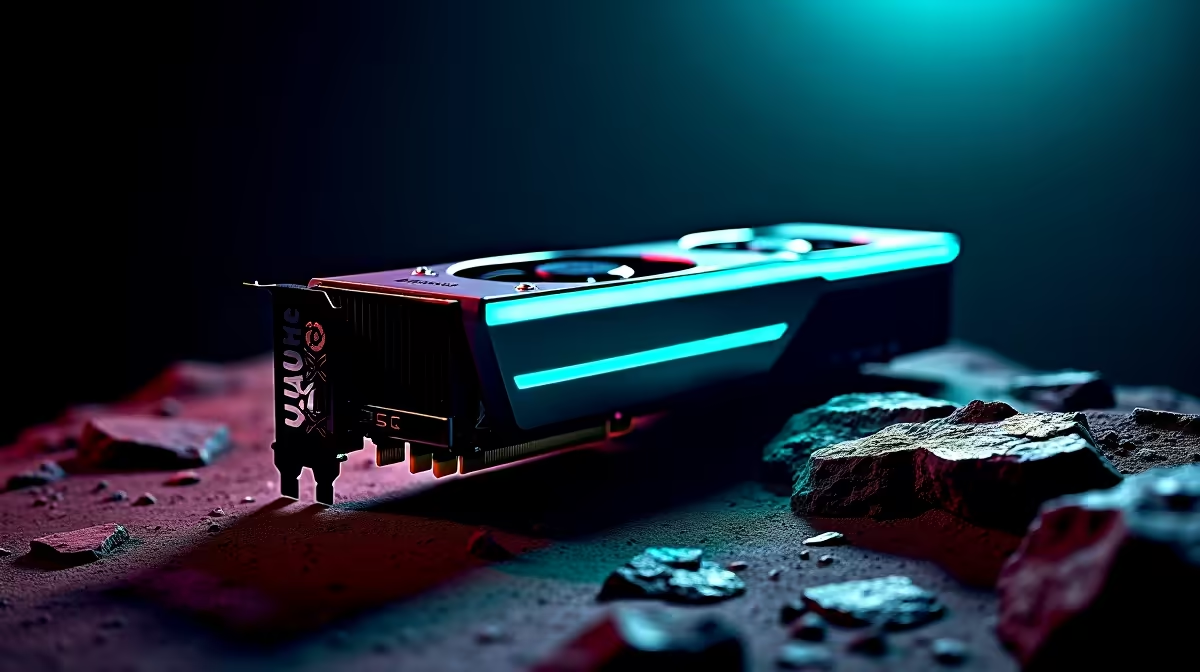
Summer in South Africa is brutal on your PC temps. If you just grabbed the latest hardware, you want it running icy cold. Learning how to deshroud your RTX 5070 is a brilliant way to drop temperatures, eliminate fan whine, and squeeze massive power into a tiny chassis. Let us walk you through the process safely.
Why Deshroud an RTX 5070? 🚀
Deshrouding simply means removing the plastic cover and stock fans from your GPU. You then strap high-quality, ultra-quiet case fans directly to the bare heatsink.
The RTX 5070 is an incredibly efficient card. But stock fans can get loud under heavy load. By swapping them out, you get a whisper-quiet rig. If you are still hunting for the perfect GPU, you can always browse the latest graphics cards to see different cooler designs before you commit to DIY.
Essential Tools for the Job 🔧
Before you start taking things apart, gather your gear. You will need a precision screwdriver set... usually a small Phillips head. You also need zip ties or custom fan clips, and two premium 120mm fans.
Building a custom loop or modding parts is fun. But it can be pricey. Keep an eye on our weekly tech specials to grab premium cooling fans in ZAR without breaking the bank.
Step-by-Step Guide to Deshrouding Your RTX 5070
Ready to void that warranty for ultimate cooling? Here is exactly how to deshroud your RTX 5070 safely.
Step 1: Disconnect and Inspect
Power down your rig and remove the GPU. Place it on an anti-static mat. Look for the tiny screws holding the plastic shroud to the heatsink.
If taking apart a brand-new component makes you nervous, there is no shame in skipping the DIY. You can always grab one of our pre-built PC deals that already feature massive cooling setups out of the box.
Step 2: Remove the Shroud and Fans
Unscrew the shroud carefully. Gently unplug the fan headers from the PCB. Do not force anything... those cables are delicate. Lift the plastic cover away, leaving the metal heatsink exposed.
Step 3: Mount Your Custom Fans
Place your new 120mm fans directly onto the heatsink. Secure them tightly using zip ties. Make sure they are pushing cool air directly into the metal fins.
Airflow Pro Tip 🌬️
When you deshroud your RTX 5070, plug your new fans directly into your motherboard. Use software like Fan Control to link their speed to your GPU temperature sensor. This gives you a totally custom, whisper-quiet fan curve.
Is Modding Worth the Effort? ✨
Modding your hardware is a fantastic way to personalise your setup. You get better acoustics and lower temps for those intense gaming sessions.
If you prefer a system that runs perfectly without any tinkering, you might want to explore our best gaming PC deals. Alternatively, if you need all this power on the move without worrying about case airflow, check out the latest notebooks for sale in South Africa.
Ready for a Massive Graphics Upgrade? Whether you want to mod your hardware or just plug and play, Evetech has the gear you need. Explore our massive range of PC components and find the perfect parts to conquer your world.











