

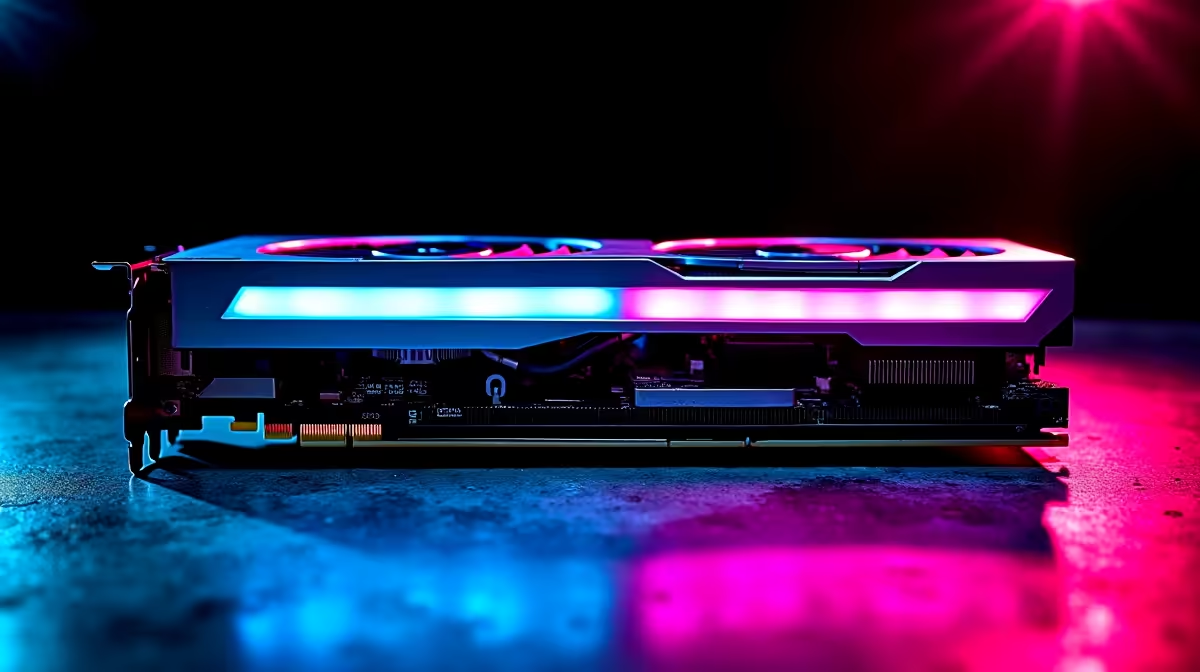
Deshrouding an RX 9070 XT means removing the plastic fan shroud from the card's cooler and replacing the stock fans with high-static-pressure aftermarket fans - a popular modification that reduces GPU temperatures by 5–15°C under sustained gaming loads. The RX 9070 XT runs warm under heavy workloads, and deshrouding can meaningfully extend card longevity while dropping noise levels.
Quick Answer
To deshroud your RX 9070 XT, remove the GPU from your PC, unscrew the shroud from the heatsink, detach the fan connectors, replace the fans with compatible aftermarket units, and reinstall.
🔧 Tools and Fans You'll Need
Gather everything before starting. You'll need a Phillips-head screwdriver (JIS if available - many GPU shroud screws are JIS), an anti-static wrist strap, and replacement fans. Most AIB RX 9070 XT models use 92mm fans - confirm your card's fan diameter before ordering. Arctic P92 and Noctua NF-A9 are popular choices for high static pressure and low noise.
You may also need fan adapter cables if your replacement fans use a different connector pitch than the GPU's headers. Optional: thermal paste if you plan to repaste the GPU die while the cooler is accessible.
Power down your PC completely, disconnect the mains cable, and hold the power button for five seconds to discharge residual capacitor charge.
💡 Removing the Shroud Step-by-Step
- Remove the GPU from your case by unscrewing the bracket screws and pressing the PCIe slot retention clip.
- Place the card on an anti-static mat, backplate facing up.
- Locate and remove the screws securing the shroud - typically four to six around the perimeter.
- Lift the shroud carefully. Fan power cables connect to the GPU PCB via small JST connectors - disconnect these before fully separating the shroud.
- Remove fans from whichever assembly holds them on your specific card.
🎮 Installing Replacement Fans and Testing
Mount replacement fans onto the heatsink using M3 screws or included hardware. Confirm airflow direction is correct - most GPU heatsinks require fans blowing air through the fins. Connect new fan cables to the GPU's fan headers, using adapters if the connector pitch differs.
Reinstall the GPU, connect power cables, and boot. Use monitoring software to confirm both fans spin and temperatures are lower than your pre-deshroud baseline.
FAQ
Q: Does deshrouding void the RX 9070 XT warranty? A: In most cases, yes. Physically disassembling the cooler shroud voids the manufacturer warranty. Only proceed if your card is out of warranty or you accept that risk.
Q: What fan size does the RX 9070 XT use? A: This varies by AIB model. Most reference-adjacent designs use 92mm fans. Measure your existing fans before ordering replacements.
Q: How much can deshrouding lower GPU temps? A: Typical improvements range from 5°C to 15°C under sustained load, with the best results in cases with strong front intake airflow.
Evetech stocks RX 9070 XT Gaming PCs and All Graphics Cards — browse current SA pricing and availability online.
Ready to Find Your Perfect Match? Explore relevant Evetech options, compare current South African pricing, and choose hardware that fits your setup. Shop now











