

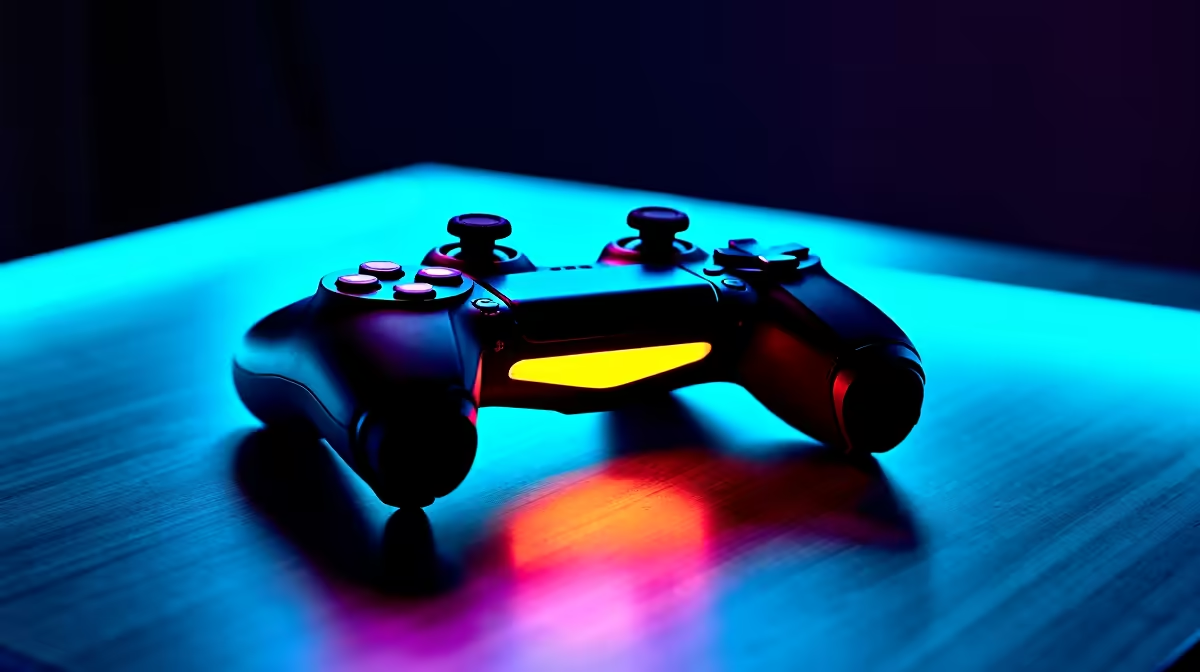
You finally survived load shedding, booted up your rig, and settled on the couch to explore Faerûn. But suddenly, your character refuses to move. Dealing with Baldurs Gate 3 controller not working on PC is incredibly frustrating. Whether you are battling mind flayers or just trying to manage your inventory, a dead controller feels like rolling a critical fail. Let us fix that connection right now.
Checking Your Steam Input Configuration 🔧
The most common reason for your pad failing boils down to Steam settings. Steam has a built-in wrapper that sometimes conflicts with Larian Studios' native support. If you are playing with a PlayStation DualSense controller, this step is especially crucial since Windows does not natively support it as seamlessly as Xbox peripherals. To fix this, right-click the game in your Steam library and head to properties. Under the controller tab, try disabling Steam Input. If you are running the game on one of our best gaming PC deals, this quick software tweak usually forces the system to recognise your pad instantly without extra downloads.
Inspecting Cables and Bluetooth Connections
Sometimes the issue is physical rather than digital. If you play wirelessly, Bluetooth interference can cause inputs to drop during intense combat. Try plugging your controller directly into your motherboard using a data USB cable. If your current rig struggles with modern USB standards, it might be time to look at fresh pre-built PC deals for reliable connectivity.
For gamers who prefer mobility, playing on a laptop is a great alternative. If you are browsing notebooks for sale in South Africa, pick a model equipped with Bluetooth 5.0 or higher for minimal latency. A stable wireless connection ensures these input bugs become a thing of the past.
Steam Big Picture Pro Tip ⚡
If your controller still refuses to cooperate, try launching Steam in Big Picture Mode before starting the game. This mode prioritises controller inputs and often bypasses stubborn desktop background conflicts.
In-Game Settings and Driver Updates 🚀
If your controller connects but behaves erratically, check the in-game options. Navigate to the interface menu and ensure the input method is manually set to controller rather than automatic. A smooth experience is essential for tactical combat.
Furthermore, severe performance stutters can cause input lag that feels exactly like a dead controller. If your frame rate is dropping heavily in demanding areas, your hardware might be bottlenecking. Upgrading your GPU is a solid fix. When you buy graphics cards, you ensure smooth frame rates that keep inputs crisp. You do not need to spend tens of thousands of ZAR to get great performance either... keeping an eye on our tech specials can easily score you a massive hardware upgrade for less.
Ready to Upgrade Your RPG Experience? ✨ Don't let old hardware ruin your journey through the Forgotten Realms. For maximum power, choice, and value in South Africa, Evetech is your ultimate party member. Explore our massive range of gaming PC deals and find the perfect machine to conquer your world.
**











