

Why Your Cooler Is Making Noise and How to Fix It ⚡
Nothing kills gaming immersion faster than a loud, rattling cooler under your rig. Whether you’re smashing bosses or grinding ranks, a noisy cooling solution disrupts focus and hints at hardware trouble. South African gamers and PC builders often overlook that simple fixes can hush that sound without spending a fortune. If you’re asking, how to fix cooler making noise, this guide walks you through quick steps to get your setup quieter and cooler—literally.
Identifying Common Causes of Cooler Noise
Cooler noise usually stems from a few key issues: dust buildup, loose fan mounting, or worn-out bearings. Over time, dust clogs fan blades, causing imbalance and friction. If your screws or fasteners aren’t tight, vibrations amplify noise. Finally, fans naturally wear down, with bearings grinding, requiring replacement.
Check for Dust and Dirt First
Switch off your PC and carefully open the case. Use a can of compressed air to clean radiator fins and fan blades. A thorough dusting alone drops noise significantly. Many South African homes with fibre connections struggle with dust from open windows and long hours gaming—so maintenance is essential.
Tighten and Secure Your Fans
Loose-fitting fans cause a consistent buzzing or rattling. Grab a screwdriver, check each fan mounting screw, and tighten gently. It pays to inspect also the cooler bracket attached to your CPU—shake it softly to detect any wobble.
When to Replace or Upgrade to a Better Cooler 🔧
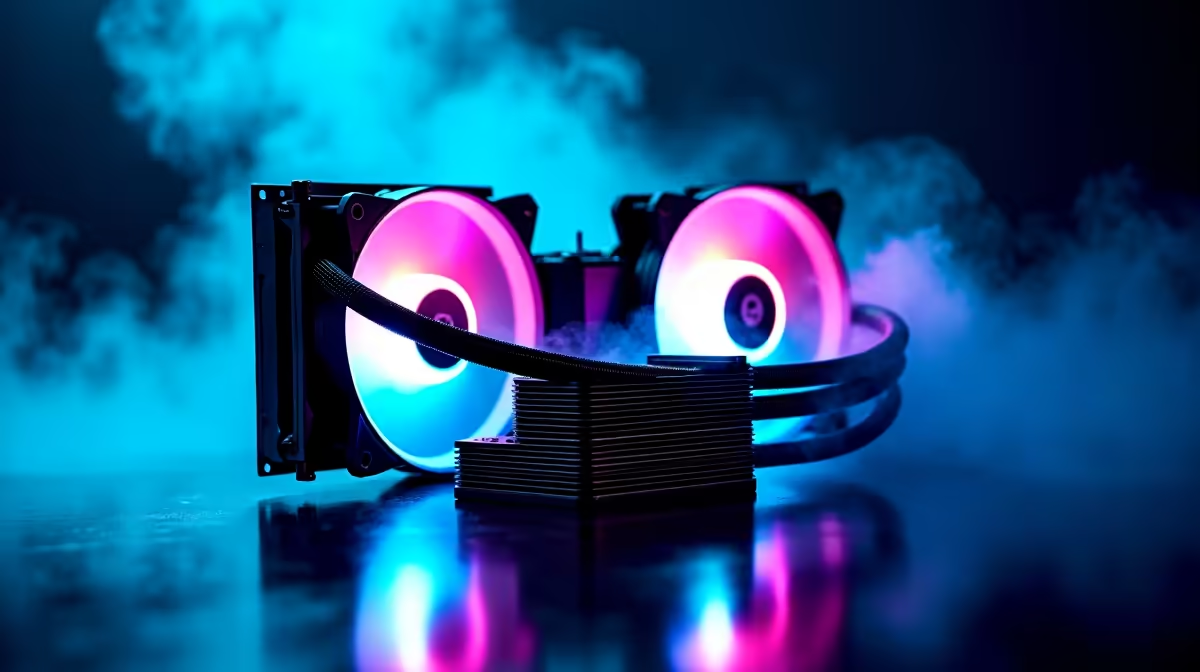
If noise persists despite cleaning and tightening, your fan could be the culprit. Bearings get noisy with age, and overly loud coolers often waste power and spoil airflow synergy in your rig. Consider upgrading to a high-quality CPU cooler designed for silent operation and superior heat dissipation.
Explore Evetech’s broad range of CPU coolers featuring models tailored for quiet airflow and efficient cooling. Whether you build from scratch or just want a quieter replacement, options abound.
Quiet Fix Tip
Lower your fan curve through BIOS or software by 5%, shaving off noise without overheating. Quieter rig, same FPS. {{/TipBox}}
Cooling Solutions That Suit South African Gamers and Builders
Looking for hassle-free thermal management? Evetech’s pre-built PC deals include expertly chosen coolers, optimised fans, and proper airflow paths. That means less noise and more uptime for your favourite titles—from Apex Legends to FIFA.
Laptop enthusiasts in SA should also check out our carefully curated notebook selection. Energy-efficient designs and cooling tech keep on the go gaming sessions uninterrupted and quiet.
Smart Upgrades and Budget-Friendly Fixes for Cooler Noise 🎯
If you’re chasing the best value, Evetech’s gaming PC deals combine performance parts with proven cooling solutions. This helps you avoid noisy fan sprees or poorly ventilated builds that demand costly fixes later.
Plus, keep an eye on specials for seasonal discounts on fans, coolers, and thermal paste. Upgrading with quality components and regular maintenance ensures your system runs cool and quiet—precisely what competitive gaming needs.
Quiet Cooling Awaits Don’t let a noisy cooler ruin your next session—Shop now at Evetech for the best CPU coolers and quiet build essentials made for South African gamers.











