

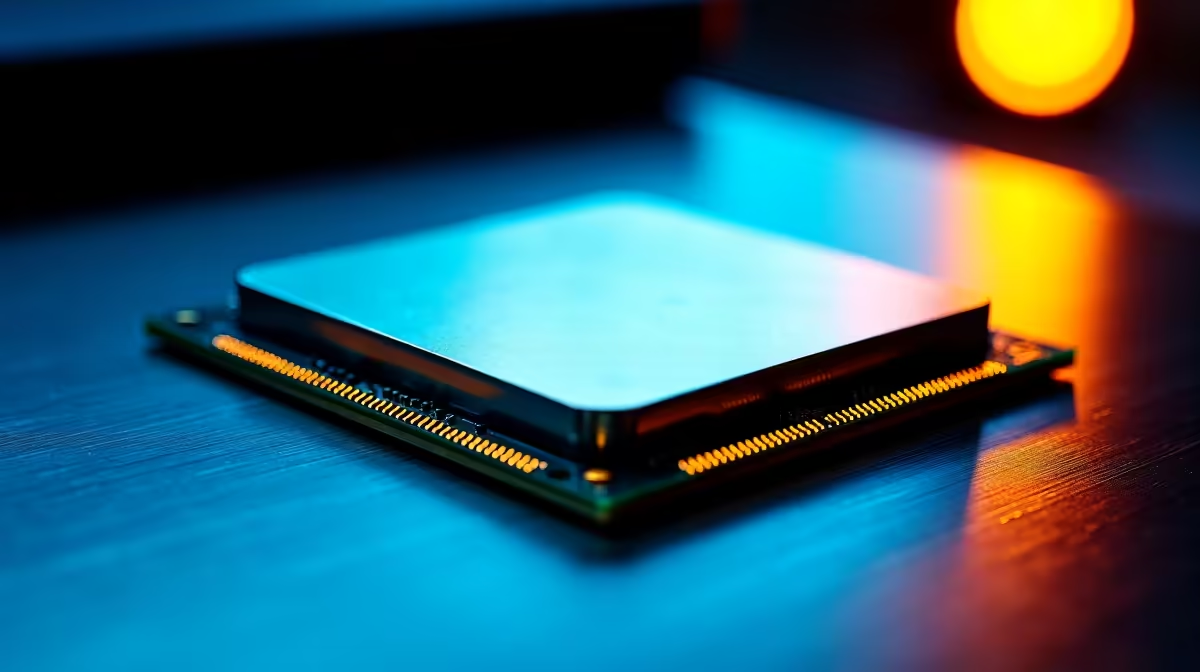
You are in the middle of a tense match. Suddenly... your screen freezes. A blue screen appears. Nothing ruins your gaming session faster. If you are wondering how to fix CPU instability, you are not alone. South African summers push thermals to the absolute limit. Let us walk through the best ways to stabilise your processor and get back to winning.
Understanding What Causes an Unstable CPU
Before you panic and buy a completely new rig, let us diagnose the problem. Processor instability usually comes down to three things. It is either too much heat, outdated software, or incorrect power delivery. Sometimes, your hardware is just aging. If you are running an ancient chip, it might be time to look at the latest processors for your build. Hardware degrades over time.
Start With Your Cooling and Thermals 🔧
Heat is the ultimate enemy of performance. When your chip hits its thermal limit, it throttles or crashes. Check your thermal paste first. Ensure your cooler is mounted properly. Dust out your case fans. If you want to skip the DIY hassle entirely, you can always grab one of our expertly assembled pre-built PC deals that feature optimal airflow right out of the box. Proper cooling extends the lifespan of your components significantly.
Quick Thermal Check ⚡
Download HWMonitor or Core Temp to check your idle and load temperatures. If your CPU sits above 85 degrees Celsius while gaming, you need to improve your cooling setup immediately.
Update Your BIOS and Drivers
Motherboard manufacturers frequently release BIOS updates. These updates patch bugs and improve power delivery. This is crucial if you want to fix CPU instability on newer platforms. Grab a USB drive and flash your BIOS to the latest version. Always ensure your motherboard drivers are up to date. If you are tired of desktop maintenance, you might prefer the portability of modern laptops for sale in South Africa. Laptops offer a streamlined experience.
Reset Overclocking and Undervolting 🚀
Pushing your hardware beyond factory limits is incredibly fun. However... it is a massive cause of random crashes. If your system is acting up, reset your BIOS to optimal default settings. Turn off XMP or EXPO temporarily. See if the crashing stops. If you demand high frame rates without the tweaking headaches, exploring our best gaming PC deals is a smart move. Factory-tested systems save you hours of troubleshooting.
Check Your Power Supply
Your processor needs clean and consistent power to function. A failing power supply will cause sudden reboots under heavy load. Load shedding surges can easily damage an older PSU. Make sure your unit has enough wattage for your components. If you need a reliable replacement without spending too much ZAR, keep an eye on our daily tech specials to upgrade your power delivery.
Ready for a Flawless Gaming Experience? Dealing with endless crashes is frustrating. If you cannot fix CPU instability on your current rig, it might be time for a complete upgrade. Explore our massive range of gaming specials and find the perfect machine to conquer your world.











