

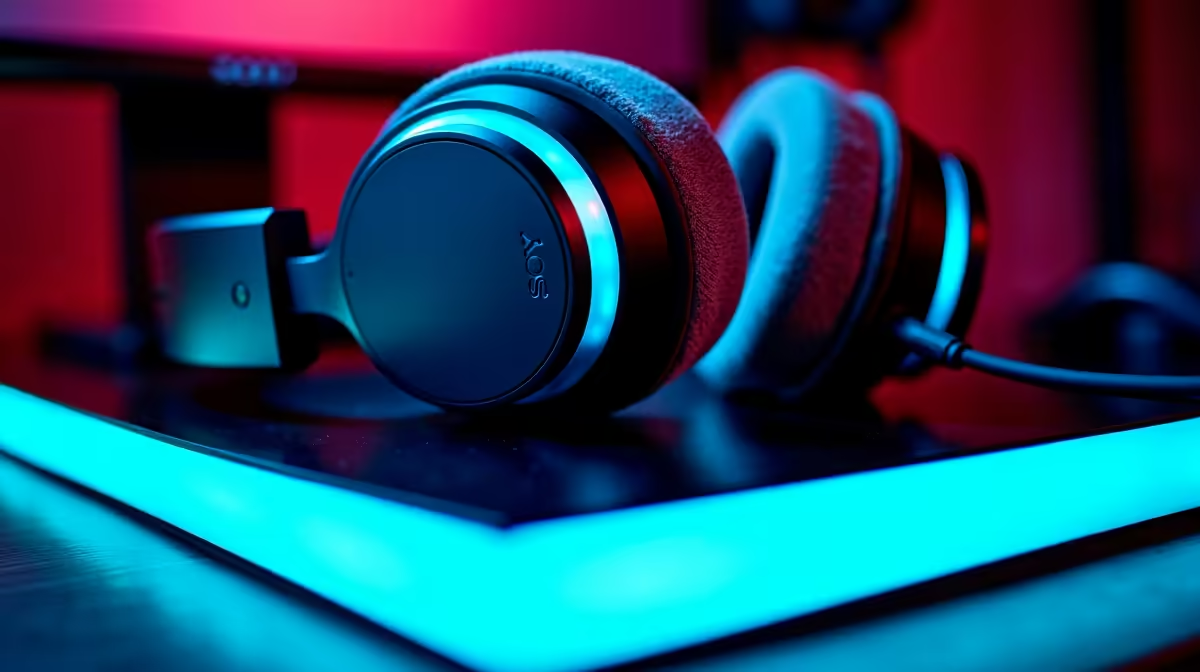
There is nothing worse than holding a tight angle on Mirage... only to get flanked because you missed a footstep. If you are struggling to hear enemy movements, you are not alone. Learning how to fix CS2 audio issues on PC is a rite of passage for competitive players in South Africa. Let us get your sound crisp and accurate so you can climb the Premier ranks. 🔊
Basic Checks for CS2 Sound Problems
First, check your Windows sound settings. CS2 relies heavily on your default system device to output spatial sound correctly. Right-click the speaker icon in your taskbar and ensure your primary gaming headset is selected. Sometimes, sneaky Windows updates mess with these configurations behind your back. You should also disable any third-party spatial sound enhancements in Windows. They often conflict with the native engine in CS2. Playing on one of the many notebooks for sale in South Africa? Ensure your power settings are not throttling your audio drivers to save battery life.
Optimise Your In-Game Audio Settings
Next, dive into the Counter-Strike 2 settings menu. Valve introduced new EQ profiles with the Source 2 engine update... and choosing the right one is absolutely vital. Set your audio profile to "Crisp" to make high-frequency sounds like footsteps and reloads pop. You should also enable "L/R Isolation" and set it to around 50 percent. This specific setting helps you pinpoint exactly where enemies are pushing from. While gamers usually buy graphics cards for better frame rates, fixing your audio gives you an equally massive competitive advantage in clutch situations. ⚡
Driver Update Tip 🔧
Always update your motherboard audio drivers directly from the manufacturer website. Generic Windows drivers often lack the spatial audio processing needed for competitive shooters like CS2.
Verifying Game Files and Windows Settings
Corrupted game files frequently cause sound stuttering or missing effects. Open Steam, right-click CS2 in your library, and navigate to properties. Click on "Installed Files" and verify the integrity of your game files. This simple and quick step replaces any missing or damaged audio data. If your system is still lagging and causing audio tear, your CPU might be bottlenecking. In that case, it might be time to browse the best gaming PC deals for a machine that handles the demanding Source 2 engine flawlessly. 🚀
Hardware Limitations and Upgrades
Sometimes the issue is not software related at all. Older motherboards can introduce annoying static or fail to drive high-impedance headphones properly. If you are tired of troubleshooting a dying rig, upgrading is easier than ever. We have incredible pre-built PC deals that feature premium motherboards with superior audio capacitors for crystal-clear sound. You do not need to spend 40,000 ZAR to get great audio performance. Keep an eye on our latest specials to find budget-friendly hardware upgrades that will elevate your entire gaming setup. ✨
Ready to Dominate the Server? Having perfect audio is only half the battle. You need the right hardware to back up your skills and climb the leaderboards. Explore our massive range of gaming specials and find the perfect rig to help you secure those crucial clutch rounds.











