

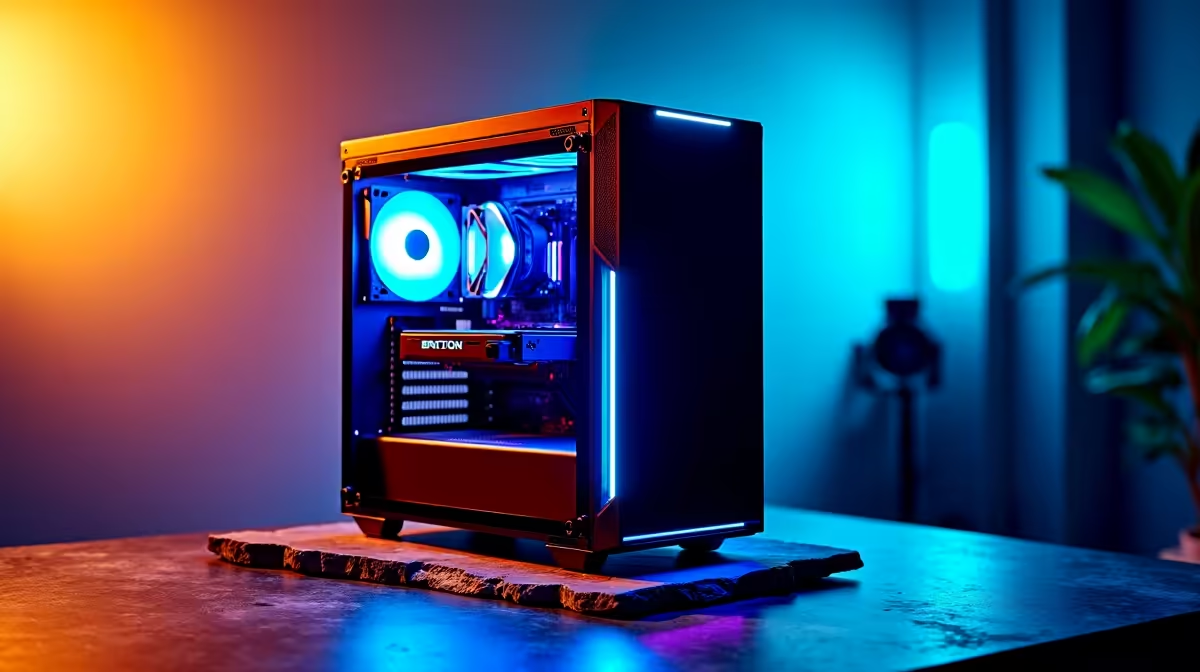
You finally boot up Night City, ready to chrome up and cause chaos... and boom. Flatlined. Nothing kills the vibe faster than a desktop crash, especially when you have just survived a two-hour load-shedding slot. If you are desperately trying to figure out how to fix Cyberpunk 2077 crashing on PC, you are certainly not alone. Let us get your rig back on track.
Basic Steps to Fix Cyberpunk 2077 Crashing on PC
Start with the simplest software solutions. Verify your game files via Steam, Epic, or GOG. Corrupted installation files are the leading cause of random flatlines in Night City.
Next, check your GPU drivers. CD Projekt Red heavily optimises the game for the newest NVIDIA and AMD driver releases. A clean driver installation often resolves stubborn stability issues. Outdated Windows versions can also cause compatibility headaches, so ensure your OS is fully updated for the latest DirectX 12 performance fixes. However, if you are running an aging GPU that barely meets the minimum specs, it might be time to upgrade your graphics card to handle the intense visual demands ⚡.
Tweak Your In-Game Settings and Mods
Cyberpunk 2077 is notoriously heavy on hardware. If your rig is struggling, lower your volumetric fog, screen space reflections, and crowd density. Ray tracing is beautiful but incredibly demanding... try relying heavily on DLSS or FSR upscaling technologies to maintain a playable framerate.
Also, clear out outdated mods. The Phantom Liberty expansion broke thousands of older Nexus mods, causing instant crashes on startup. Disable them all, then re-enable them one by one. If tweaking settings still leaves you with a stuttering mess, you might simply need more raw power. Browsing our best gaming PC deals can give you a solid idea of what a modern, crash-free setup looks like.
Performance Pro Tip 🔧
Disable in-game overlays from Discord, Steam, or GeForce Experience. These overlays often conflict with the REDengine, causing unexpected crashes during heavy combat sequences or when loading into new districts.
Managing Memory Leaks and Background Apps
This game is infamous for devouring RAM. If you only have 8GB or even 16GB of slower memory, background apps can tip your system over the edge. Close down heavy browsers and RGB lighting software before launching the game.
You can also increase your Windows Page File to give your system a bit of extra virtual breathing room. If memory is your main bottleneck and you are on a strict ZAR budget, grabbing a high-speed RAM kit from our component specials is a highly cost-effective way to stabilise your framerates ✨.
When Hardware is the Real Bottleneck
Sometimes no amount of software tweaking can save you. If your CPU is thermal throttling or your motherboard cannot keep up, the game will close itself to protect your system. For gamers who want a plug-and-play solution without the hassle of building from scratch, checking out pre-built PC specials is a brilliant move.
Prefer taking your gaming on the go to dodge the rolling blackouts? The latest gaming laptops pack enough punch to run Cyberpunk 2077 smoothly at 1080p or 1440p. Modern mobile GPUs handle frame generation beautifully, giving you desktop-level performance in a completely portable chassis 🚀.
Ready to Conquer Night City? If your current rig keeps flatlining and you want to experience gaming in all its ray-traced glory, it is time for an upgrade. Explore our massive range of gaming specials and find the perfect machine to rule the streets.











