

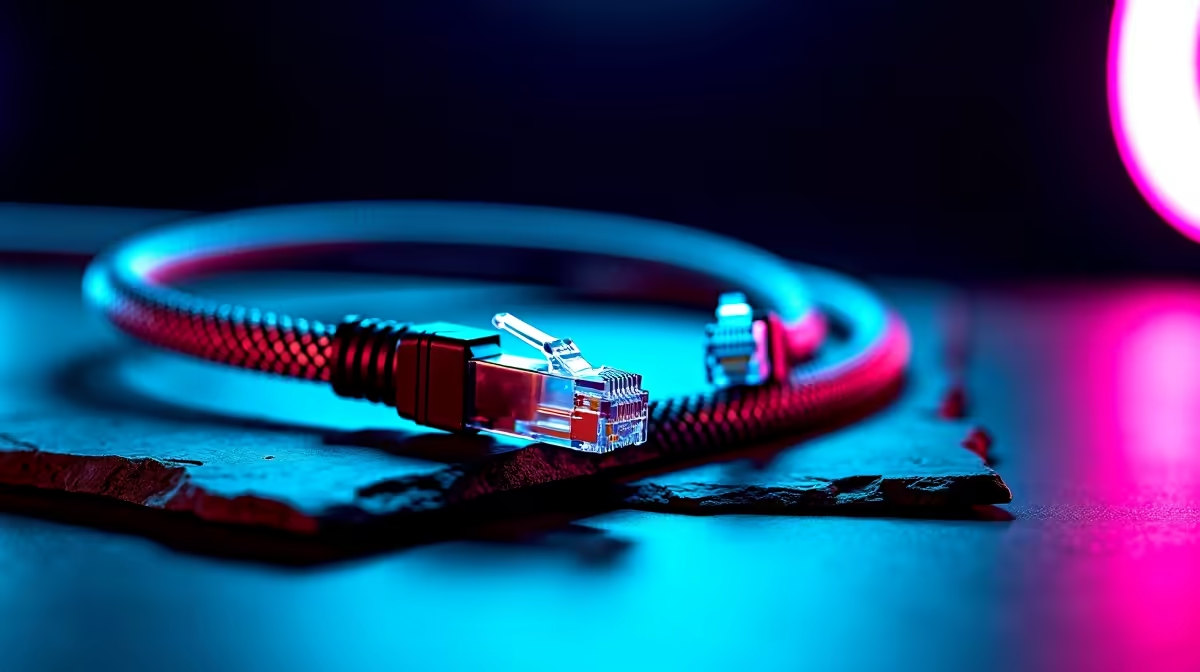
You finally survived load shedding... the fibre is back online... but your ping is still spiking in Warzone. Sound familiar? Before you blame your ISP, check the cord connecting your rig to the wall. Knowing how to fix Ethernet cable compatibility issues can save you from massive lag. Let us dive into getting your South African setup fully optimised for maximum speed.
Identifying the Right Cable Category
Not all cables are created equal. If you are paying for a 500Mbps line but only getting 100Mbps, your cable might be the bottleneck. Older Cat5 cables cap out at lower speeds. To fix Ethernet cable compatibility issues, check the text printed on the sleeve. You want at least Cat5e or Cat6 for modern fibre. If you recently upgraded your network, pairing a high-end cable with one of our top-tier routers for sale ensures zero dropped packets when the lobby gets intense. 🌐
Motherboards and Network Card Limits
Sometimes the cable is fine... but your hardware is holding it back. Older motherboards might only feature a 100Mbps LAN port. If you are plugging a lightning-fast Cat6 cable into an outdated port, you will not see any benefit. When looking to resolve Ethernet cable compatibility issues, verify your network adapter settings in Windows. If your system is too old to support Gigabit speeds, it might be time for an upgrade. Check out our latest gaming PC deals to find a motherboard with a 2.5Gb LAN port. Alternatively, our pre-built PC deals offer plug-and-play rigs that are already optimised for high-speed connectivity. 🚀
The Missing Port Problem
Modern devices prioritise thin designs over bulky ports. If you rely on a portable workstation, you might notice there is no place to plug in an RJ45 jack. To fix Ethernet cable compatibility issues on these devices, you need a quality USB-C to Ethernet adapter. When browsing notebooks for sale in South Africa, keep an eye out for models with built-in LAN ports if competitive gaming is your priority. Otherwise, a simple adapter bridges the gap perfectly.
Cable Routing Pro Tip 🔧
Avoid running your Ethernet cables parallel to heavy power cables. Electrical interference can cause packet loss. Also, never bend your cables at sharp 90-degree angles... this damages the internal copper wires and ruins your connection.
Upgrading Without Breaking the Bank
Fixing your network does not have to cost thousands of ZAR. Often, a simple cable swap or a driver update is all it takes. Always ensure your network drivers are fully updated via your motherboard manufacturer's website. If you do need new gear to fix Ethernet cable compatibility issues permanently, keep an eye on our weekly specials. You can find incredible deals on networking gear... ensuring your ping stays low and your wallet stays happy. ⚡
Ready to Dominate the Lobbies? Lag is the enemy of every gamer... but it does not have to be your reality. Whether you need a stronger router, a new motherboard, or a complete system overhaul, we have the hardware to keep you connected. Explore our massive range of tech deals and find the perfect upgrade to conquer your world.











