


Fix ROG Ally X losing FPS Problems in SA Builds
ROG Ally X losing FPS issues need step-by-step checks, not guesswork. Start with drivers, firmware, thermals, cables, power delivery, settings, and recent changes before replacing parts.
Read moreHow to fix FPS drops on AM5 motherboard starts with BIOS, chipset drivers, cooling, and memory stability. South African gamers can work through power, EXPO, refresh-rate, overlay, and game-setting checks before spending on new hardware.
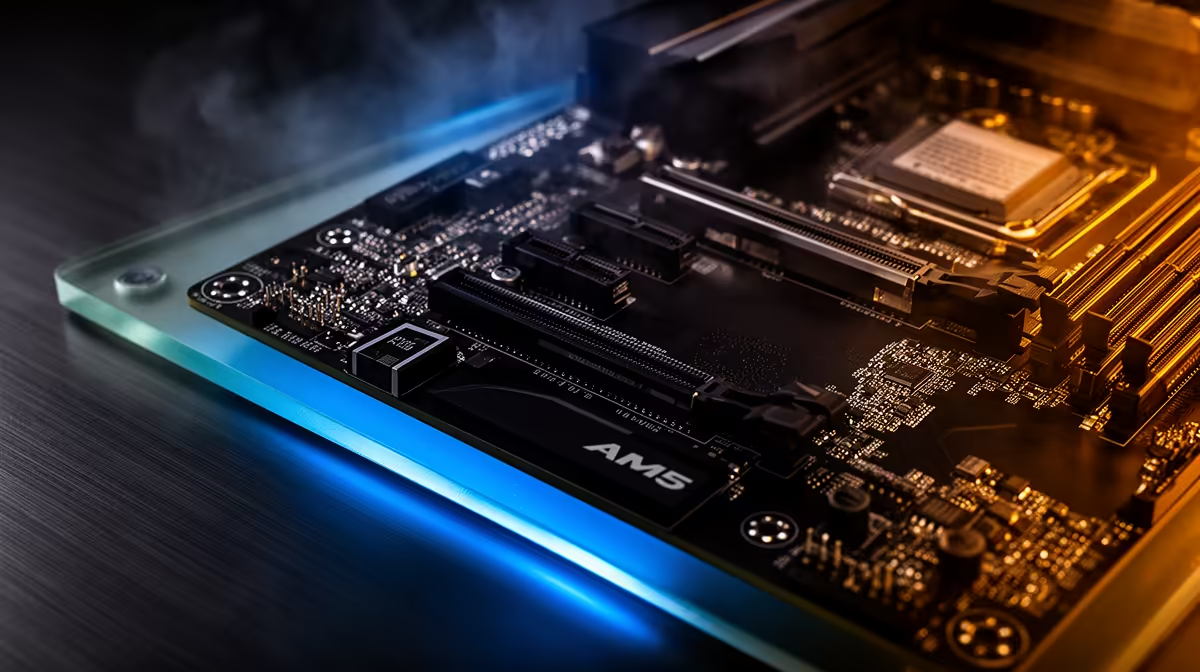
A AM5 motherboard that suddenly shows FPS drops is rarely broken; the trigger is normally a recent driver, cable, or power-profile change.
The fix for FPS drops on a AM5 motherboard is a short checklist: stable drivers, correct frame cap, cool components, and one repeatable benchmark. A solid B650 AM5 board costs around R3,200, while X670E options pass R6,500. Numbers beat guesses every time.
Install the latest stable GPU and chipset drivers, reboot once, and avoid stacking other changes in the same pass. A clean driver state removes a frequent trigger for FPS drops on a AM5 motherboard. If a recent update introduced the problem, roll back to the previous known-good version and retest the same scene.
Swap to a known-good certified cable and a different port, since a marginal link can cause FPS drops that looks like a deeper fault. On a AM5 motherboard this is a two-minute check that rules out a whole class of problems. Reseat the connection, retest the same scene, and record the result before moving on.
Let the data choose your next motherboard. After your test scene reveals the real bottleneck behind FPS drops, compare the relevant Evetech motherboard options instead of guessing.
Decide what frame rate you actually need for your panel and game type, then tune toward it rather than chasing a number the AM5 motherboard was never meant to hit. A solid B650 AM5 board costs around R3,200, while X670E options pass R6,500. Setting a sensible target stops endless tweaking and makes any remaining FPS drops easy to judge against a clear goal.
That pattern points to thermals or power limits. Log temperatures through your scene, improve airflow, and confirm no part is throttling. frame rate that recovers when cool confirms heat as the cause.
Use an on-screen overlay and the same in-game scene each test. Capture a 60-second run, note the average and the lows, then compare after every change. Consistent scenes make small differences visible.
Often nothing, since most fixes are configuration changes. A solid B650 AM5 board costs around R3,200, while X670E options pass R6,500. If a measured bottleneck remains after tuning, spend on the single part your data points to rather than a full rebuild.
a short log: setting changed, before value, after value. A 30-second repeatable run is worth more than testing three different games.
ROG Ally X losing FPS issues need step-by-step checks, not guesswork. Start with drivers, firmware, thermals, cables, power delivery, settings, and recent changes before replacing parts.
Read more
Gen 4 NVMe remains a value sweet spot for SA gamers because it speeds up installs, loading, and system response without overcomplicating a build. Match capacity, motherboard slots, and cooling before moving to pricier storage tiers.
Read more
Why GPU prices in SA so high for gamers should be shortlisted around the job it must do. South African buyers should compare GPU tier, VRAM, cooling, and PSU headroom, warranty path, and upgrade room before treating any pick as best.
Read more
Intel Core Ultra can trail in some SA gaming benchmarks. Power limits, drivers, game engines, or GPU pairing can expose bottlenecks. Randburg gamers should compare settings, cooling, BIOS updates, and test scenes before judging one chart.
Read more
ITX builds are gaining popularity with Sandton gamers because compact PCs save space while still supporting strong parts. Check GPU clearance, cooling, PSU size, cable routing, and SA component availability before planning one.
Read more
RAM pricing for Soweto gamers can shift with exchange rates, supply, specs, and model tier. Treat the title as a buying prompt, then compare SA warranty, timing, and build priorities.
Read more
Cyber Monday gaming chair is a cautious guide for seasonal tech deal planning. Compare spec priorities, timing, warranty support, and realistic SA price checks for SA buyers without assuming live prices, availability, or exact benchmark results.

Pre-Black Friday wired gaming mouse buying planning should focus on shape, specs, warranty, and usual price bands. Use this SA guide to shortlist sensible options before deal periods without assuming live discounts.

ATX 3.1 vs ATX 3.0 for Competitive Esports comes down to GPU power connectors, PSU quality, cable routing, headroom, and upgrade plans. SA buyers should match the choice to their setup instead of assuming one option always wins.

Wi-Fi 6E vs Wi-Fi 6 depends on Couch co-op gaming needs, platform limits, and budget fit. Compare compatibility, latency, upgrade path, and real setup constraints before choosing for an SA build.

RX 9070 XT build frame pacing issues needs a step-by-step check before replacing parts. Review drivers, settings, thermals, power, background apps, display limits, cables, and game options before changing hardware.

Low fps on rtx 5080 build in south africa usually needs a settings, driver, thermal, or power check first. Work through safe SA troubleshooting steps before replacing parts or assuming a full upgrade.

1440p is the sweet spot for Mbombela gamers because it sharpens detail without demanding 4K-level GPU power. SA buyers should weigh monitor refresh rate, graphics card tier, desk size, and game mix before moving up from 1080p.

PSU wattage creep keeps happening as PC parts push higher peaks, quieter operation, and longer upgrade windows. For SA builders, the smart move is not maximum wattage, but a reliable unit matched to GPU, CPU, and cable needs.
RX 9070 XT build frame pacing issues needs a step-by-step check before replacing parts. Review drivers, settings, thermals, power, background apps, display limits, cables, and game options before changing hardware.

Wi-Fi 6E and Wi-Fi 6 affect SA PC builders through motherboard support, adapter choice, and router placement. This difference between Wi-Fi 6E and Wi-Fi 6 explained guide helps plan a stable desktop network before parts are chosen.
Low fps on rtx 5080 build in south africa usually needs a settings, driver, thermal, or power check first. Work through safe SA troubleshooting steps before replacing parts or assuming a full upgrade.

LGA 1851 vs LGA 1700 changes AAA gaming builds through platform features and upgrade path. For SA buyers, the real-world difference is usually CPU pairing, motherboard cost, memory support, and whether a high-end GPU is already the main limit.