

There is nothing worse than lining up a perfect Kraber headshot... only to rubberband into a wall. South African gamers know the pain of high ping all too well. When you are dropping into the Outlands, every millisecond counts. If you are tired of losing RP to stuttering, you need to know how to fix lag in Apex Legends. Let us get your connection sorted.
Diagnosing Your Apex Legends Network Lag
Before we dive into this network guide, we need to separate internet lag from hardware stutter. Press your performance display hotkey in-game. Are your frames dropping, or is your ping spiking with packet loss? If your frames are dipping below 60fps, your network is not the main culprit. It might be time to look at some of the best gaming PC deals available locally to boost your raw performance.
Ditch the Wi-Fi for an Ethernet Cable ⚡
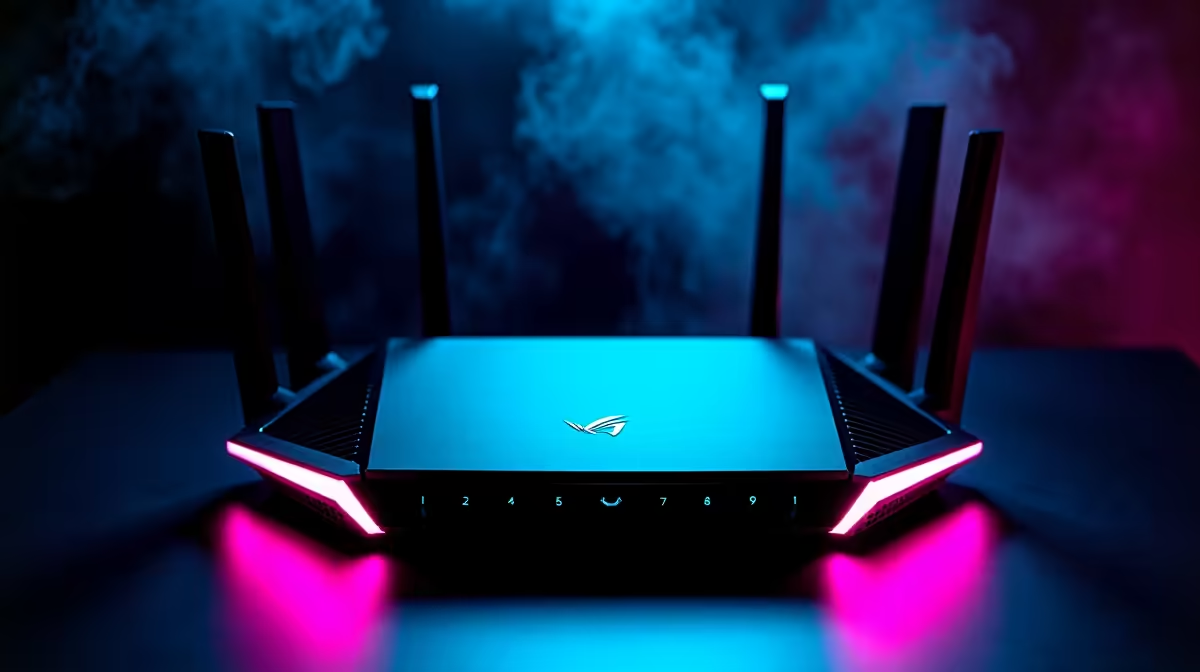
Wi-Fi is incredibly convenient... but it is the enemy of competitive shooters. Wireless signals suffer from walls, distance, and interference. This causes packet loss and massive latency spikes right when you need stability. Always run a physical LAN cable from your fibre router to your gaming rig. Even if you are a student using one of the many notebooks for sale in South Africa, you can easily use a USB-to-Ethernet adapter. A wired connection is your first and best line of defence against frustrating rubberbanding.
Choose the Right Data Centre
South Africa does not have local Apex servers yet. This means we usually connect to London, Frankfurt, or Bahrain. Before you queue up for a match, wait on the main title screen for a minute. Open the Data Centre menu and look for the server with the lowest ping and zero packet loss. Sometimes routing issues make London better than Bahrain... even if Bahrain looks closer on a map.
Check Your Background Bandwidth
Are Windows updates downloading in the background secretly? Maybe someone else in the house is streaming a 4K movie. Apex Legends does not need massive bandwidth to run... but it demands absolute stability. Make sure you pause all background downloads before launching the game. If your current system struggles to multitask while gaming, browsing our pre-built PC deals could give you the extra processing headroom you need.
Network Pro Tip 🔧
Change your DNS settings to Cloudflare (1.1.1.1) or Google (8.8.8.8) to improve your routing. While it will not magically give you 20ms ping from Johannesburg to London, it can help stabilise your connection and reduce packet loss during intense firefights.
Hardware Upgrades to Smooth Out Gameplay 🚀
Sometimes what feels like network lag is actually your system choking on intense visual clutter. When Bangalore drops smoke and Gibraltar throws a devastating ultimate, your PC works overtime. If your screen freezes during these chaotic moments, you need more graphical horsepower. You can buy graphics cards that easily handle 1080p or 1440p gaming without breaking a sweat. Pushing higher frames actually reduces your input latency... making the game feel far more responsive.
Maximise Your ZAR Value ✨
Optimising your network settings is completely free... but hardware upgrades obviously cost money. Thankfully, you do not need to empty your wallet to get a competitive edge in Apex Legends. Keep a close eye out for Evetech specials to upgrade your setup affordably. Getting your hardware and network in perfect harmony is the ultimate way to fix lag in Apex Legends. Now get out there and claim your Champion squad screen.
Ready to Dominate the Outlands? Network tweaks can only take you so far. If your hardware is holding you back from reaching Predator rank, Evetech has your back. Explore our massive range of gaming PC specials and find the perfect machine to conquer your world.











