

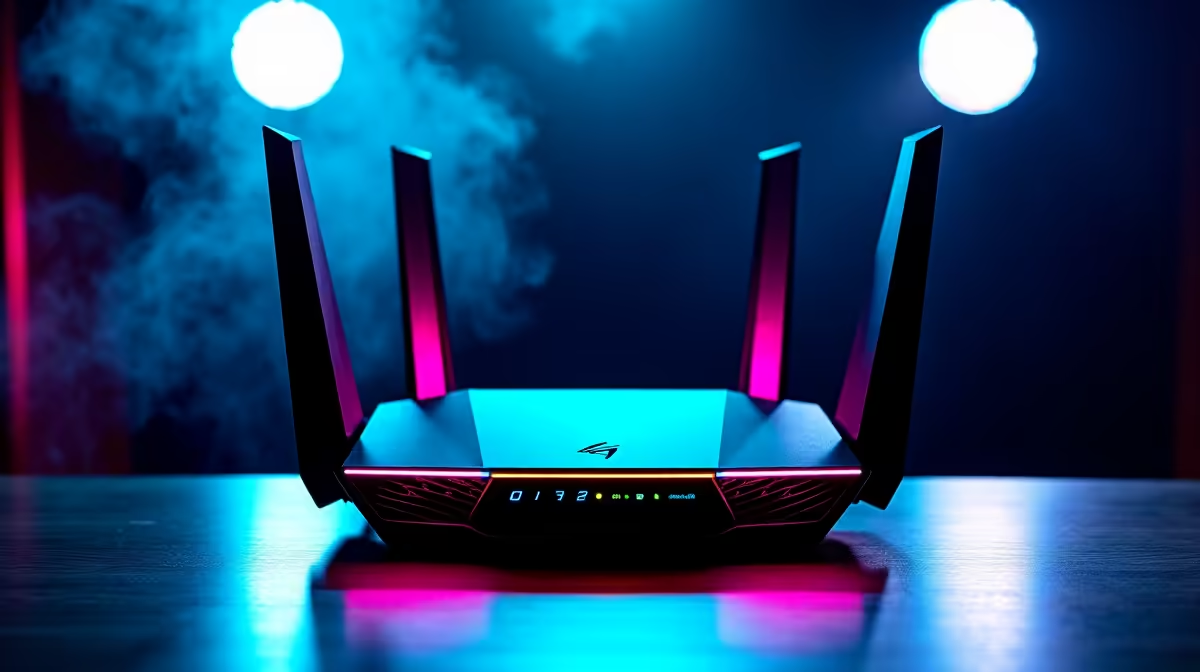
EA FC 26 lag is one of the most debated topics in South African gaming communities - and for good reason. With the majority of EA's Frostbite servers for African players located in Johannesburg, the quality of your network connection has a direct impact on whether you win or lose 50/50 challenges, score from rebounds, and defend successfully against rapid counterattacks. This guide addresses the actual causes of EA FC 26 lag for SA players and gives you actionable fixes, not generic advice.
Quick Answer
For SA players, EA FC 26 lag most commonly stems from connecting to non-SA servers (fix: set server preference to Johannesburg in network settings), using Wi-Fi instead of wired Ethernet (fix: use a cable), and ISP congestion during peak hours between 6pm and 10pm (fix: schedule important matches outside peak hours or switch to a less congested ISP). Genuine packet loss and jitter are the real lag culprits in EA FC 26 - not raw ping, which at 20 to 40ms on Joburg servers is perfectly acceptable.
🌍 Server Selection: SA Gamers Must Play on Joburg Servers
EA FC 26 uses EA's peer-to-peer hybrid netcode with dedicated servers in select regions. For South Africa, the primary server cluster sits in Johannesburg. When you're matched onto a Joburg server, SA players typically see 15 to 35ms ping - excellent for football gaming where input timing is critical. The problem occurs when EA's matchmaking assigns you to a European server (150 to 180ms) or a Middle Eastern server (80 to 120ms) due to low matchmaking population at certain times.
In the EA FC 26 network settings, look for server region preferences or data centre settings. Restricting to Joburg increases queue times in lower-population modes like Ultimate Team Champions, but the gameplay quality improvement is substantial. For Division Rivals (higher player volume), Joburg servers are almost always available during peak SA gaming hours (4pm to 11pm). Ensure your home networking hardware is capable of consistent low-latency connections to get the most out of SA server routing.
🔌 Connection Quality Over Connection Speed
EA FC 26's netcode requires stable, consistent packet delivery - not high download speeds. A 10Mbps connection with 0.1% packet loss and stable 5ms jitter will outperform a 200Mbps connection with 2% packet loss and 30ms jitter every time. This is why many SA players on fast fibre connections still experience lag: speed isn't the issue, stability is.
Measure your actual connection quality using fast.com or PingPlotter. Look for jitter (variation in ping) and packet loss specifically. Jitter above 15ms in EA FC 26 causes input desynchronisation - the game predicts your opponent's movement incorrectly and corrections cause the rubber-banding effect. Zero packet loss is critical: even 0.5% packet loss creates noticeable input delay in EA FC 26's netcode. Wired Ethernet from your gaming PC to your router is the most reliable way to eliminate jitter and packet loss caused by Wi-Fi interference.
⚙️ Router and Port Forwarding for EA FC 26
EA FC 26 communicates on specific UDP ports. Opening these in your router's firewall ensures your connection isn't subject to NAT-related delays. The key ports for EA FC 26 on PC: UDP 3659, UDP 1024-1124, UDP 18000, UDP 18120, UDP 18060, UDP 27900-27901, TCP 1024-1124, TCP 8080.
Enabling UPnP on your router automates port forwarding but can cause security issues on some hardware. Manual port forwarding - logging into your router's admin panel (usually 192.168.1.1 or 192.168.0.1) and adding forwarding rules for the above ports to your gaming PC's local IP - is the preferred approach. After port forwarding, EA FC 26's in-game connection indicator should show NAT Type Open, which ensures you're matched without connection restrictions.
❓ FAQ
Q: What ping is acceptable for EA FC 26 in South Africa? On Joburg servers, 15 to 40ms is ideal. Below 60ms is generally comfortable. Above 80ms on a football game causes noticeable input delay on timed headers, volleys, and defensive tackles. If you're seeing above 100ms consistently on Joburg servers, there's a routing problem between your ISP and EA's infrastructure worth investigating.
Q: Does using a VPN help EA FC 26 lag in SA? Only in specific edge cases - if your ISP's routing to EA's Joburg servers is suboptimal, a VPN can sometimes find a faster path. However, most SA gaming VPNs add latency rather than remove it. Test with a trial first and measure ping before and after. VPNs do not help if your issue is packet loss or jitter on your local connection.
Q: EA FC 26 shows perfect ping but still feels delayed - why? This is usually a server-side frame rate issue (EA's servers running below their target tick rate during high load) or the impact of your opponent's connection on the shared game state. EA FC 26's lag compensation algorithm adapts the game to the worse connection of the two players - if your opponent has 150ms ping, the game may feel sluggish even if you have 20ms.
Evetech stocks Graphics Card Deals and Evetech Best Sellers — shop online with fast delivery across South Africa.











