

PUBG has an official SA region (Johannesburg server) which gives SA players 10–30ms ping in good conditions. If you are seeing high ping or lag in PUBG on SA servers, the issue is almost always your local network, ISP routing inside SA, or the server region being incorrectly set, not physics. This is fixable without compromise.
🌐 Confirm your server region
PUBG's matchmaking region is set in the main menu:
- Open PUBG
- Click the globe/region icon (top right of main menu)
- Select "AS" (Asia) or "SA" (depends on current regional mapping)
- Under Matchmaking settings, ensure SA or Africa region is enabled
Some patches have renamed the SA region. If you do not see a clear SA option, your ping to AS (Singapore) will be 280–340ms and you are routing wrong. Check the official PUBG server status page for the current region name.
🔧 Step 1: Check your ping to the SA server
Open Command Prompt:
ping pubg.com -n 20tracert pubg.com(shows the path)
Acceptable SA-server ping:
- Under 25ms, excellent, you are doing great
- 25–40ms, normal
- 40–70ms, suboptimal, fix below
- Over 70ms on SA server, routing problem or Wi-Fi issue
⚡ Step 2: Wired connection + QoS
PUBG is extremely sensitive to jitter:
- Ethernet to the PC, always. Wi-Fi jitter of 10–20ms causes visible rubber-banding.
- Enable QoS on router, prioritise gaming PC.
- Disable background downloads, Steam updates, Windows Update, OneDrive sync all spike ping.
- Close Discord screen share, 5–10ms added per overlay.
- Turn off Xbox Game Bar, constant background network traffic.
Quick Tip
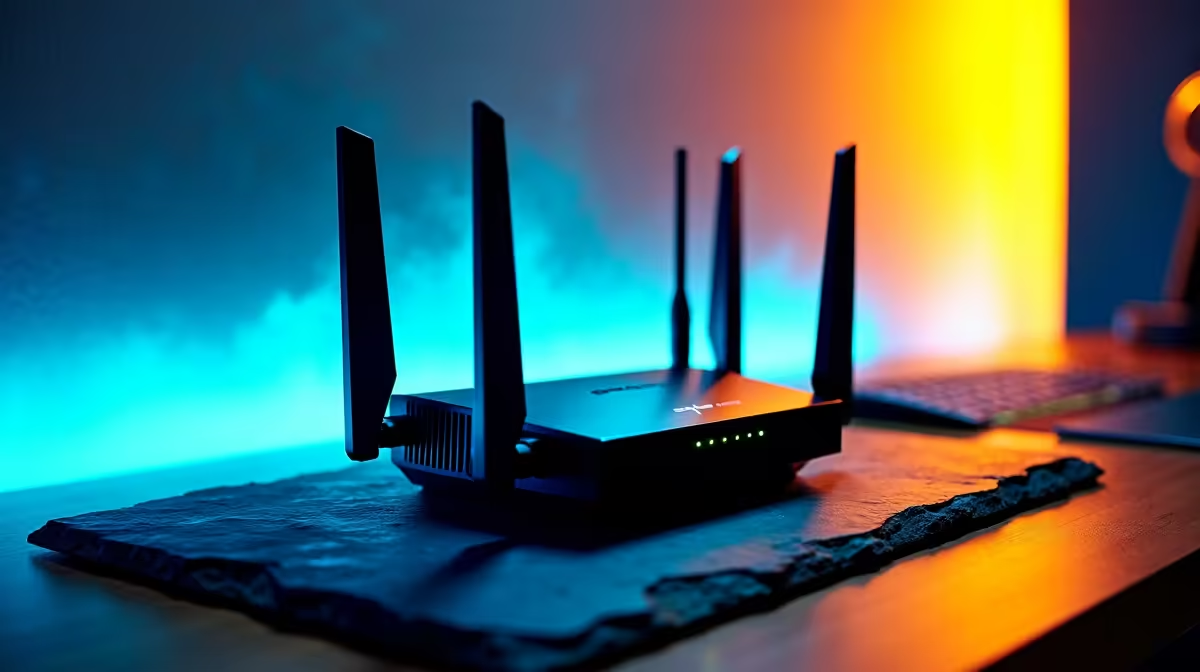
SA fibre tip: If you share fibre with housemates streaming 4K Netflix, your PUBG ping spikes 20–50ms during their viewing. A [gaming router](https: www.evetech.co.za networking routers-switches-68) with proper QoS can prioritise your PC without throttling housemates, everyone wins.
🔌 Step 3: ISP routing matters
Even with SA servers, your ISP affects in-country routing:
- Direct peering (Vumatel with RSAWEB, Openserve with Afrihost/Webafrica), cleanest SA-internal routes
- Mobile LTE/5G, 30–60ms extra latency even for SA servers (cellular overhead)
- ADSL, not competitive, upgrade to fibre if available
- Satellite (Starlink, etc.), 40–80ms baseline regardless of destination
If you are on mobile data for PUBG, your ping will always be 40–60ms worse than fibre, full stop.
🧠 Step 4: In-game settings for competitive feel
- FPS cap: 144 or 240 matching your monitor refresh rate (uncapped causes stutters)
- VSync: OFF (adds input lag)
- Anti-Aliasing: Low or Off (TAA is blurry, FXAA minimal impact)
- Post Processing: Low (performance gain)
- Shadows: Medium or Low (PUBG shadows are CPU-heavy)
- Textures: High or Ultra if you have 8GB+ VRAM
- View Distance: Ultra (critical for seeing enemies)
Texture and View Distance are the only settings to keep HIGH, the rest should be Low/Medium for competitive play.
🔧 Step 5: Windows network stack
Default Windows settings add unnecessary latency:
- Disable Nagle's Algorithm via registry (search "disable Nagle PUBG")
- Set Power Plan to Ultimate Performance
- Disable "Network Adapter Power Saving" in Device Manager
- Flush DNS via
ipconfig /flushdnsif ping has degraded recently - Reset TCP/IP stack with
netsh int ip resetif nothing else works
🚀 Step 6: Hardware for high-FPS PUBG
PUBG is CPU-heavy. For smooth 144+ fps on SA servers:
- CPU: Ryzen 5 7600 / Intel Core i5-14600KF minimum, Ryzen 7 7800X3D ideal
- GPU: RTX 4060 or RX 7600 minimum for 1080p ultra, RTX 4070 for 1440p
- RAM: 32GB DDR5 6000MHz (PUBG uses over 12GB in late-game circles)
- SSD: NVMe mandatory, loading drops you into the plane fast, reducing spawn disadvantage
- Monitor: 144Hz minimum, 240Hz for competitive
Balanced gaming PCs hitting these specs are available across budget ranges.
🔌 Router upgrade for multi-device SA homes
If your household has 4+ connected devices, a standard ISP router will bottleneck. A Wi-Fi 6 router with 4 gigabit LAN ports, dedicated gaming QoS, and 1024-QAM can keep PUBG smooth while housemates stream, work, and browse.











