

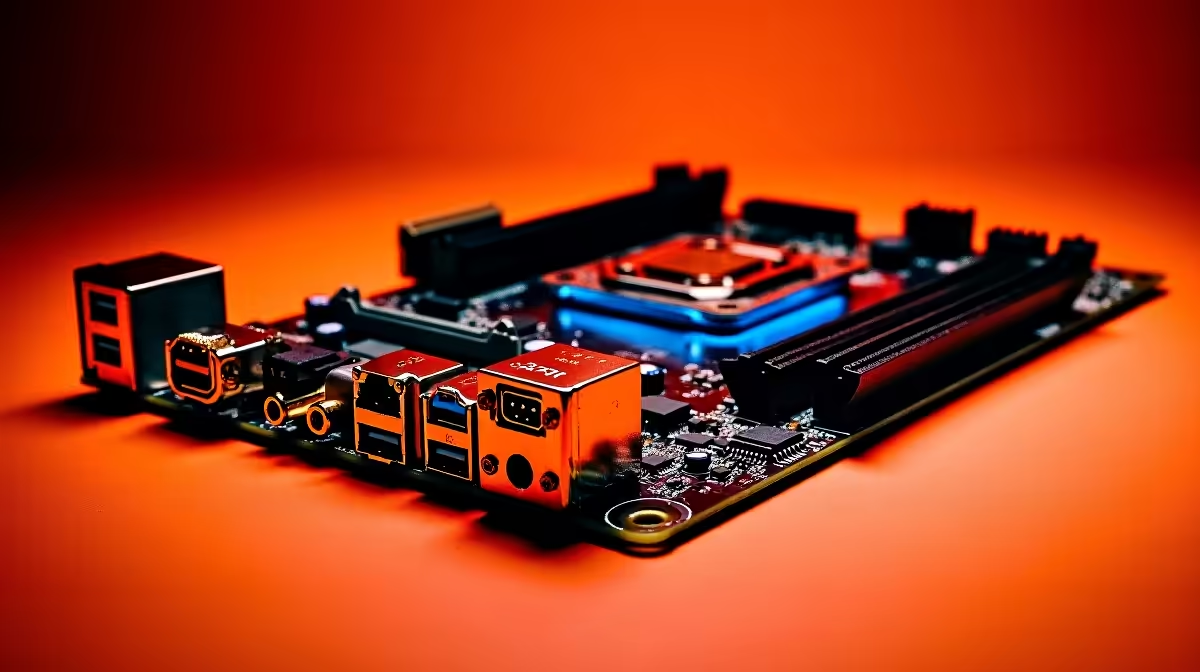
Imagine this... you are about to drop into a crucial Warzone match, but your headset is completely silent. You check the cables and update drivers, only to realise the audio jack on your PC is unresponsive. Dealing with a dead audio port is incredibly frustrating. If you are wondering how to fix motherboard audio connector dead issues, you are not alone. Let us get your sound back online ⚡.
Diagnosing a Dead Motherboard Audio Connector
Before you panic, we need to rule out software glitches. Windows updates sometimes mess with sound settings. Right-click your speaker icon and check your default output device. If your headset is not listed, try reinstalling your Realtek audio drivers. Sometimes, the issue is not hardware at all.
Dust is another silent killer of PC components. Grab a can of compressed air and gently clean out the audio jack. A small piece of lint can easily block the connection. If you have tried different headsets and nothing works, we must look at the physical connections.
How to Fix Motherboard Audio Connector Dead Ports
If the rear green jack on your PC is physically damaged, repairing it requires micro-soldering. That is a highly technical skill most gamers do not have. Luckily, there are much easier ways around this hardware failure.
Your first option is using the front panel audio on your chassis. Check inside your PC case to ensure the HD Audio cable is securely plugged into the motherboard headers. If that works, you just saved yourself thousands of ZAR in replacement costs.
If the entire onboard audio chip has failed, a USB sound card is a brilliant workaround. A dedicated PCIe sound card is another fantastic option. They bypass the dead connector entirely and often provide superior audio quality for competitive gaming.
Quick Troubleshooting Tip 🔧
Grab a cheap USB-to-3.5mm adapter online. It is the fastest way to test if your headset is the problem or if the motherboard audio chip has truly kicked the bucket.
Is a Dead Audio Port a Sign of Bigger Issues?
Sometimes a failing audio jack is the first warning sign of a dying board. If you start experiencing USB dropouts or random blue screens, it might be time to look at upgrading your motherboard. A fresh board ensures stable power delivery and pristine audio.
If your rig is already showing its age, replacing a single component might not be worth the hassle. In that case, checking out the best gaming PC deals could save you money in the long run. Alternatively, if you want something ready to plug and play right now, our pre-built PC deals offer incredible value with full local warranties.
Mobile Alternatives for Gamers on the Move
Desktop repairs can take time. If you need a reliable backup for work and play, modern notebooks have fantastic built-in audio 🚀. Browse our massive range of notebooks for sale in South Africa if you prefer mobility without sacrificing sound quality.
You can often find massive discounts on these portable machines by keeping a close eye on our daily tech specials. Upgrading your gear is the best way to ensure you never miss a footstep in-game again.
Ready for a Flawless Audio Experience? Stop fighting with broken ports and static noise. Whether you need a fresh motherboard or a complete rig upgrade, Evetech has the best hardware at unbeatable ZAR prices. Explore our massive range of PC components and get back in the game.











