

Quick Answer
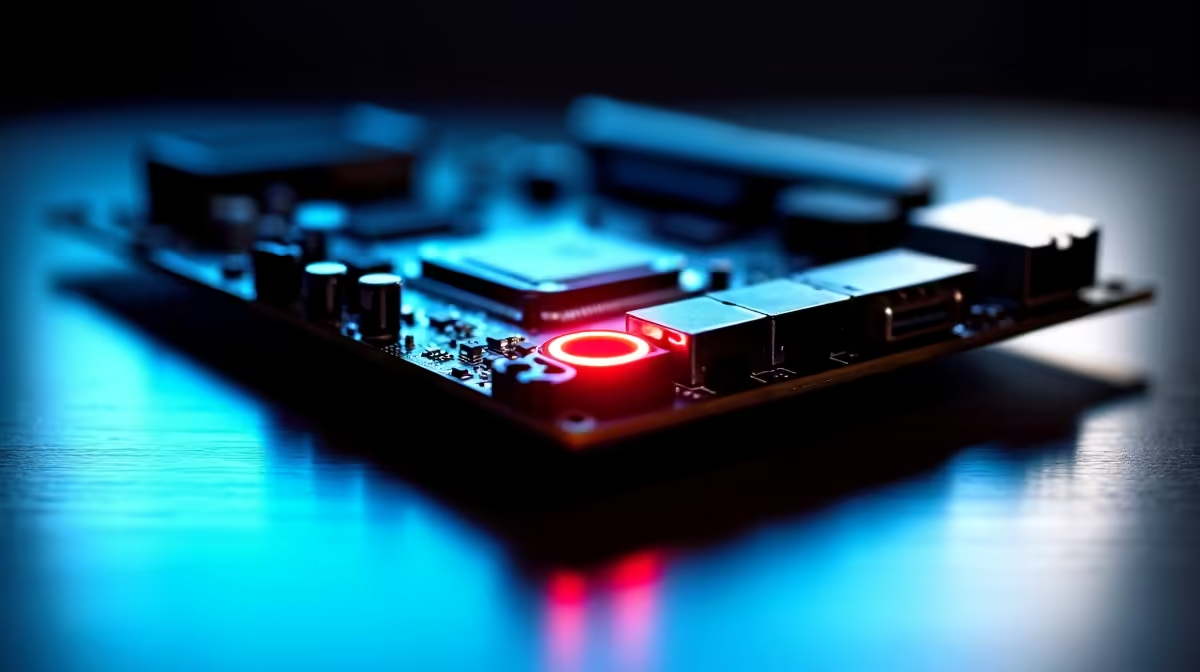
A red Q-LED on your motherboard means one specific component failed POST: CPU, DRAM, VGA or BOOT. Identify which LED is lit, then reseat or test that component. Most red Q-LED issues in SA builds come from loose RAM, a bent CPU pin, or a GPU that's not fully clipped in.
What Each Q-LED Color Position Means
Most ASUS, MSI, Gigabyte and ASRock boards group the Q-LEDs in a vertical stack near the 24-pin power connector. From top to bottom: CPU (red), DRAM (yellow on most boards but red on some), VGA (white or red), BOOT (yellow). If the red LED is solid on CPU, the board can't initialise the processor. If it's on DRAM, your RAM isn't being detected. VGA red means no signal from a graphics card. BOOT red means no bootable drive.
A Q-LED that flashes red briefly during POST and then goes off is normal. Only a stuck-on Q-LED indicates a real fault.
Step-by-Step Fix for a Stuck Red Q-LED
Power off and unplug the PSU. If CPU is the lit LED, remove the cooler, lift the CPU out gently, and inspect for bent pins (AMD AM4) or damaged contacts (AMD AM5/Intel LGA). Reseat carefully and reapply thermal paste. For DRAM, remove all sticks, clean the contacts with a dry microfibre cloth, and try one stick in slot A2 first. Most boards need slot A2 populated for a single stick.
For VGA red, reseat the GPU firmly until you hear the latch click, and ensure both PCIe power cables are fully inserted. For BOOT red, check your SATA or M.2 drive in BIOS, and verify it shows up in boot priority.
SA-Specific Causes Worth Checking
Loadshedding surges can damage RAM, GPUs and motherboard VRMs. If a red Q-LED appeared after a power-cut, test your PSU with a paperclip-test or PSU tester. Surge protection on its own isn't enough; pair a quality UPS with your PC to prevent recurrence. Dust from SA's drier provinces also clogs DIMM slots, so clean with compressed air before reseating RAM.
We stock replacement motherboards, RAM and PSUs with delivery in 1-3 working days nationwide if your component is genuinely faulty.
Frequently Asked Questions
Why is my motherboard CPU LED red after a BIOS update?
Some BIOS updates reset CMOS and need you to re-detect the CPU. Clear CMOS using the jumper or by removing the battery for 60 seconds, then reboot.
Can a red DRAM LED mean the motherboard is dead?
Sometimes, but not usually. Test your RAM in another known-good PC first. If the sticks work elsewhere, the motherboard's memory traces or BIOS may be the issue.
How long should I wait for the red Q-LED to clear during boot?
Up to 60 seconds on first boot after a hardware change, as the board does memory training. If it's stuck red after a minute, that's a real fault.
Ready to Find Your Perfect Match? Replace a faulty board with confidence. Shop motherboards at Evetech











