

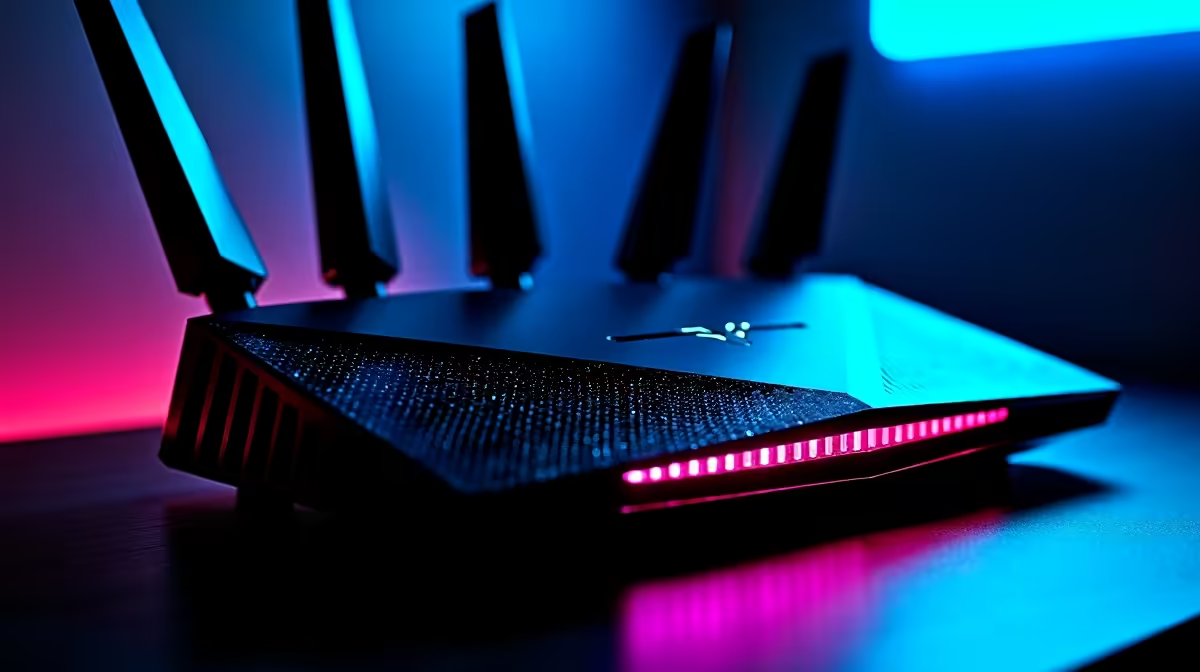
There is nothing worse than lining up the perfect headshot in CS2, only to rubberband into a wall. If you are playing from South Africa, high ping and packet loss are familiar enemies. You do not have to accept defeat. Learning how to fix network lag is easier than you think. Let us explore a simple SA gamer troubleshooting guide to get your connection stable. ⚡
Diagnosing the Root Cause of Network Lag
Before you blame your ISP... make sure it is actually a network issue. Sometimes, what feels like lag is actually your hardware struggling to render frames. If your offline games stutter too, it is a hardware bottleneck. In that case, you might just need to buy graphics cards to boost your frame rates. But if your FPS is high and players are teleporting... you definitely have a network problem. It is crucial to monitor your in-game telemetry. Turn on the settings to view your ping and packet loss in real-time.
Ditch the Wi-Fi for a Wired Connection
We know cables can be annoying. However, an Ethernet cable is the ultimate way to fix network lag. Wi-Fi signals degrade rapidly through thick South African brick walls. They also suffer from heavy interference. Even if you score one of the best gaming PC deals around... a weak wireless signal will throttle your performance. Plug directly into your fibre router for an instant stability boost. A high-quality CAT6 cable costs under R150 but delivers priceless reliability. If your router is far away, consider a powerline adapter. It uses your home electrical wiring to transmit data... which is far more stable than wireless.
Upgrade Your Hardware for Wi-Fi 6
If running a cable is impossible, you need modern wireless tech. Wi-Fi 6 handles multiple devices much better than older standards. Many modern laptops for sale in South Africa come standard with Wi-Fi 6E cards. This ensures lower latency even when your family streams Netflix in the next room. If you prefer desktop gaming, you can easily install a PCIe Wi-Fi 6 card. It is a quick upgrade that breathes new life into your connection.
Ping Pro Tip 🔧
Log into your router and enable Quality of Service (QoS). This feature lets you prioritize gaming traffic over background downloads. It is a brilliant way to stop Windows updates from ruining your competitive matches.
Check Background Apps and Network Drivers
Hidden downloads are a massive cause of high ping. Steam, Discord, and Windows love to update in the background. Pause all downloads before you launch your game. Also, ensure your motherboard LAN drivers are up to date. Outdated drivers can cause random disconnects and micro-stutters. If you are running an ancient rig, the hardware itself might be failing. Browsing our pre-built PC deals is a great way to secure a system with a modern Ethernet controller.
Optimise Your Routing to Overseas Servers
South Africans often connect to European servers for games without local support. This guarantees a ping of at least 160ms. You cannot beat physics... but you can optimise the route. Using a gaming VPN like ExitLag can sometimes shave off a few milliseconds. It forces your data down the most direct path. Also, try changing your DNS settings to Cloudflare. It makes connecting to game servers much faster and more reliable. To upgrade your setup for these tools, check our specials for massive savings on gear. 🚀
Ready to Find Your Perfect Match? Fixing your network is only half the battle. To truly dominate the leaderboards, you need hardware that never drops a frame. Explore our massive range of laptop specials and find the perfect machine to conquer your world.











