

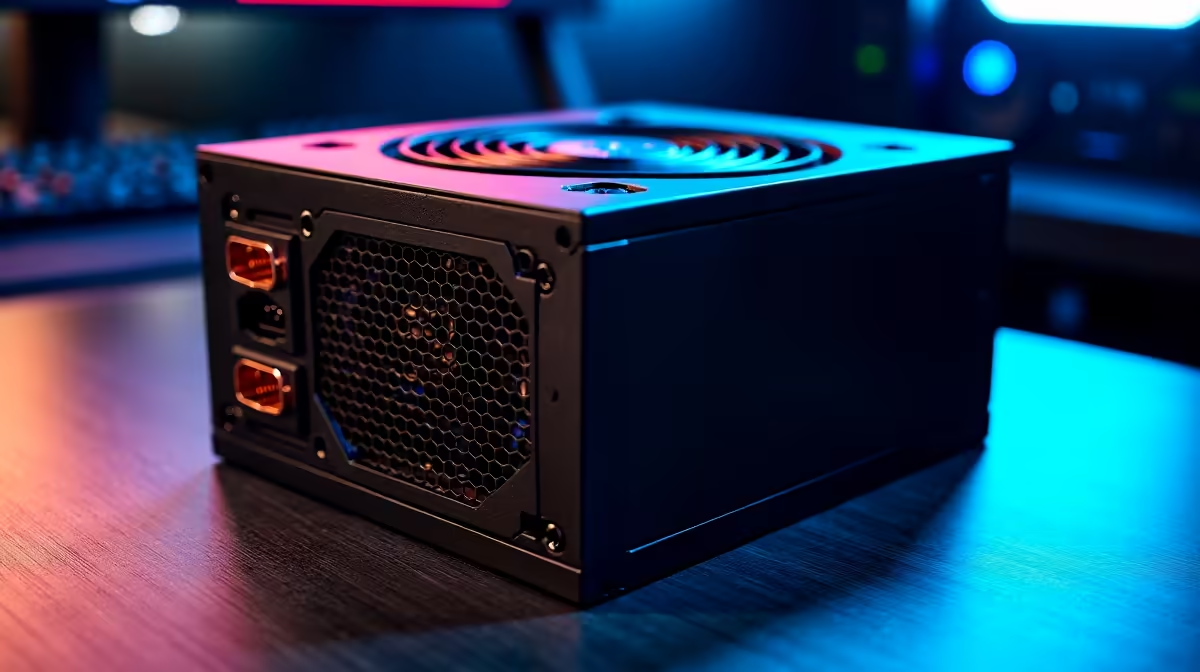
You sit down for a gaming session after loadshedding ends. You press the power button... nothing. A dead PC is a South African gamer's worst nightmare. Before you panic about replacing your entire rig, the culprit is often the PSU. Learning how to fix power supply issues: step-by-step can save you thousands of ZAR. Let us walk through the troubleshooting process to get you back in the game.
How to Fix Power Supply Issues: Step-by-Step Diagnostics
First, rule out the obvious culprits. Is the wall socket actually working? Plug in a lamp or phone charger to check. Next, inspect the heavy kettle cord running to your PC. Swap it out if you have a spare. If the wall and cable are fine, check the physical switch on the back of your PSU. It sounds silly... but bumping that switch happens to the best of us.
If you hear a clicking sound but get no power, a safety relay might be tripping. This usually means a short circuit somewhere in your system. If you confirm a hardware failure, you will definitely need a replacement. You can easily browse reliable power supplies to find a unit with a solid local warranty.
The Paperclip Test and Internal Cables ⚡
Disconnect your PC from the wall before doing anything inside. Open your case and ensure the thick 24-pin motherboard cable and the 8-pin CPU power cables are seated securely. Sometimes moving your case can loosen them.
If everything is plugged in, you can try the paperclip test. This simple trick involves jumping specific pins on the 24-pin cable. Pay attention to the colour of the wires you are bridging. It tells you if the unit turns on when isolated from the motherboard. If the internal fan spins, your PSU might actually be okay. If it stays completely dead, the unit is likely fried.
At this point, you might consider upgrading your system entirely rather than just swapping parts. We have some of the best gaming PC deals to get you rolling again in no time.
Surge Protection Pro Tip 🔧
Always connect your PC to a high-quality surge protector. South African grid fluctuations and loadshedding spikes are notorious for destroying sensitive capacitors. A small investment now saves massive ZAR later.
Assessing Loadshedding Damage
Frequent power cuts degrade components over time. If your PSU smells like burnt plastic, do not try to power it on again. A blown unit can take your motherboard and graphics card with it. If you face a worst-case scenario where multiple parts are ruined, starting fresh is often cheaper. Exploring our pre-built PC deals is a great way to skip the hassle of building from scratch.
Knowing When to Go Mobile or Replace 🚀
Never open a power supply yourself. The capacitors inside hold lethal electrical charges long after being unplugged. If it is broken... replace it.
If desktop power issues drive you crazy during stage 6 loadshedding, portability might be the answer. Many gamers are switching to battery-powered setups. You can view our range of laptops and notebooks for uninterrupted gaming.
Always keep an eye out for bargains when replacing dead hardware. You can check our weekly specials to find massive discounts on replacement parts and accessories.
Ready to Power Up Your Setup? Don't let a faulty power supply keep you offline. Whether you need a Gold-rated PSU to withstand loadshedding or a complete system overhaul, Evetech has you covered. Explore our massive range of power supplies and secure the heartbeat of your gaming rig today.











