

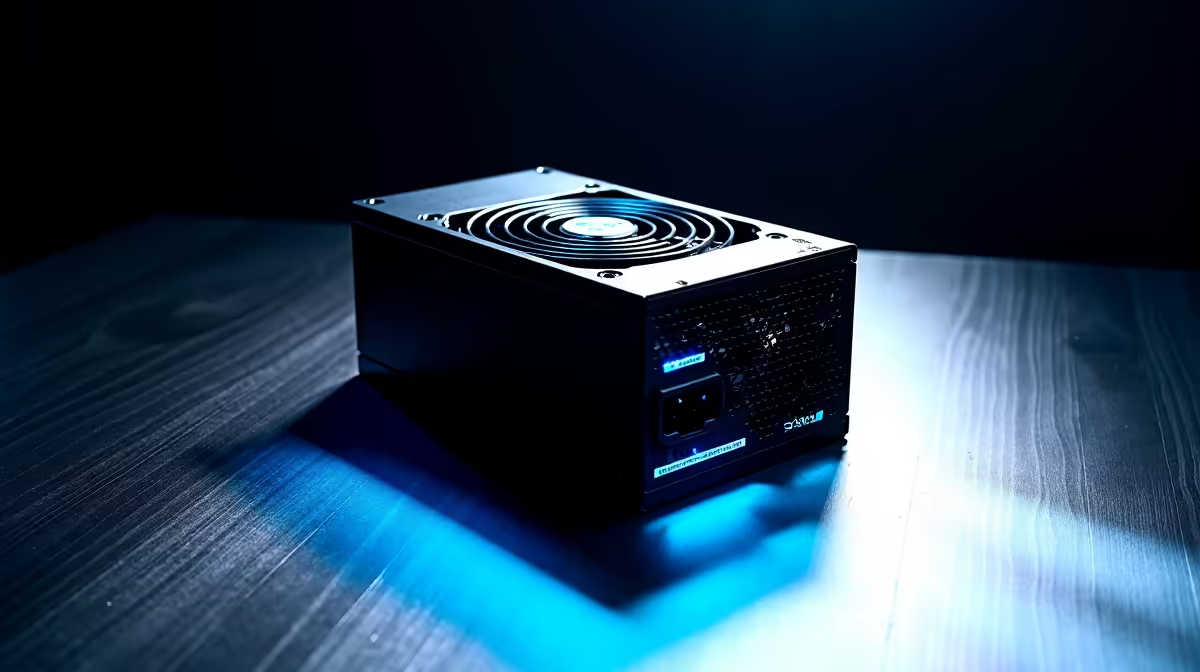
Load shedding just ended. You press the power button... and nothing. Absolute silence. A dead PC is a South African gamer's worst nightmare. Before you panic about a fried motherboard, take a deep breath. The issue usually lies with the power supply unit. Learning how to fix PSU won't power on issues can save you thousands of ZAR. Let us troubleshoot your rig together.
Start With the Basics 🔌
Often, the solution is embarrassingly simple. Eskom surges can trip your mains. Check your wall socket first. Plug a lamp in to confirm the plug point actually works. Next, look at the physical switch on the back of your PSU. Ensure it is securely flipped to the 'I' position.
Sometimes a faulty kettle cord is the real culprit. Before you start browsing our daily tech specials for a replacement unit, try swapping the power cable. Always use a quality surge protector to safeguard your hardware.
Inspect Internal Connections
If the wall socket works, open your case. A loose 24-pin motherboard cable will stop your system from booting. Reseat this main thick cable carefully. Do the exact same thing for the 8-pin CPU power cable.
Secure connections are vital for system stability. Even the premium setups in our best gaming PC deals undergo rigorous cable tension checks. A slight bump during transport can easily dislodge a vital connector.
The Classic Paperclip Test 🔧
Still seeing zero signs of life? You can test the power supply independently. First, disconnect every single PSU cable from your internal components. This step is crucial to prevent accidental hardware damage.
Next, find a standard metal paperclip. Bend it into a U-shape. Bridge the green wire and any black wire on the 24-pin connector. Flip the PSU power switch on. If the internal fan spins up, your unit is likely fine. If it stays completely dead, you have found your problem.
Safety First Pro Tip ⚡
Never open the actual power supply casing to look for blown fuses. The internal capacitors hold lethal amounts of electricity long after being unplugged. If the unit is dead, it must be replaced entirely.
Knowing When to Upgrade
A dead power supply cannot be safely repaired at home. When figuring out how to fix PSU won't power on problems, replacement is often the safest route. Never risk your expensive components with a failing unit.
Investing in a high-quality unit is non-negotiable. Browse our massive range of reliable power supplies to give your rig clean energy. A good unit will protect your PC from future grid surges.
If you are tired of troubleshooting broken hardware, we have easier options. Grabbing one of our pre-built PC deals takes the stress out of building entirely.
Alternatively, you can skip the desktop drama altogether. Explore our powerful laptops for sale in South Africa to keep working and gaming right through the blackouts.
Ready to Power Up Your Setup? Don't let a dead power supply keep you offline. Whether you need a reliable replacement or a completely new rig, Evetech has the best hardware at unbeatable prices. Explore our massive range of PC components and get back in the game today.











