

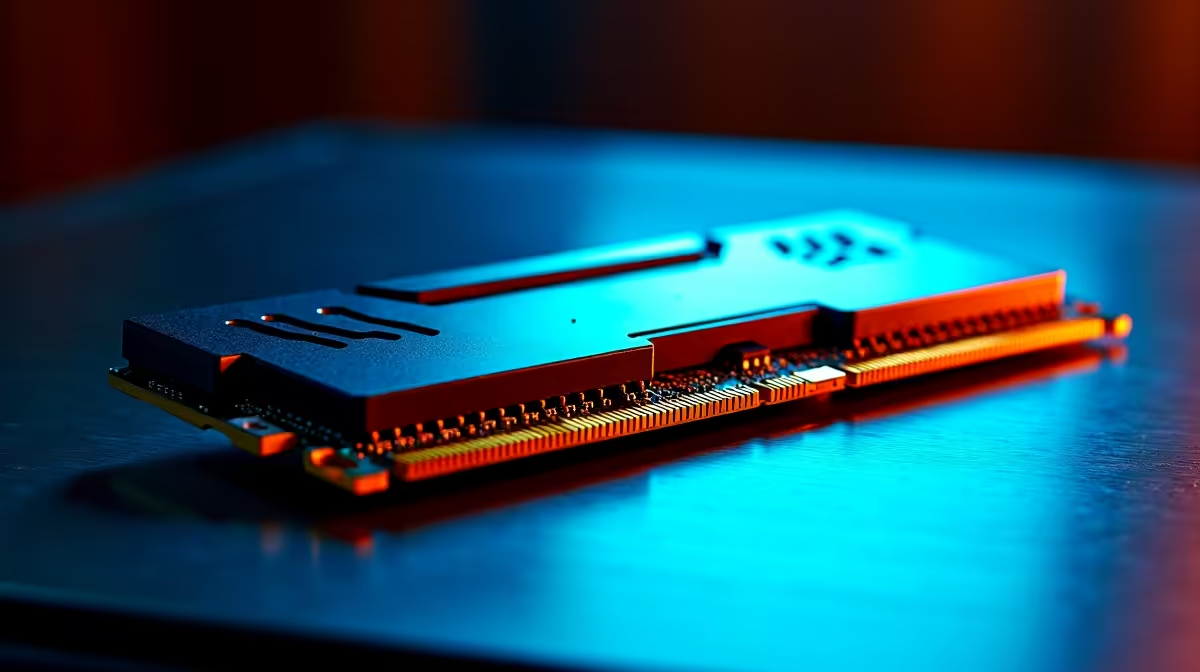
Spotting and Fixing RAM Errors in Your Gaming PC ⚡
South African gamers know that smooth gameplay depends on more than a powerful GPU. When crashes, freezes, or random reboots hit, faulty RAM often hides behind the scenes. How do you fix RAM errors before they wreck your epic session? This guide breaks down quick steps to identify RAM faults and get your rig running solid again—with tips tailored for South African builders and buyers.
How to Identify RAM Errors 🔧
RAM errors show in various ways: blue screen crashes, odd glitches, or failure to boot. Start with Windows Memory Diagnostic or MemTest86 to scan your sticks. If errors pop up, it’s time to dig deeper. Sometimes, reseating the RAM modules or cleaning the slots helps, especially in dusty environments common around South African homes.
Testing RAM with Built‑In Tools
Run the Windows Memory Diagnostic by typing “mdsched” in the Start menu. It tests all memory and flags any issues. For a more thorough check, MemTest86 runs outside Windows and can catch subtle faults. You can boot from a USB and let it run multiple passes overnight.
Reseating and Cleaning RAM Modules
Power down your PC and unplug all cables. Remove the RAM sticks gently, then clean their gold contacts using a soft eraser or isopropyl alcohol. Blow out dust from the DIMM slots with compressed air. Proper seating often resolves contact issues that cause errors.
When to Replace Your RAM 🛠️
Persistent errors after cleaning and testing usually mean a faulty stick. If your PC still crashes or fails memory tests, consider upgrading your RAM for better stability and performance. Evetech offers a wide selection of PC memory modules with fast local shipping and expert advice.
Pro RAM Replacement Tip
Check compatibility with your motherboard and opt for dual-channel kits to boost gaming performance gains without hassle.
Avoid RAM Issues with Good Maintenance and Smart Choices
South Africa’s warm climate and occasional power fluctuations can shorten RAM lifespan. Use a quality UPS and keep your PC in a dust-free zone. If you’re thinking of upgrading or building new, browse the latest gaming PC deals on Evetech—they often include optimized RAM configurations that reduce errors out of the box.
For those who prefer ready-built rigs, explore pre-built PC options that come pre-tested to dodge memory errors and get straight to gaming.
RAM Errors in Laptops? Here’s What You Can Do
Laptop RAM errors follow similar rules—but handling and accessing modules is trickier. Always check your laptop’s warranty and maintenance manual. Popular South African tech buyers looking for notebook reliability can find great notebooks for sale in South Africa that come with trusted RAM setups to minimize headaches.
Don’t forget to check the Evetech specials page regularly. You’ll find incredible deals on memory upgrades and gaming accessories fit for local users who want to squeeze every frame out of their systems. 🚀
Boost Your PC’s Performance Today Ready to banish RAM errors once and for all? Shop now at Evetech for reliable memory upgrades and enjoy smooth, uninterrupted gaming sessions on your terms.











