

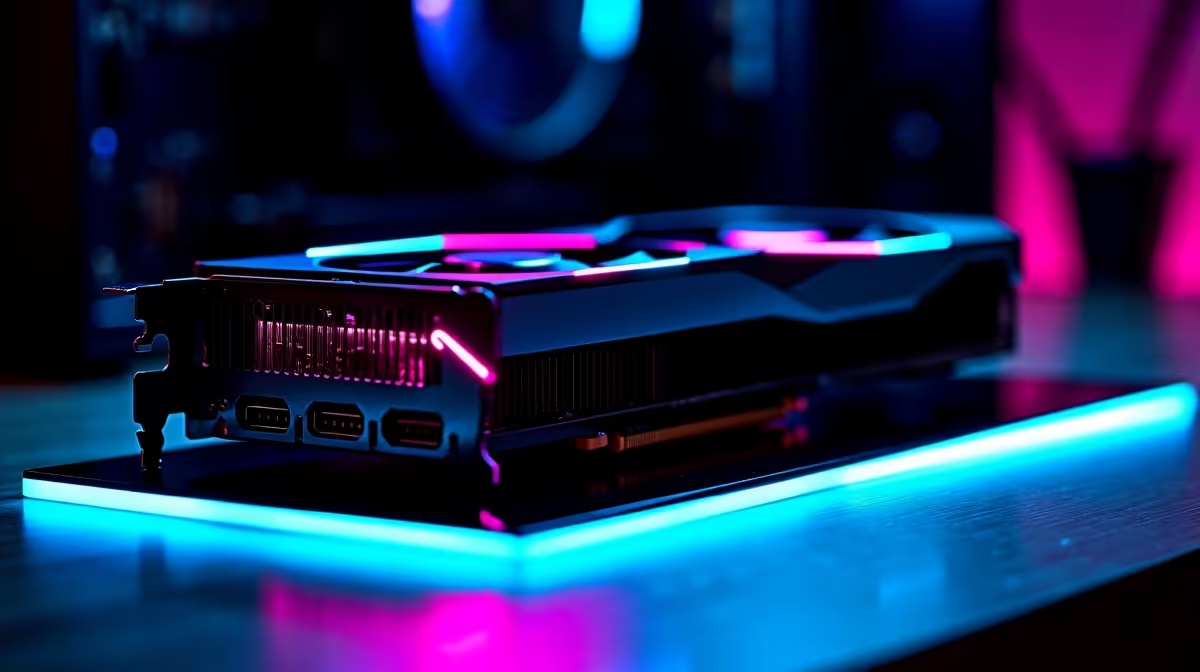
Diagnosing RX 9070 Compatibility Issues 🔧
Struggling with your RX 9070 refusing to play nice? You’re not alone — South African gamers often hit unexpected compatibility bumps when upgrading their rigs. Whether it's driver glitches, motherboard conflicts, or power supply hiccups, fixing RX 9070 compatibility issues requires a clear plan. Let’s walk through key troubleshooting steps to get your Radeon graphics card running smoothly and unleash its full gaming potential.
Common Causes of RX 9070 Compatibility Problems
RX 9070 compatibility issues often stem from hardware or software mismatches. The first culprit is outdated drivers—an easy fix but often overlooked. Motherboards can also cause problems if BIOS isn’t up to date or lacks proper support. Power supply wattage is another hotspot; insufficient power can throttle performance or prevent startup.
If you’re shopping for a new rig, explore Evetech’s best gaming PC deals. These pre-configured systems are tested for compatibility and can save you hours of troubleshooting.
How to Update Drivers and BIOS for Your RX 9070 ⚡
Start by downloading the latest Radeon Drivers from AMD’s official site or use the Radeon Software to auto-update. This ensures your RX 9070 benefits from performance tweaks and bug fixes. Next, check your motherboard manufacturer’s website for BIOS updates. Updating BIOS can resolve hardware recognition issues affecting the RX 9070.
Remember, flashing BIOS carries risks — follow instructions carefully or seek professional help if unsure. For convenient upgrade options, consider browsing Evetech’s pre-built PC deals, tailored for hassle-free gaming upgrades.
Power and Cooling: Essential for Stable RX 9070 Performance 🔥
The RX 9070 demands adequate power and efficient cooling. Make sure your PSU has enough wattage and the necessary PCIe power connectors. A 650W supply is a solid starting point, but check the specifics for your build.
Cooling is just as critical. Poor airflow or a dusty case can lead to overheating, causing crashes or throttling. Maintaining a clean and well-ventilated case helps — and if you’re in the market for notebooks or laptops that handle graphics-intensive tasks smoothly, see Evetech’s laptop selection for well-cooled, portable options.
Quick Pro Tip
Never skip a power cable! A missing PCIe connection is a common hidden cause of no display or blue screens with the RX 9070. Double-check all connectors before troubleshooting software.
Optimising Software and System Settings for Compatibility
Sometimes your operating system or other software can cause conflicts. Windows 10 and 11 are preferred for Radeon cards, but make sure you’re running the latest OS updates. Disable any overclocking software temporarily, as unstable clocks can cause errors.
For upgrading or tweaking PC components, visit Evetech’s PC Components section to find compatible GPUs and accessories that work seamlessly with the RX 9070.
How to Know When It’s Time for a New Build 💻
If your RX 9070 still misbehaves after trying these fixes, older system parts could be the cause. Sometimes the motherboard chipset or even the CPU bottlenecks your GPU. Upgrading your whole setup might be necessary, especially for consistent performance in the latest titles.
South African gamers can find affordable, high-performance options in Evetech’s specials — browse them regularly for fantastic deals on components and systems that won’t let your RX 9070 down.
Upgrade with Confidence Get your upgrade right first time—Shop now at Evetech for RX 9070-compatible PCs and components crafted with South African gamers in mind.











