

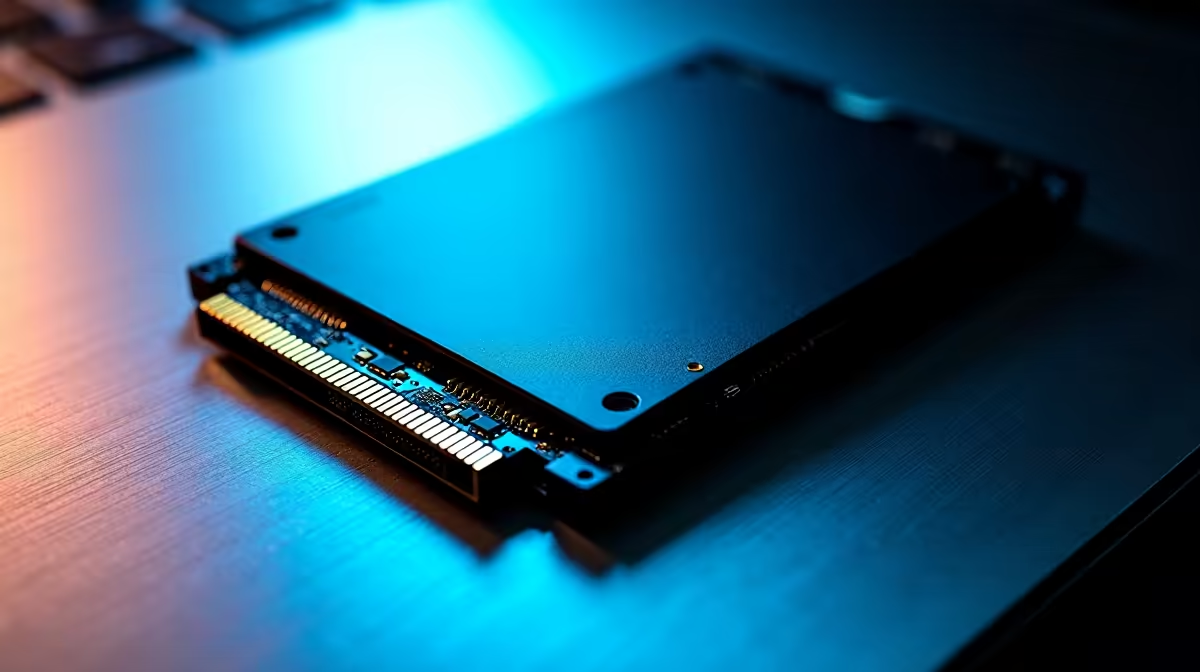
Why Your SSD Might Be Corrupted and How to Fix It ⚡
If your SSD suddenly becomes unresponsive or stops showing files, you’re not alone. South African gamers and tech buyers often face corrupted SSDs due to power outages, improper shutdowns, or file system errors. Fixing SSD corrupted issues fast can save you from losing valuable game saves and data. Let’s uncover proven fixes and preventative steps to get your drive humming again.
Common Causes Leading to SSD Corruption
SSDs wear out over time but corruption usually happens from software glitches or hardware interruptions. Frequent abrupt shutdowns, bad sectors, or a failing controller chip can cause data loss. Sometimes malware or virus infections also damage SSD data structures.
Understanding the root cause helps choose an appropriate fix, whether it’s a quick software tool or a full drive reset.
Step-by-Step Fixes for an SSD Corrupted Issue 🔧
1. Run Windows Error Checking
Use Windows’ built-in error-checking tool on your SSD’s drive letter:
- Right-click the SSD drive in File Explorer > Properties > Tools
- Click Check under Error checking
- Let Windows scan and attempt repairs
This fixes minor file system errors fast and needs no extra software.
2. Use Command Prompt to Repair Your SSD
Command Prompt’s CHKDSK tool targets deeper logical issues:
chkdsk X: /f /r /xReplace X with your SSD drive letter. The switches fix errors, recover readable info, and unmount the drive to start scanning.
3. Update Your SSD Firmware
Manufacturers release firmware updates that improve stability and fix bugs causing corruption. Check the brand of your SSD, then visit Evetech’s solid state drive section to find model-specific firmware support and upgrades:
Evetech Solid State Drives
Pro Tip for SSD Maintenance
Keep your SSD firmware updated to maximise lifespan and avoid data corruption headaches. Evetech stocks drives with excellent firmware support and warranty.
4. Restore or Backup Data Early 🎯
If you still access files, immediately create backups. Use software like EaseUS or even Windows File History for peace of mind. For those upgrading or building new rigs... explore best gaming PC deals and pre-built PC options loaded with reliable SSDs to avoid future headaches.
5. Consider Replacement if Problems Persist
Sometimes an SSD’s hardware fails beyond repair. Look at the warranty status and consider replacements by browsing laptops with fast SSDs in South Africa here:
Notebooks for Sale in South Africa
For the latest affordable deals and special offers on components, check out Evetech’s specials page.
Prevent SSD Corruption Before It Strikes 🚀
- Always shut down your PC properly
- Enable built-in Windows tools like TRIM for SSD health
- Use quality power supplies and consider surge protectors
- Avoid sudden power blackouts or unplugging drives unexpectedly
When you shop for SSDs, opt for brands and models with proven durability and warranty. Evetech’s expert guides and range ensure your storage choices won’t hold you back.
Upgrade Your Storage for Reliable Speed Don’t let corrupted SSD issues slow your gaming or work. Shop now at Evetech for solid state drives built to last and speed your performance.











