

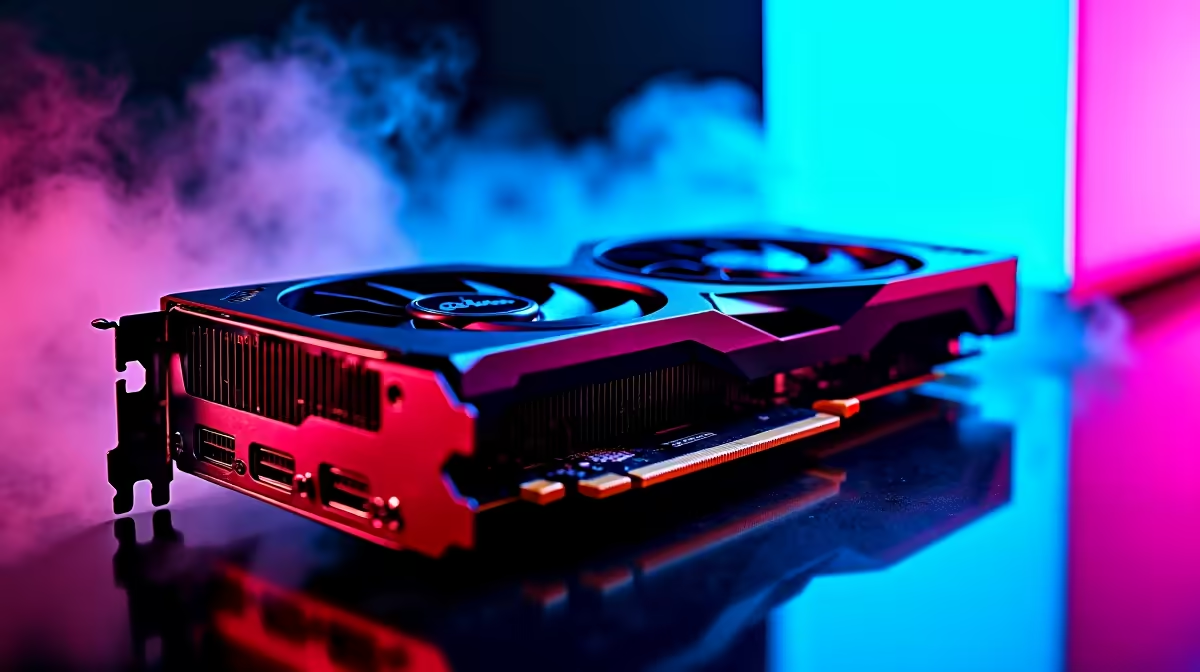
Dropping into Fragment East with stuttering frames is a quick way back to the lobby. If you just spent serious ZAR on the latest hardware, you expect flawless performance. Figuring out how to get 144Hz in Apex Legends on RTX 5090 GPUs seems simple... but system bottlenecks are real. Let us look at optimising your setup to ensure buttery-smooth tracking when the ring closes.
Unleashing the RTX 5090 in the Outlands 🚀
The RTX 5090 is an absolute powerhouse. It chews through 4K textures without breaking a sweat. If you are struggling to hit that sweet 144fps mark, your GPU is not the problem. Often, the culprit is an older CPU or slow RAM holding your system back.
Upgrading your core graphics cards is only step one. You need a balanced system to push those frames. If you are building from scratch, checking out the latest gaming PC deals ensures your processor can actually keep up with Nvidia's new flagship.
Optimising Apex Legends Settings 🔧
Even with elite hardware, cranked-up volumetric lighting can cause micro-stutters during intense Gibby bombardments. Keep your texture streaming budget high... the 5090 has VRAM to spare. However, you should turn down ambient occlusion and dynamic spot shadows.
If you prefer the convenience of a ready-to-play rig, exploring pre-built PC deals guarantees balanced components out of the box. Gamers who travel between cities are not left behind either. Modern notebooks for sale in South Africa pack enough mobile GPU power to match desktop-level refresh rates.
Apex Launch Options ⚡
Right-click Apex Legends in Steam or the EA App, go to properties, and add "+fps_max 144" to your launch options. This caps your frame rate perfectly to match your 144Hz monitor, reducing tearing and input lag.
Windows and Monitor Configuration ✨
Do not forget the absolute basics. Right-click your desktop, open the Nvidia Control Panel, and ensure your refresh rate is actually set to 144Hz. It sounds silly... but thousands of gamers play on 60Hz by mistake.
You should also turn on Nvidia Reflex to "Enabled + Boost" in the game menus. This minimises system latency for snappier aiming. If you are hunting for a new high-refresh monitor to match your GPU, keep an eye on our tech specials to save some hard-earned Rands.
Ready to Dominate the Apex Games? Securing those high-tier frames requires the right hardware balance. Whether you are upgrading your current rig or starting fresh, Evetech has the gear you need. Explore our epic gaming PC specials and build a setup that never misses a shot.











