

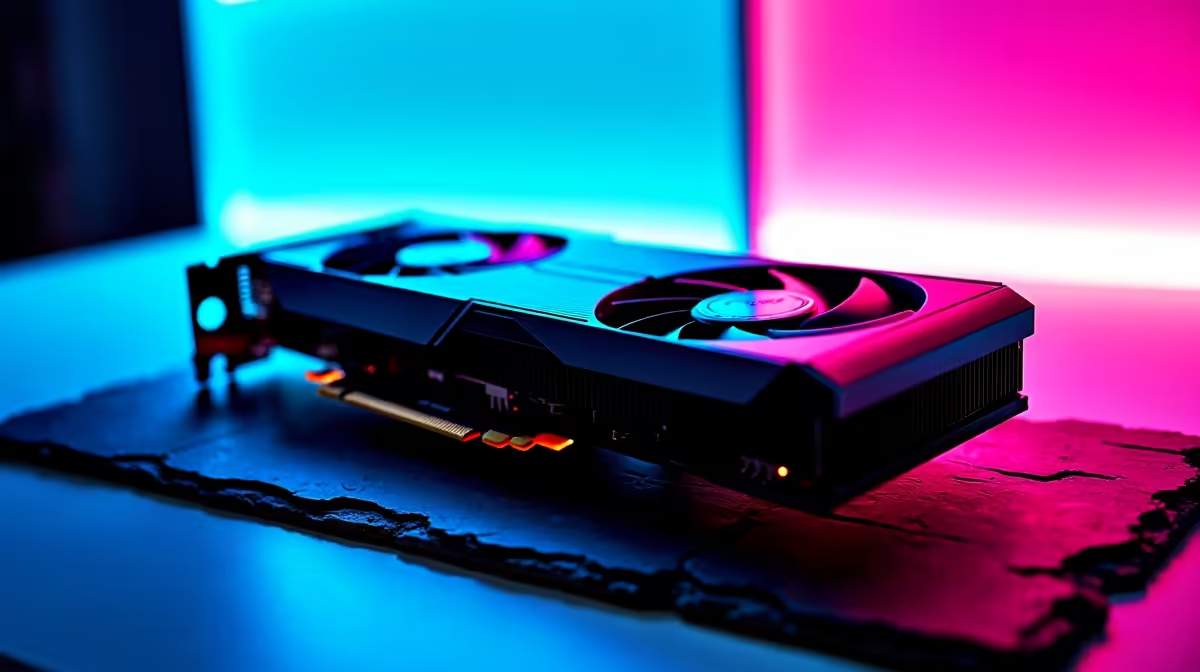
You just dropped a serious amount of ZAR on an RTX 4090. You boot up Night City, expecting buttery smooth performance... but the frame rate dips. The neon-lit streets demand the absolute best hardware. Even with the most powerful GPU on the market, achieving a flawless high refresh rate takes a bit of technical finesse. Cyberpunk 2077 is notoriously demanding. However, learning how to get 144Hz in Cyberpunk 2077 on an RTX 4090 is entirely possible. You just need the right tweaks. Let us optimise your setup so you can explore Dogtown without a single stutter.
Mastering DLSS and Frame Generation 🚀
To push those frames, raw power is not always enough. NVIDIA's DLSS 3 is your absolute best friend here. Turning on Frame Generation is non-negotiable if you want to hit that 144Hz sweet spot at 4K resolution. If you are upgrading from older premium graphics cards, this AI-driven tech feels like pure magic. It inserts extra frames to smooth out gameplay beautifully without adding noticeable input lag.
Managing Ray Tracing Expectations
We all want maximum visual fidelity. Cyberpunk's RT Overdrive mode looks incredibly realistic... but it will absolutely tank your frames. If your goal is strictly high refresh rates, stick to standard Psycho Ray Tracing. Combine that with DLSS set to 'Performance' or 'Balanced' mode. If you are currently hunting for the best gaming PC deals to match this flagship GPU, ensure you pair it with a top-tier processor.
Optimisation Pro Tip ⚡
Always disable Screen Space Reflections Quality when using full Ray Tracing. RT already handles reflections perfectly. Leaving both on just wastes valuable GPU resources and drops your frame rate for absolutely no visual gain.
Escaping the CPU Bottleneck
Here is a hard truth for local gamers. You can have the fastest GPU on earth... but a weak CPU will ruin everything. Cyberpunk 2077 is incredibly CPU intensive, especially in crowded areas like Tom's Diner. If your processor cannot feed data to your 4090 fast enough, you will never see 144Hz.
We see this often when gamers upgrade their graphics but keep an older motherboard. Browsing our pre-built PC specials is a great way to see perfectly balanced configurations. A Ryzen 7 7800X3D or an Intel Core i9 is highly recommended to prevent bottlenecking. Lowering the 'Crowd Density' setting to medium also significantly reduces CPU load.
Displays, Storage, and Mobile Alternatives ✨
Are you playing on a 4K monitor or a 1440p ultrawide? Dropping your resolution slightly is the easiest way to instantly boost performance. Furthermore, ensure the game is installed on a fast NVMe SSD. A standard SATA drive simply cannot keep up with the game engine. Upgrading your storage is a relatively cheap investment in ZAR that yields massive stability improvements.
If you are moving around during load shedding, you might even prefer high-end gaming laptops equipped with RTX 4090 mobile chips. They handle the game brilliantly at 1600p. Just remember to keep your drivers updated. NVIDIA releases specific patches for major Cyberpunk updates. You can also keep an eye on our latest tech specials for high refresh rate monitors to actually display those 144 frames properly.
Ready to Build Your Dream Rig? Getting the most out of Night City requires serious hardware. If you want maximum power, choice, and value in South Africa, Evetech is hard to beat. Explore our massive range of gaming specials and find the perfect machine to conquer your world.











