

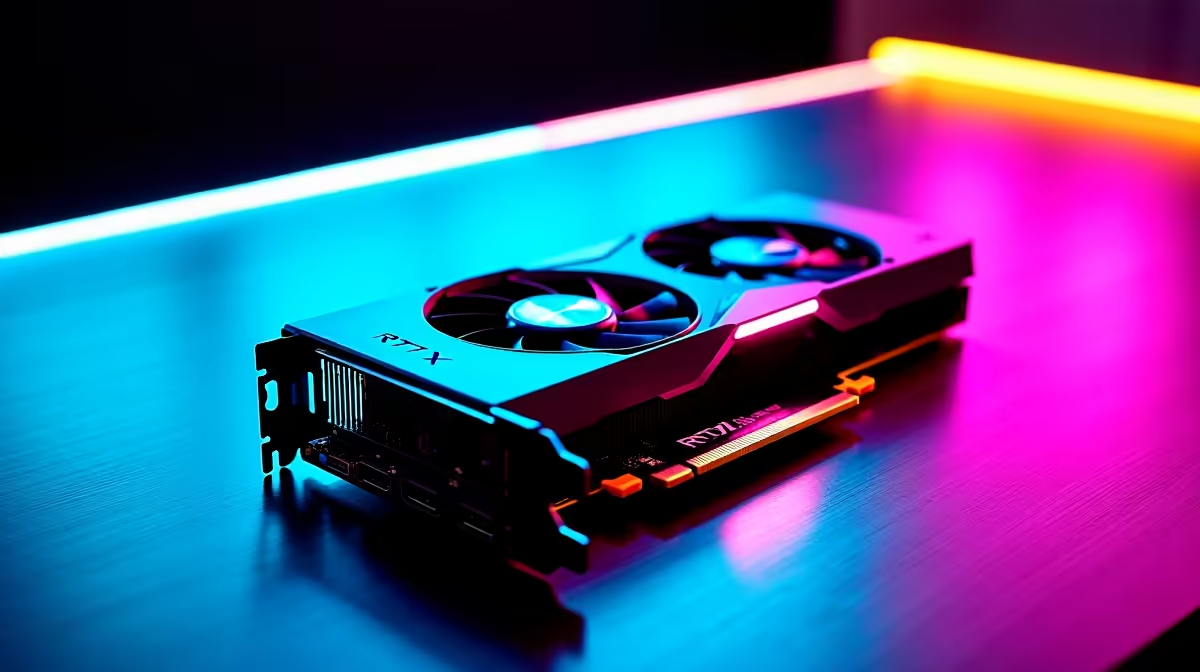
There is nothing quite like the tension of a penalty shootout in EA FC 26. But if your screen stutters right as you strike the ball... you are already losing. Local gamers know every millisecond counts. If you want to know how to get 144Hz in EA FC 26 on RTX 5070 Ti hardware, you are in the right place. Let us unlock that buttery-smooth performance.
The Edge of High Refresh Rates ⚡
Jumping from 60Hz to 144Hz completely transforms your virtual football experience. The animations are crisper, player tracking feels instantaneous, and input lag practically vanishes. The RTX 5070 Ti is an absolute powerhouse of a GPU. However, raw power alone will not magically sync your frames. You need the right setup to push those pixels consistently without tearing. Whether you prefer a desktop rig or one of the top high-performance gaming laptops, pushing high frame rates requires a balanced approach to both hardware and software.
Tweaking EA FC 26 for Maximum Frames ⚽
Figuring out how to get 144Hz in EA FC 26 on RTX 5070 Ti systems starts in the graphics menu. First, ensure you switch off V-Sync in the game settings to uncap your frame rate. Next, drop your turf quality and crowd detail down to medium. You will barely notice the difference while sprinting down the wing, but your GPU will thank you.
Because the 50-series architecture is highly advanced, you can easily utilise DLSS to generate extra frames. If you are shopping around to upgrade and browsing the latest graphics cards, remember that the RTX 5070 Ti delivers incredible ZAR value for 1440p competitive gaming.
Nvidia Control Panel Pro Tip 🔧
Open your Nvidia Control Panel, navigate to Manage 3D Settings, and set your Power Management Mode to Prefer Maximum Performance. This stops your GPU from downclocking during vital cutscenes or menu transitions in EA FC 26.
Avoiding Common Hardware Bottlenecks
Your graphics card is only one piece of the puzzle. If you pair a next-gen GPU with an ancient processor, you will experience severe bottlenecking. EA FC 26 is surprisingly CPU-heavy during complex physics calculations like player collisions.
To guarantee a stable 144Hz experience, you need a modern Ryzen 7 or Intel Core i7 processor alongside at least 32GB of fast DDR5 RAM. If your current rig is struggling to keep up, it might be time to look at some ultimate gaming PC deals that feature perfectly balanced components. Alternatively, if you want something ready to plug and play right out of the box, browsing through reliable pre-built desktop computers saves you the hassle of building it yourself.
Keep Your Setup Future-Proof 🚀
Achieving the perfect 144Hz sweet spot does not mean you have to empty your bank account. South African gamers are smart about where they spend their hard-earned Rands. Keep an eye out for weekly tech specials to find discounts on high-refresh-rate monitors or cooling solutions. Proper cooling ensures your boost clocks stay high during the blazing summer months... giving you those vital extra frames when you need them most.
Ready to Dominate the Pitch? Mastering the beautiful game requires hardware that never holds you back. For the best prices and widest selection in South Africa, Evetech has you covered. Upgrade your gaming setup today and experience EA FC 26 exactly how it was meant to be played.











