

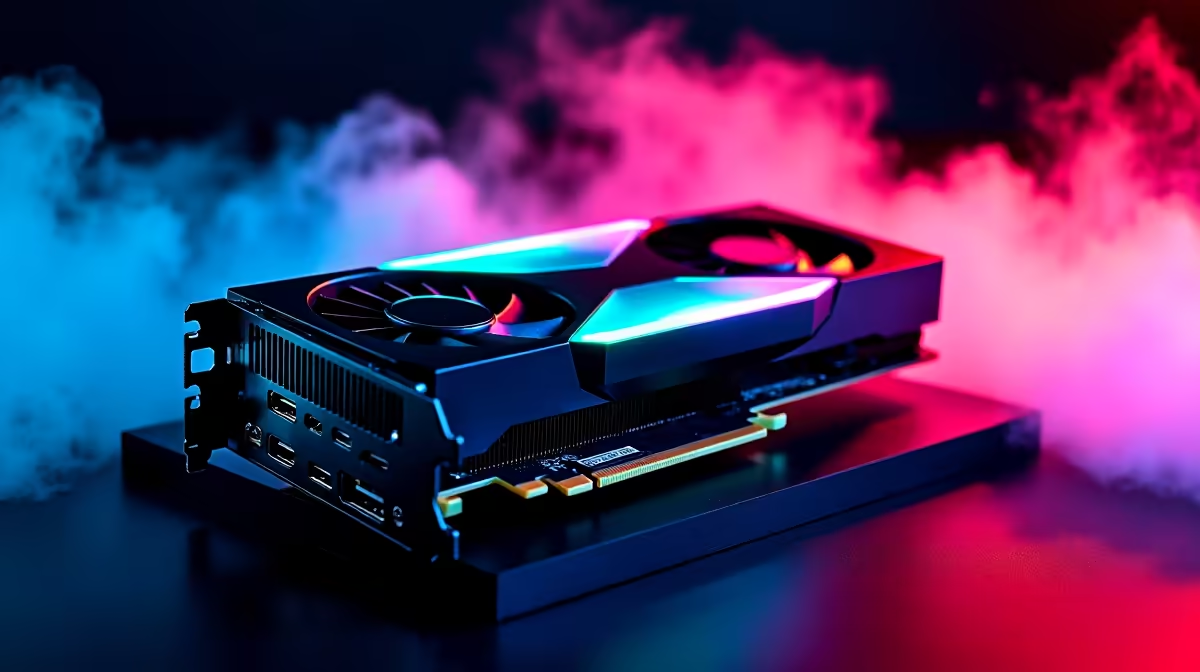
Valorant is one of the most competitive titles in SA's growing esports scene, and hitting 144Hz or higher can be the difference between winning and losing a duel. With an RTX 5070 in your rig, you have more than enough GPU firepower - the key is making sure everything else in your setup is configured correctly.
Quick Answer
To get 144Hz in Valorant on an RTX 5070, set your monitor's refresh rate to 144Hz in Windows Display Settings, cap your frame rate at 144 in Valorant's video settings, and ensure your monitor is connected via DisplayPort or HDMI 2.1. The RTX 5070 will handle this with ease.
Set Your Monitor Refresh Rate in Windows 🔧
Before launching Valorant, confirm Windows is actually outputting at 144Hz. Right-click your desktop, select Display Settings, scroll to Advanced Display, and set the refresh rate to 144Hz (or higher if your monitor supports it). Many players skip this step and wonder why their games feel sluggish. Use a DisplayPort cable where possible - it supports high refresh rates more reliably than older HDMI versions. If your monitor supports 165Hz or 240Hz, set it to that value and let Valorant match it.
Configure Valorant's Video Settings 💡
Inside Valorant, navigate to Settings > Video. Set your resolution to your native resolution (typically 1080p or 1440p), then set the Frame Rate Limit to match your monitor's refresh rate - or use "Unlocked" and rely on your GPU's output. For competitive play, many pros prefer a locked frame rate slightly above the monitor refresh rate (e.g., 200fps on a 144Hz panel) to reduce input latency through buffer advantages. The RTX 5070 paired with a capable graphics setup will sustain well above 144fps in Valorant even at 1440p on maximum settings.
Enable NVIDIA Reflex and G-Sync ⚡
Valorant natively supports NVIDIA Reflex, which reduces system latency significantly. Enable it in Settings > Video > NVIDIA Reflex. If your monitor supports G-Sync or G-Sync Compatible, enable it in the NVIDIA Control Panel under "Set up G-Sync" - this eliminates screen tearing while keeping latency low. With the RTX 5070's raw performance, Valorant will run at extremely high frame rates, so pairing this with a high-refresh gaming monitor maximises every advantage the GPU offers.
Frequently Asked Questions ❓
Q: Does the RTX 5070 support 4K 144Hz for Valorant? A: Yes. Valorant is not GPU-intensive and the RTX 5070 will push well above 144fps at 4K. Your bottleneck will most likely be CPU performance, not the GPU.
Q: Why is my game stuck at 60Hz even after changing settings? A: Check that your cable supports your target refresh rate - HDMI 1.4 caps at 60Hz at 1080p in some configurations. Switch to DisplayPort or HDMI 2.1 and re-confirm the refresh rate in Windows Display Settings.
Q: Should I use Fullscreen or Windowed Fullscreen in Valorant? A: Use Fullscreen (not Windowed Fullscreen) for the lowest input latency. Windowed Fullscreen routes through the Windows compositor, adding a small but measurable delay.
Evetech stocks RTX 5070 Gaming PCs and All Graphics Cards — browse current SA pricing and availability online.
Ready to Find Your Perfect Match? Explore relevant Evetech options, compare current South African pricing, and choose hardware that fits your setup. Shop now











