

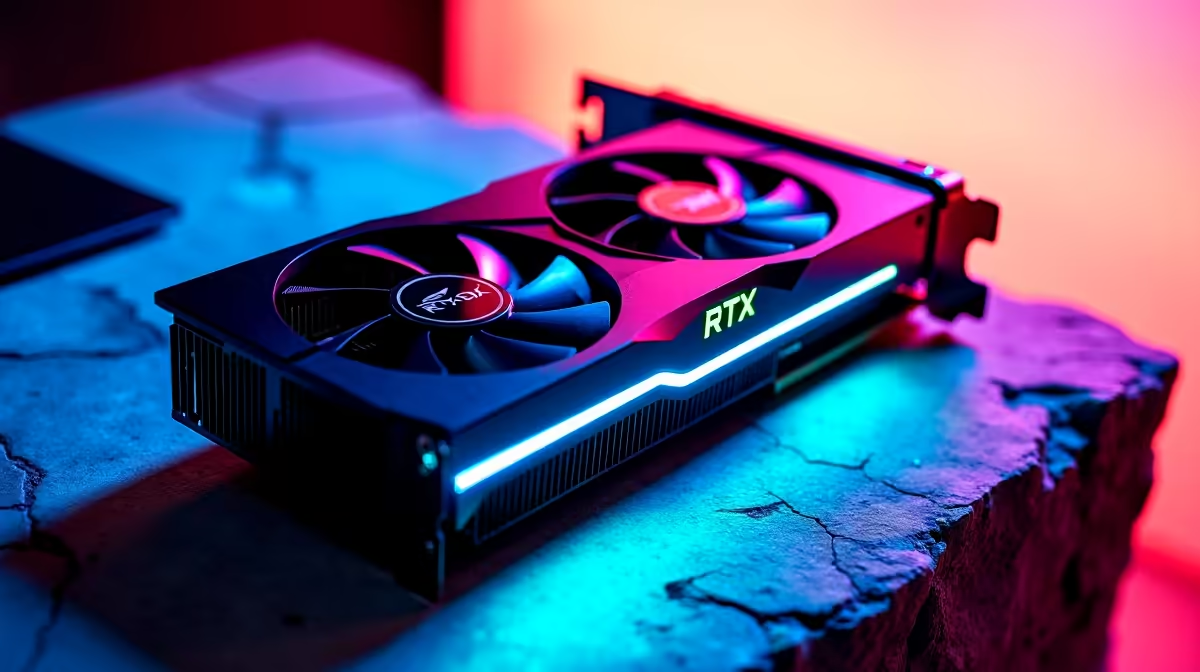
Load up Valorant... peek mid... and your screen stutters. Nothing ruins a clutch faster than dropped frames. If you just dropped serious ZAR on a beastly rig, you expect flawless performance. Today we are looking at exactly how to get 144Hz in Valorant on RTX 5070 Ti setups. Spoiler alert... your graphics card is definitely not the problem. Let us optimise your system for silky-smooth headshots. 🚀
The Raw Power of the RTX 5070 Ti
Valorant is a highly optimised tactical shooter. An RTX 5070 Ti can easily push well over 500 frames per second at 1440p resolution. If you are stuck below that magic 144Hz mark, we need to check your broader hardware ecosystem. Often, gamers upgrade to the latest graphics cards but forget to configure Windows correctly. The GPU has the power... we just need to unlock it.
Monitor Settings and Display Cables
First things first... check your actual monitor. A 144Hz display usually defaults to 60Hz right out of the box. Right-click your Windows desktop and open Display Settings. Head into Advanced Display and select 144Hz from the refresh rate drop-down menu.
You also need the correct cable. Always use a DisplayPort 1.4 cable to ensure you have enough bandwidth. If you are hunting for a full setup upgrade, browsing the latest gaming PC deals ensures your monitor and rig are perfectly matched from day one.
In-Game Valorant Settings for Maximum FPS
Open your Valorant video settings. Under the General tab, turn off all "Limit FPS" options immediately. Next, move over to Graphics Quality. While your RTX 5070 Ti can easily handle maximum settings, pro players prefer low settings for visual clarity.
Turn off V-Sync... it introduces nasty input lag. If you prefer competitive gaming on the go, modern notebooks for sale in South Africa offer incredible 144Hz and 240Hz displays built right into the chassis.
Nvidia Control Panel Trick ⚡
Open your Nvidia Control Panel, navigate to Manage 3D Settings, and set Power Management Mode to 'Prefer Maximum Performance'. This stops your RTX 5070 Ti from downclocking during quiet moments in Valorant, keeping your frame times perfectly consistent.
Avoiding Processor Bottlenecks
Valorant relies heavily on your processor. You could have the most powerful GPU on earth... but a weak CPU will hold it back entirely. Valorant loves processors with massive L3 caches. Ensure your processor can actually keep up with your graphics card. If your current rig is struggling to feed frames to your GPU, exploring pre-built PC specials with modern AMD Ryzen or Intel Core processors is a very smart move.
Final System Tweaks 🔧
Keep your Nvidia drivers updated via the GeForce Experience app. Background apps like Discord, Spotify, or Chrome can also eat into your system resources. Close all unnecessary programs before queuing up for your ranked matches.
Building a perfectly balanced 144Hz setup does not have to break the bank. Just keep a close eye on weekly tech specials to stretch your rands further and secure the ultimate competitive advantage.
Ready to Dominate the Leaderboards? Hitting 144Hz is just the beginning. For maximum power, choice, and value in South Africa, having the right hardware is essential. Explore our massive range of RTX 50-Series PCs and find the perfect machine to conquer your world.











