

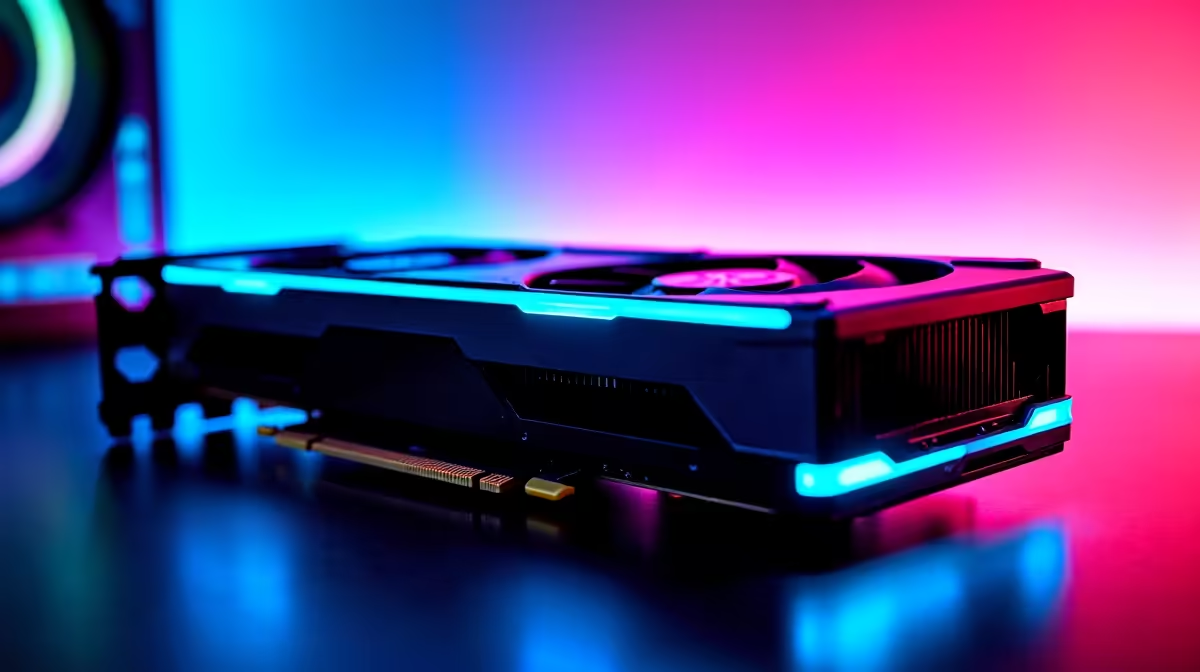
So, you managed to secure the ultimate GPU. Now you want to know how to get 144Hz in Valorant on an RTX 5090. Let us be brutally honest... your graphics card is yawning right now. Valorant is designed to run on absolute budget hardware. If your frames feel sluggish despite having the most powerful hardware in South Africa, you probably have a settings issue. Let us fix it.
Why Your Flagship GPU Might Feel Slow 🚀
If you are still shopping around for the latest graphics cards, you already know the 5090 is a monster. It is built for extreme ray tracing at 4K resolution. Valorant, however, is a highly competitive esports title. It relies far more heavily on your processor.
We often see gamers buying top-tier gaming PCs only to complain about screen tearing or lag. The issue is rarely the hardware itself. Whether you built the rig yourself or grabbed one of our pre-built gaming setups, your machine can easily push 800 frames per second in this game. The bottleneck is usually a simple Windows setting or the wrong display cable.
Step-by-Step... Unlocking 144Hz and Beyond
Figuring out how to get 144Hz in Valorant on RTX 5090 is incredibly straightforward. First, you need to check your physical connections. Always use a high-bandwidth DisplayPort cable instead of an older HDMI cable. Plug it directly into the graphics card... never into the motherboard.
Monitor Refresh Rate Tip ⚡
Right-click your desktop, head to Display Settings, click Advanced Display, and ensure your refresh rate is actually set to 144Hz. Windows defaults to 60Hz... even if you just spent fifty thousand ZAR on a new rig.
Next, launch Valorant and open your video settings. Under the general tab, ensure that "Limit FPS Always" is toggled off. You want your GPU to stretch its legs. Even modern high-performance gaming laptops hit 144Hz easily in Valorant. Your desktop powerhouse should not break a sweat.
The CPU Bottleneck... A Quick Reality Check 🔧
Here is a fun fact about tactical shooters. They care way more about your processor than your graphics card. You are researching how to get 144Hz in Valorant on RTX 5090, but your CPU is doing the heavy lifting. If you paired that flagship GPU with an older processor, you might experience frame drops.
Always ensure your system is balanced. A high-end graphics card needs a modern processor to feed it data quickly. Otherwise, the GPU just sits idle waiting for instructions. Keep your drivers updated via NVIDIA GeForce Experience. Also, remember to close heavy background applications that eat up your processing power before queueing up.
Optimise for the Perfect Cape Town Server Ping
Frames are only half the battle. You also need a stable connection to the local servers. Make sure NVIDIA Reflex Low Latency is set to "On + Boost" in your Valorant graphics settings. This reduces system latency... ensuring your crisp headshots register instantly.
If you are still stuck at 60Hz, your monitor might be the culprit. A flagship GPU paired with a basic office screen is a tragedy. Looking to upgrade your display to match that insane graphics power? Keep an eye on our weekly tech specials for high refresh rate monitors that will do your setup justice.
At the end of the day, getting maximum frames is about removing bottlenecks. Your hardware is ready. Now your settings are too.
Ready to Dominate the Leaderboards? The right settings give you an edge, but the right hardware makes it effortless. Whether you want to upgrade your current rig or build a brand-new powerhouse in South Africa, we have you covered. Explore our massive range of PC components and gaming deals and find the perfect gear to conquer your matches.











