

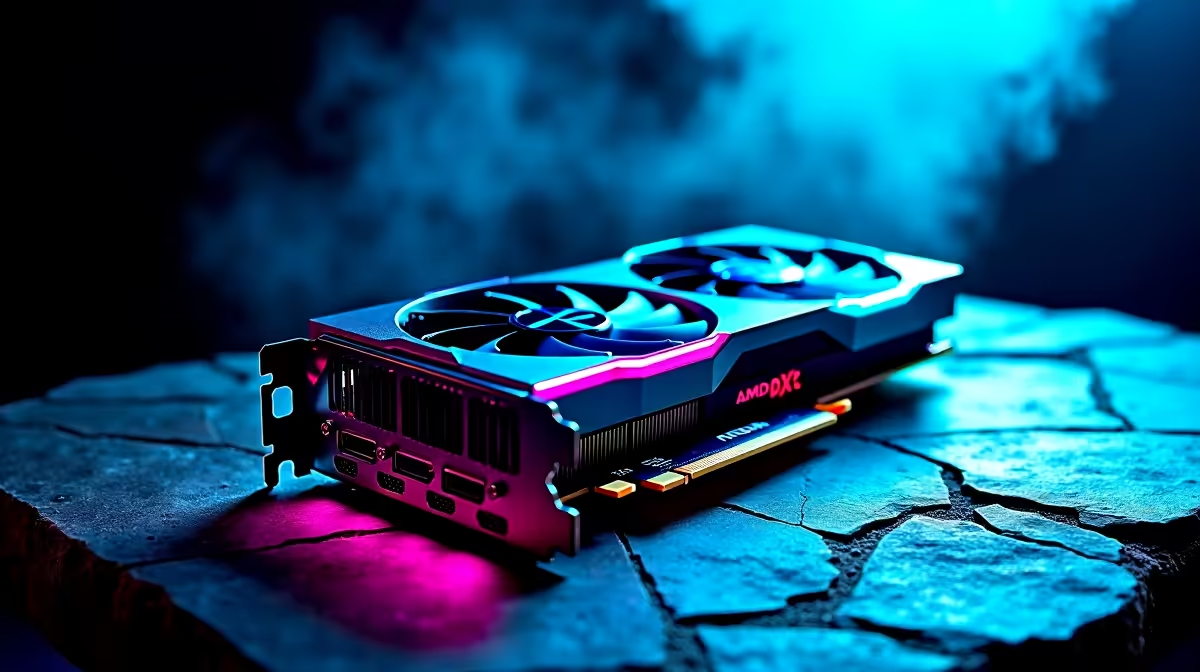
Dropping into Al Mazrah or Urzikstan with stuttering frames is a quick ticket to the gulag. If you just upgraded to AMD’s latest powerhouse, you want buttery-smooth performance. Hitting that sweet spot of 144Hz in Warzone 2 on RX 9070 XT hardware is easier than you think 🚀. Let us tweak those settings to ensure every flick shot registers perfectly without breaking a sweat.
Optimising Your System for the RX 9070 XT 🔧
The RX 9070 XT is an absolute beast for 1440p competitive gaming. But Warzone 2 is notoriously CPU and GPU heavy. Before tweaking in-game settings, ensure your AMD Adrenalin drivers are fully updated. If you are still running older hardware and looking to upgrade, now is the perfect time to buy graphics cards that can handle modern battle royales at high refresh rates.
Best In-Game Settings for 144 FPS
To get 144Hz in Warzone 2 on RX 9070 XT setups, you need a balance between visual fidelity and raw speed. Try these proven adjustments:
- Display Mode: Fullscreen Exclusive.
- Upscaling: AMD FSR 3.0 set to 'Quality'.
- Texture Resolution: Normal. High looks great but eats VRAM quickly.
- Shadow Map Resolution: Low. Shadows drain your frames heavily.
If your current rig is bottlenecking this beastly GPU, you might need a full system overhaul. Check out our best gaming PC deals to find a balanced setup that lets your graphics card stretch its legs.
Warzone Performance Tip ⚡
Turn off On-Demand Texture Streaming in your Warzone 2 settings. In South Africa, fluctuating internet speeds can cause this feature to introduce micro-stutters during intense firefights. Disabling it saves precious bandwidth and keeps your frame rate perfectly stable.
Keep Your Hardware Running Cool
Pushing high frames generates serious heat. Excellent airflow is non-negotiable for sustained performance. If you prefer a hassle-free setup with optimal cooling right out of the box, our pre-built PC deals offer incredible value in ZAR.
For gamers who travel or suffer through loadshedding, desktop power is not the only way to play. We stock a massive range of high-performance laptops for sale that can push competitive frame rates on the go.
Final Tweaks for Competitive Play
Achieving a steady 144Hz in Warzone 2 on RX 9070 XT graphics cards also relies on your monitor. Ensure your Windows display settings are actually set to 144Hz... a simple mistake many gamers make. Pair your powerful new GPU with a high-refresh-rate monitor from our current specials to truly see the competitive difference.
Ready to Dominate the Warzone? Securing high frames is the first step to winning more gunfights. Whether you need a massive GPU upgrade or a completely new rig tailored for South African gamers, Evetech has you covered. Explore our massive range of gaming PC specials and find the perfect machine to conquer your world.











